
Novastar LED Display Controller
Every NovaStar control system product in one catalog — 31 controllers, receiving cards and players across 5 categories, with selection guides, configuration tutorials and factory-direct sourcing. All specifications verified against official NovaStar documentation.
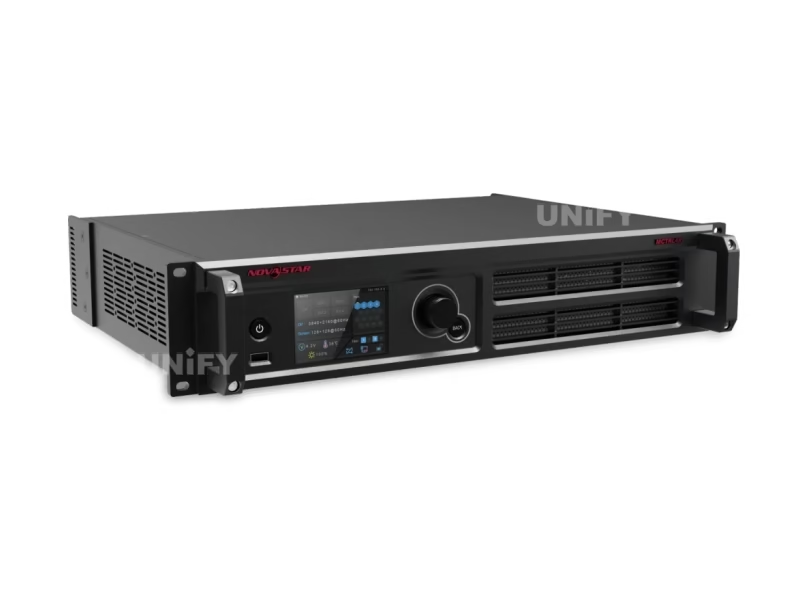
What Is the Novastar LED Display Controller?
The Novastar LED Display Controller is the hardware layer that turns a video signal into a working LED wall. Every NovaStar synchronous system follows the same chain: a video source feeds a controller (a sending box or an all-in-one unit), which divides the frame across Gigabit Ethernet ports to receiving cards inside the cabinets, which drive the LED modules. Five product categories cover every point on that chain — and this page catalogs all 31 models we supply, each linked to its dedicated specification page.
The five categories: (1) Receiving cards — the cards inside cabinets; choose by connector count and pixel loading. (2) MCTRL sending controllers — standalone sending boxes for fixed installations. (3) VX all-in-one controllers — video processing, switching and sending in one unit for rental and broadcast. (4) NovaPro processors — broadcast-grade front-end processing. (5) TB multimedia players — asynchronous playback boxes for content without a video source. For the architectural background, see synchronous vs asynchronous LED control.
Novastar LED Display Controller Series: Receiving Cards
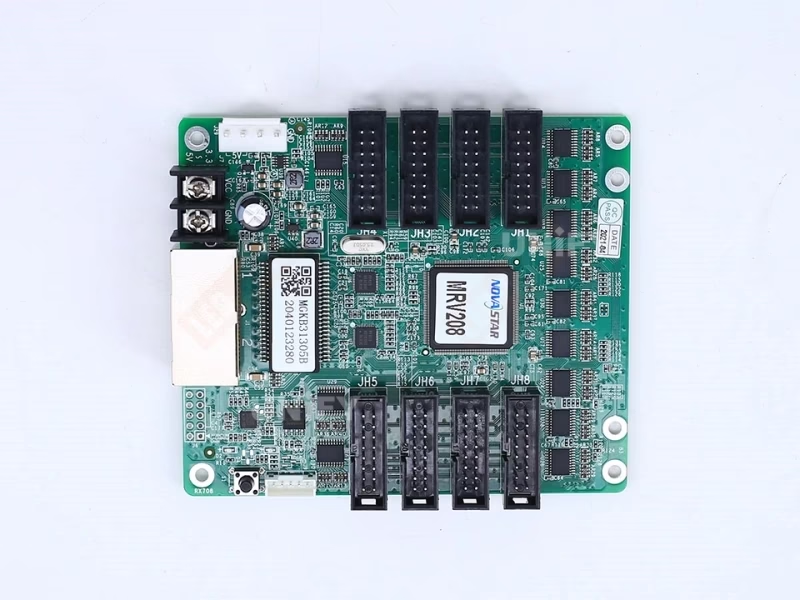
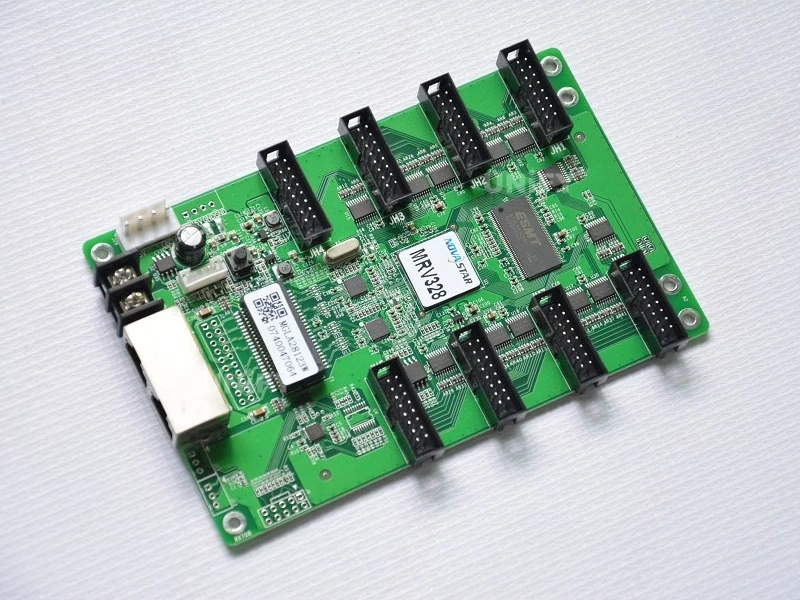
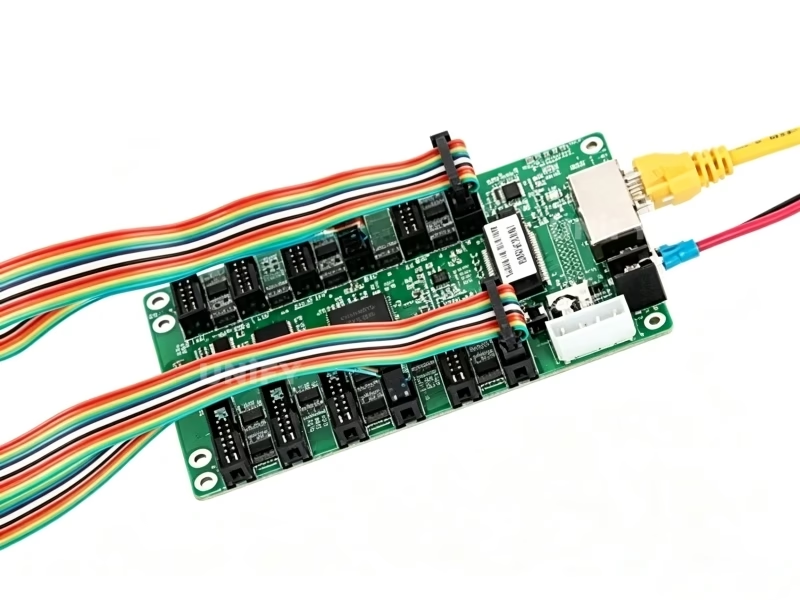
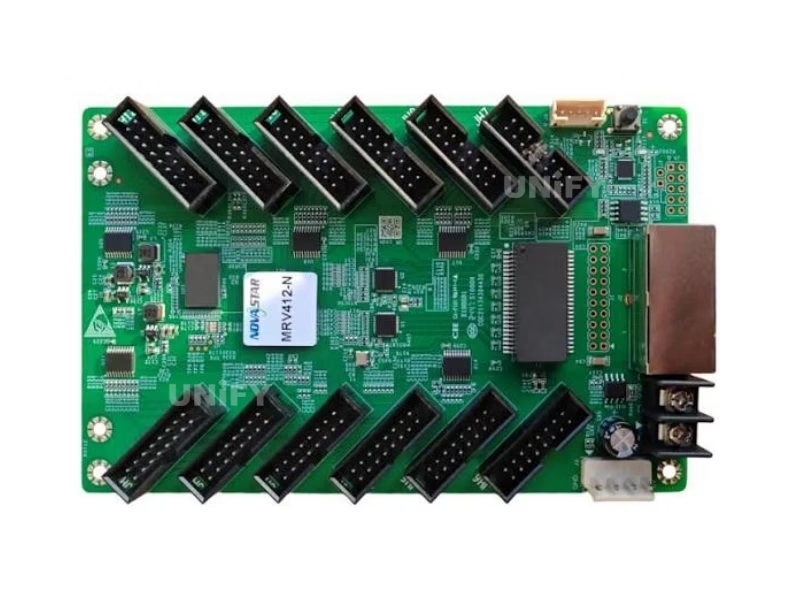
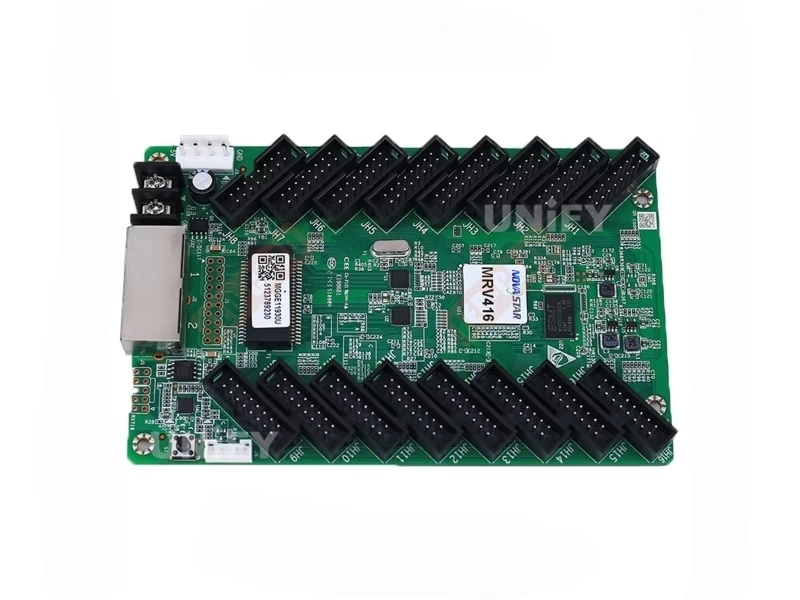
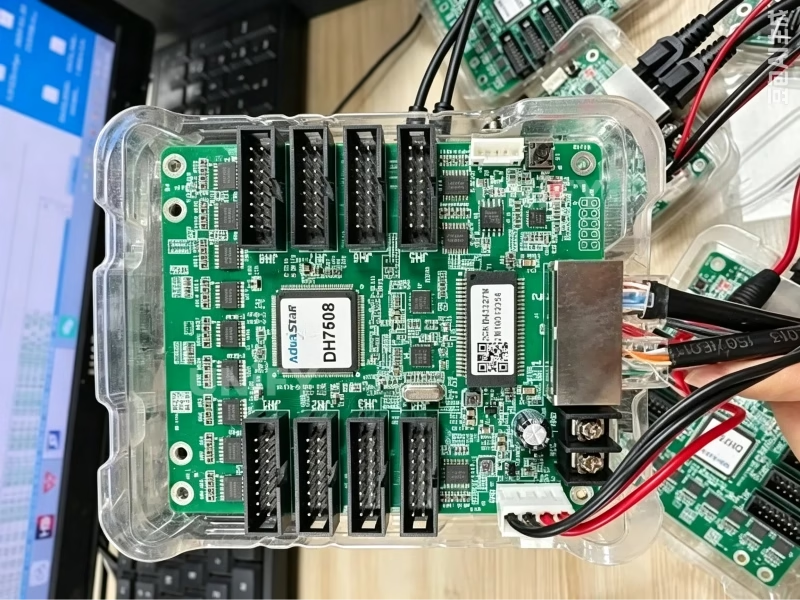
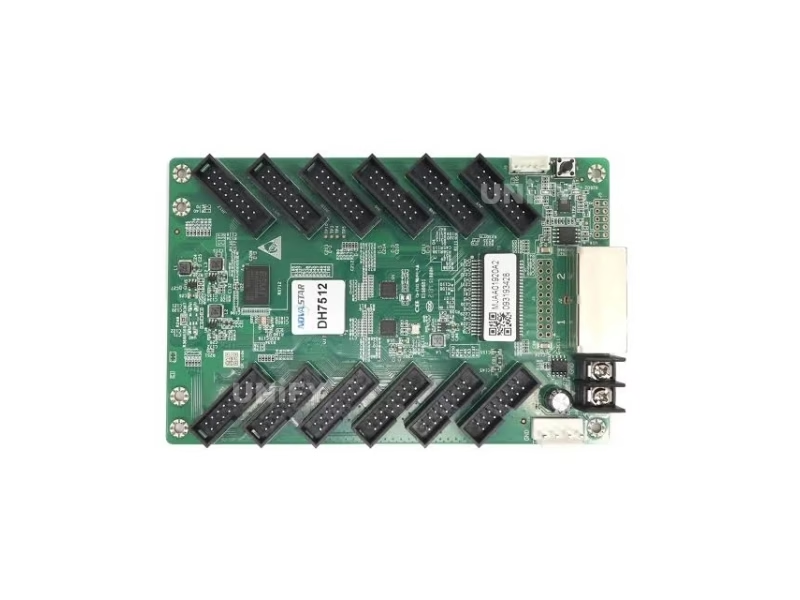
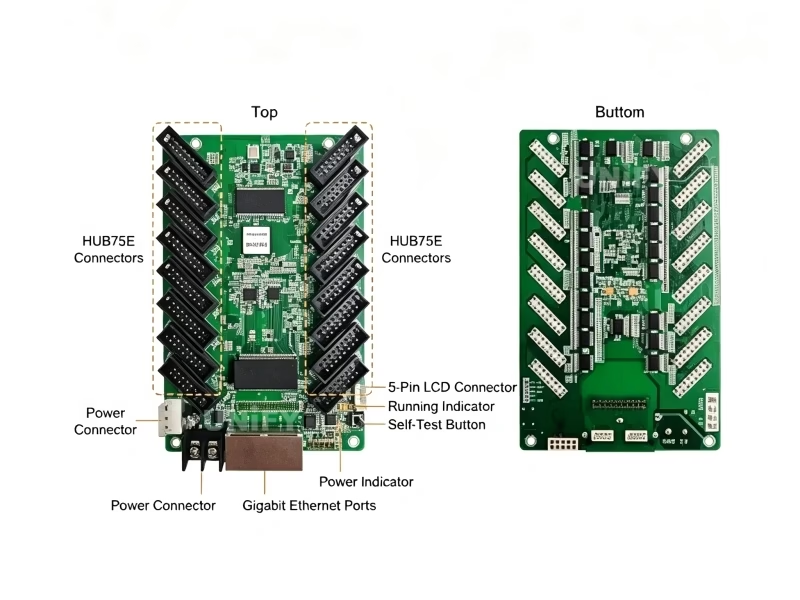
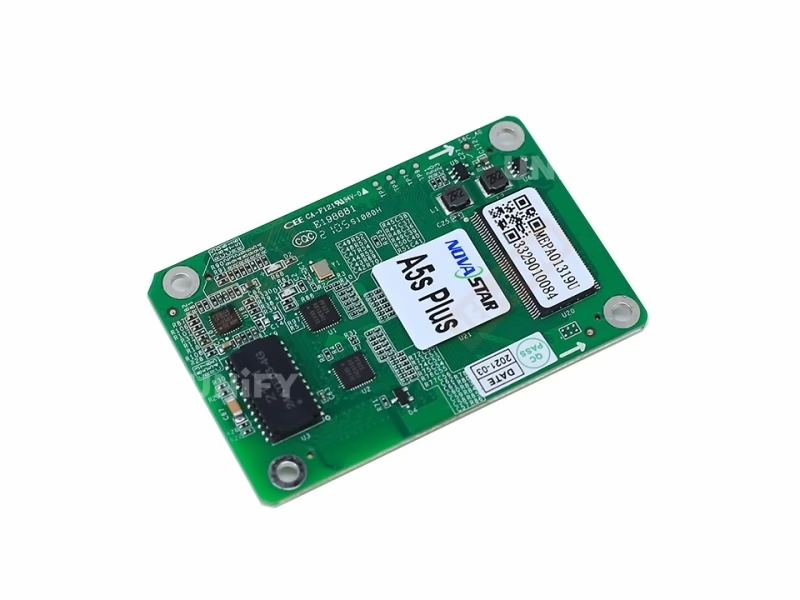
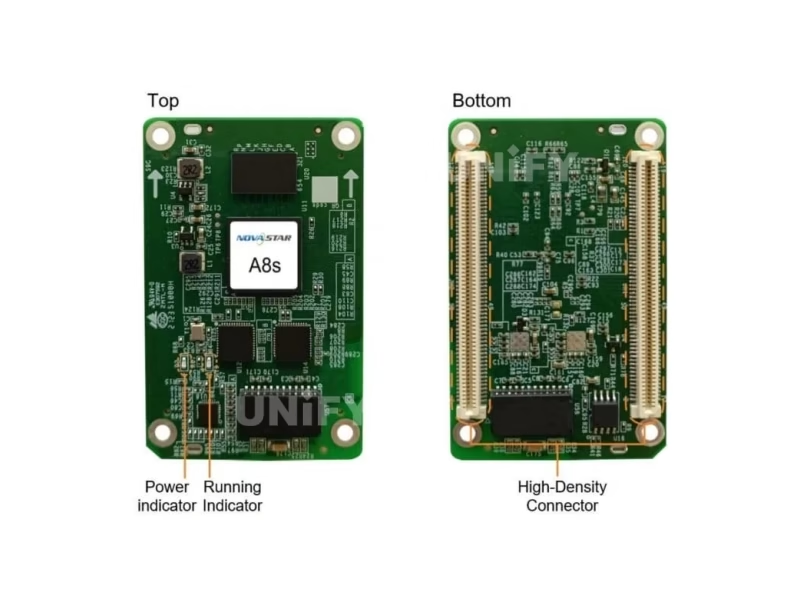
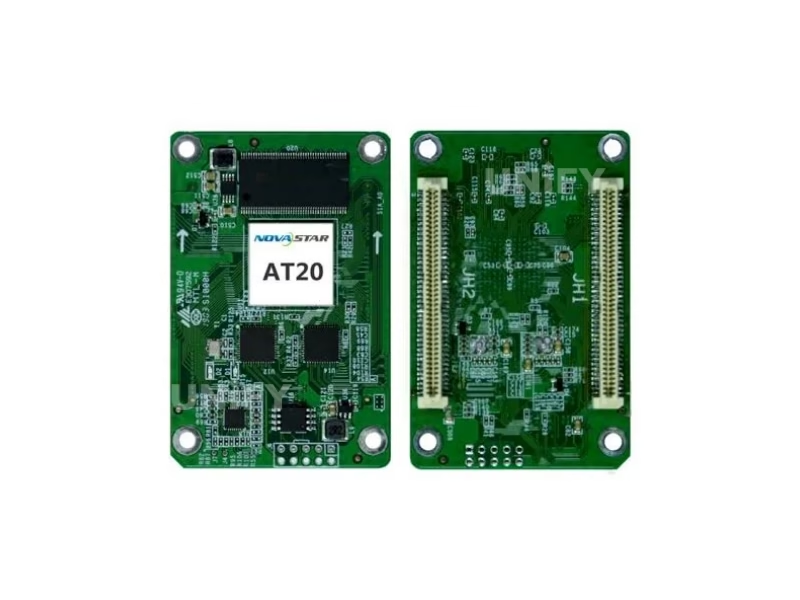
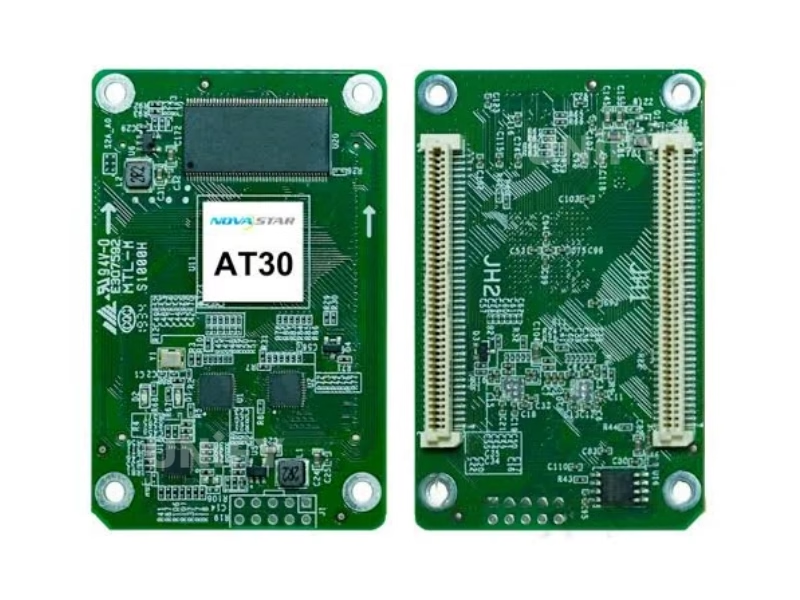
The cards inside every cabinet. Selection runs on two numbers: HUB75E connector count (modules per card) and pixel loading. Twelve models across four series — MRV (entry to 16-port flagship), DH (mainstream current generation), A (high-end) and AT (value).
Novastar LED Display Controller Series: MCTRL Sending Controllers
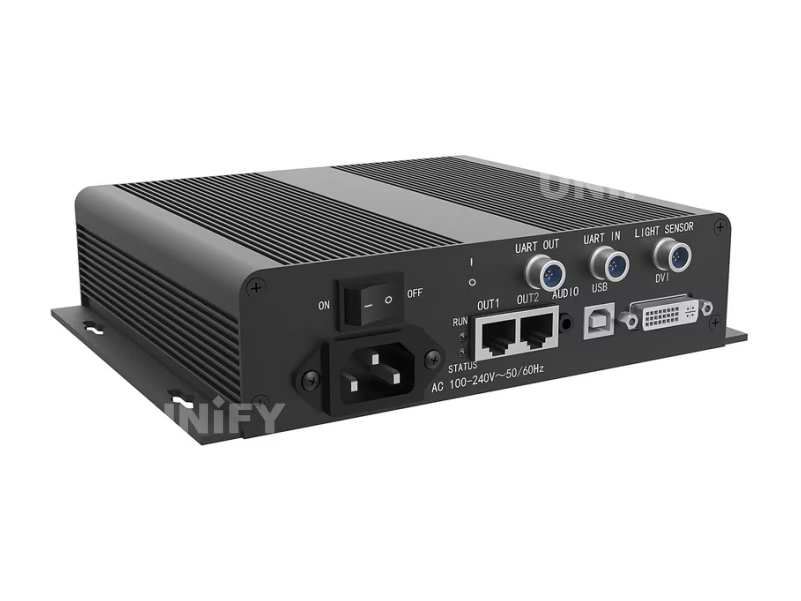
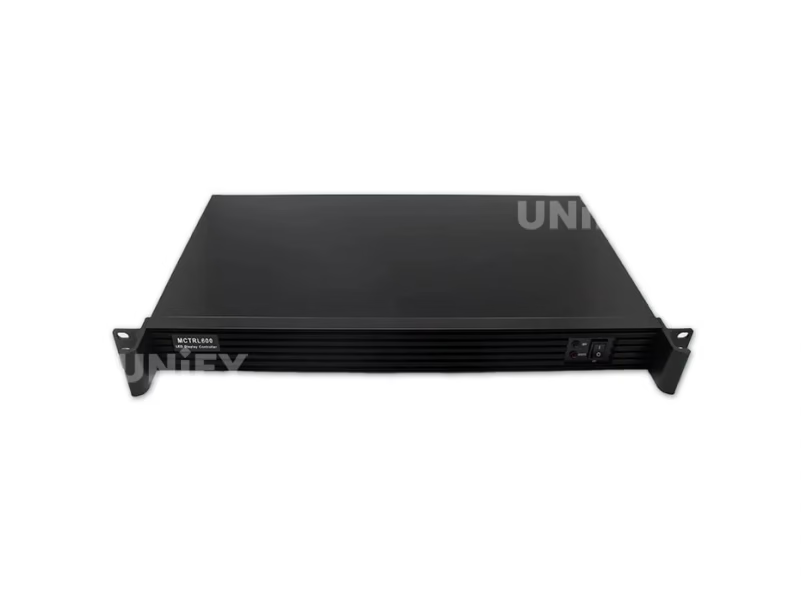
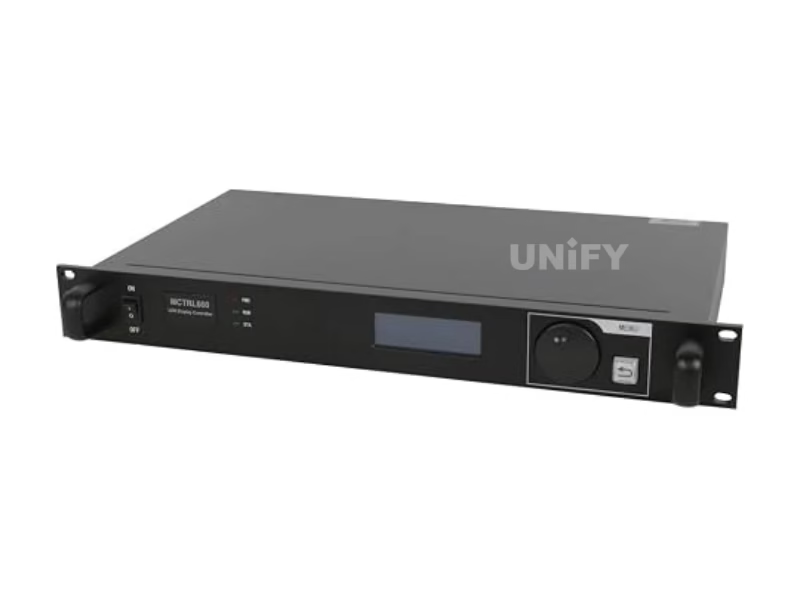
Standalone sending boxes for fixed installations — one video input in, Ethernet outputs out to the receiving cards. Six models from the 1.3M-pixel MCTRL300 to the 8.8M-pixel 4K flagship.
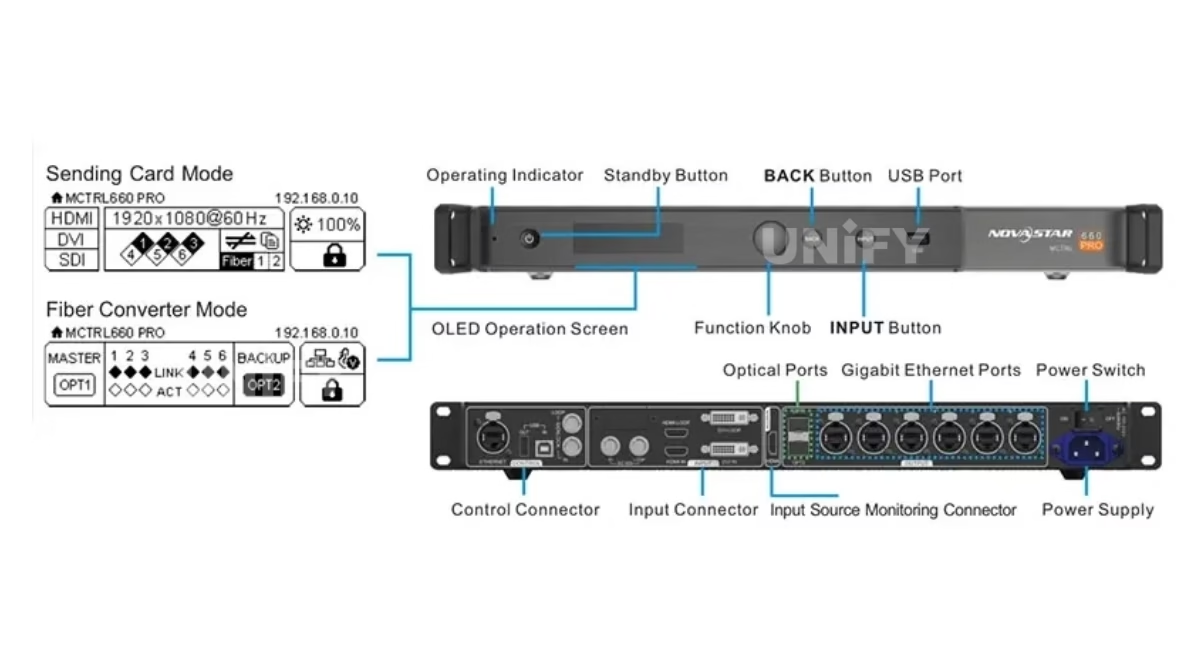
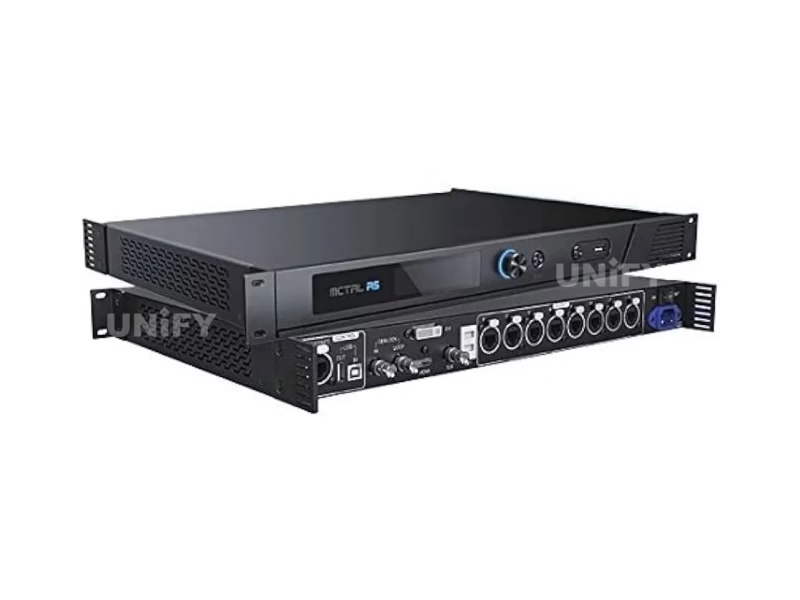
Novastar LED Display Controller Series: All-in-One VX & NovaPro
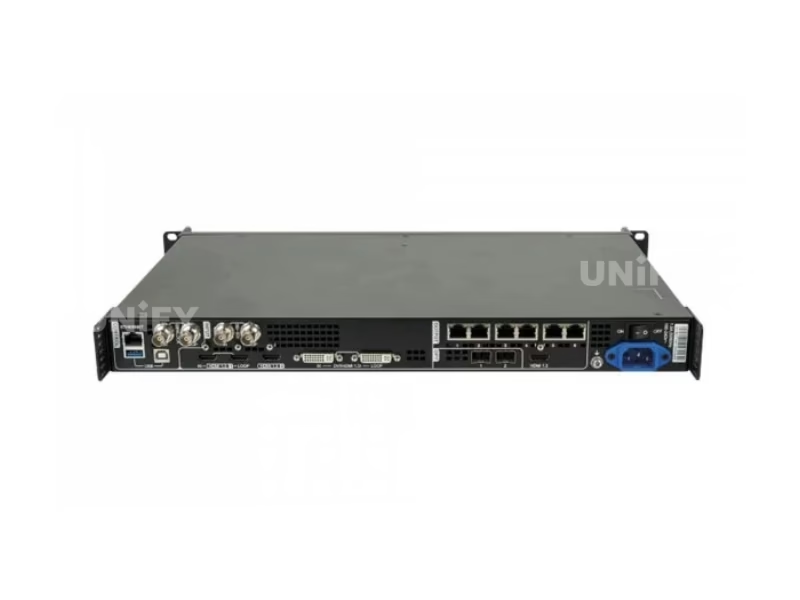
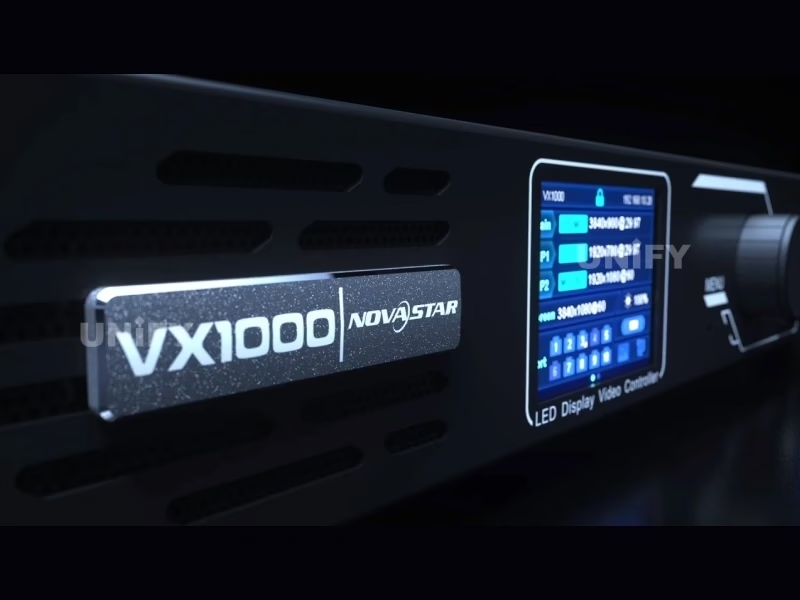
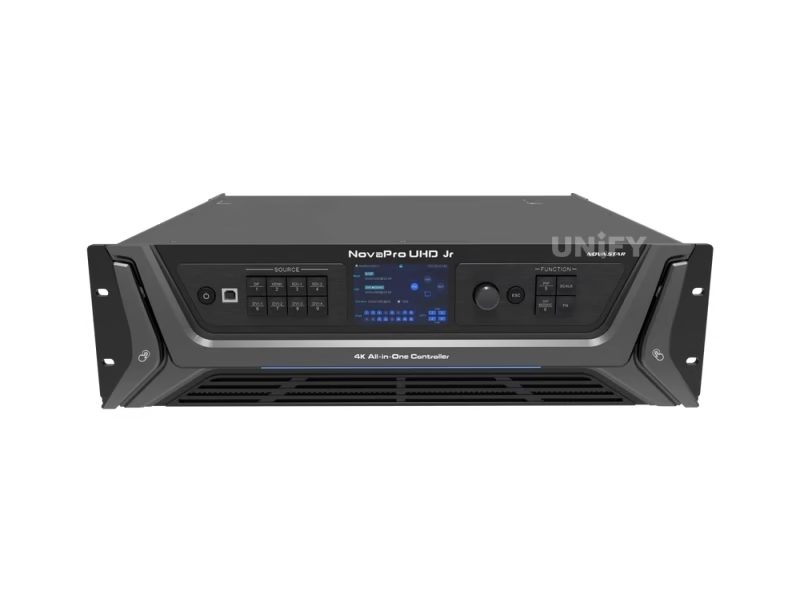
Video processing, switching and sending in one unit — the rental and broadcast class. Four VX models plus the broadcast-grade NovaPro UHD Jr.
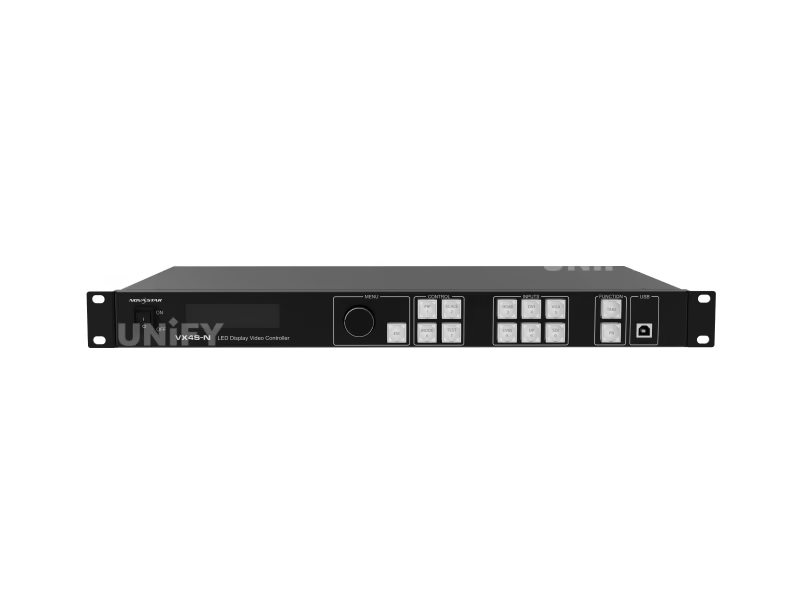
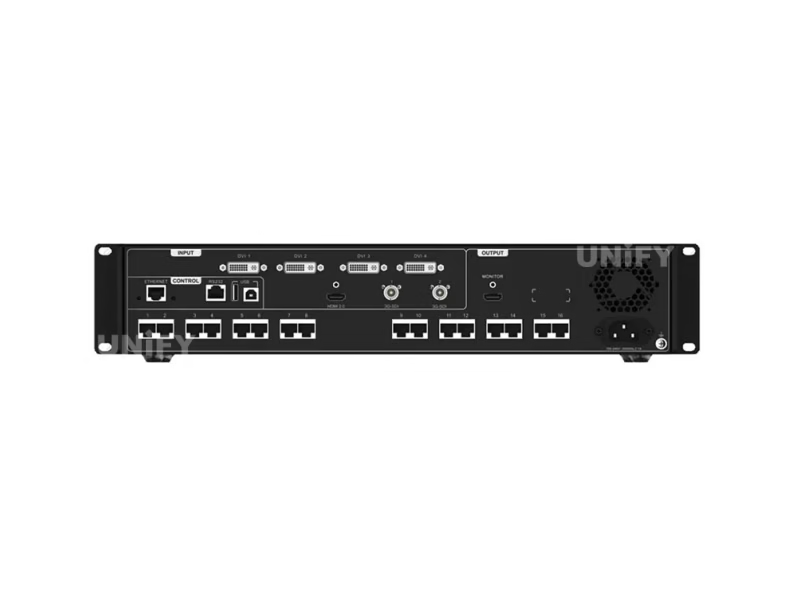
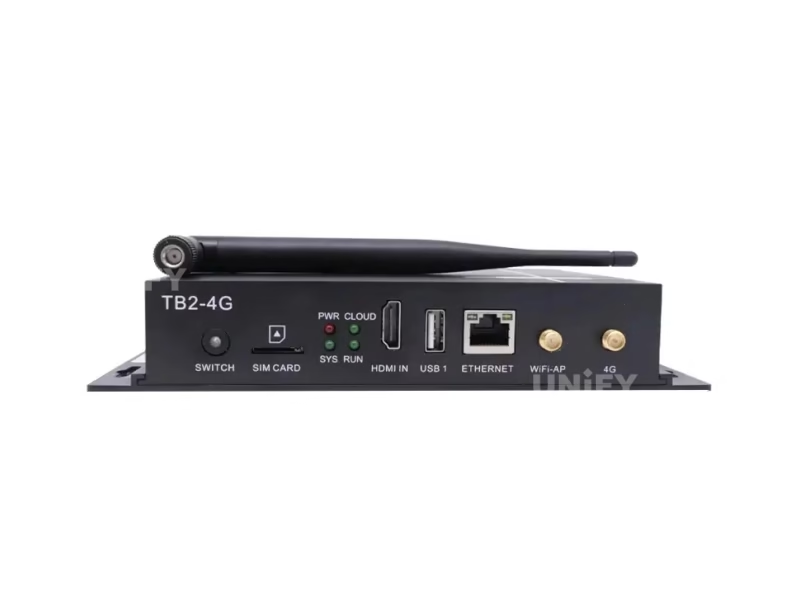
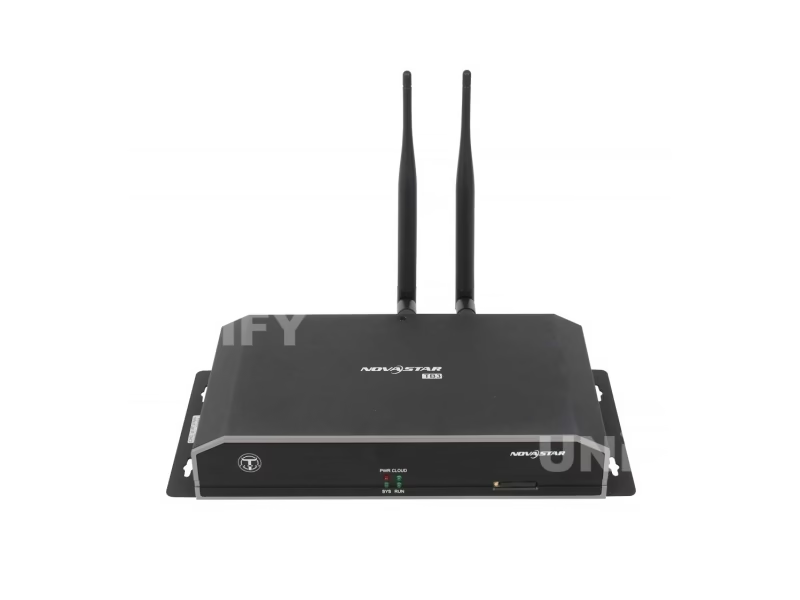
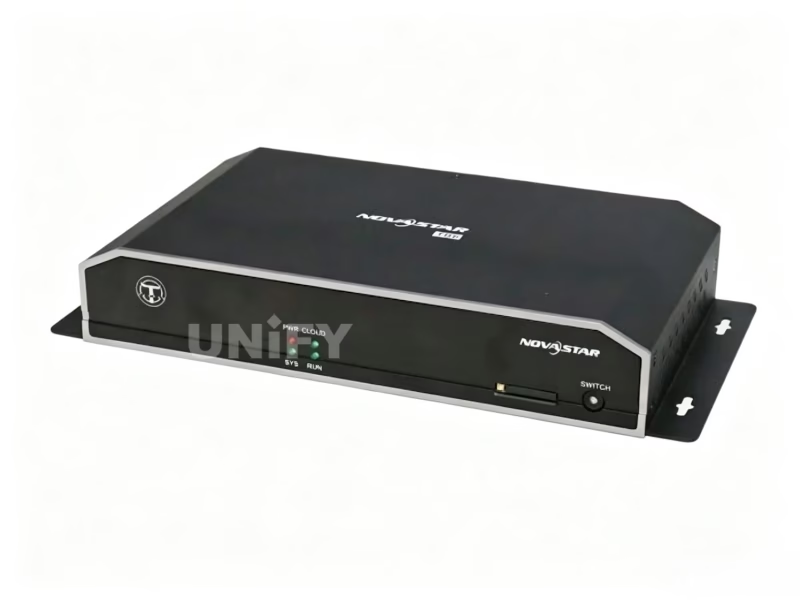
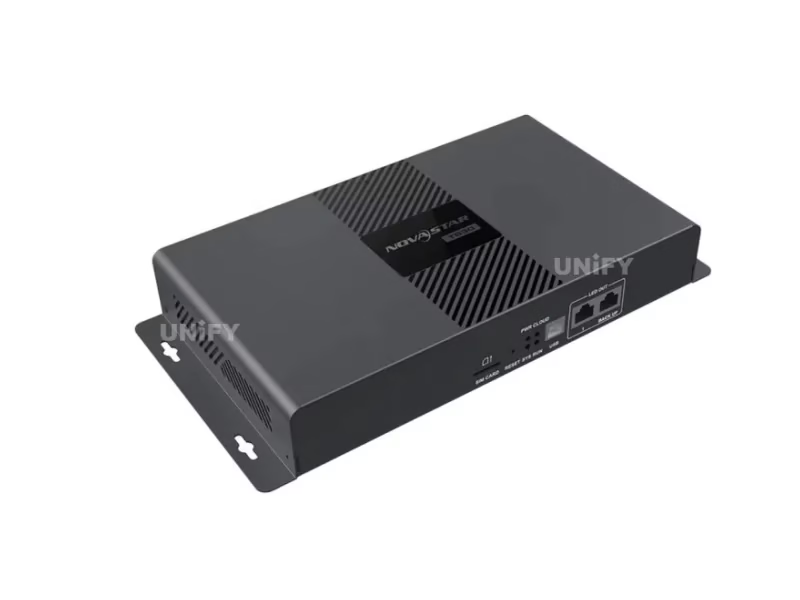
Novastar LED Display Controller Series: TB Multimedia Players
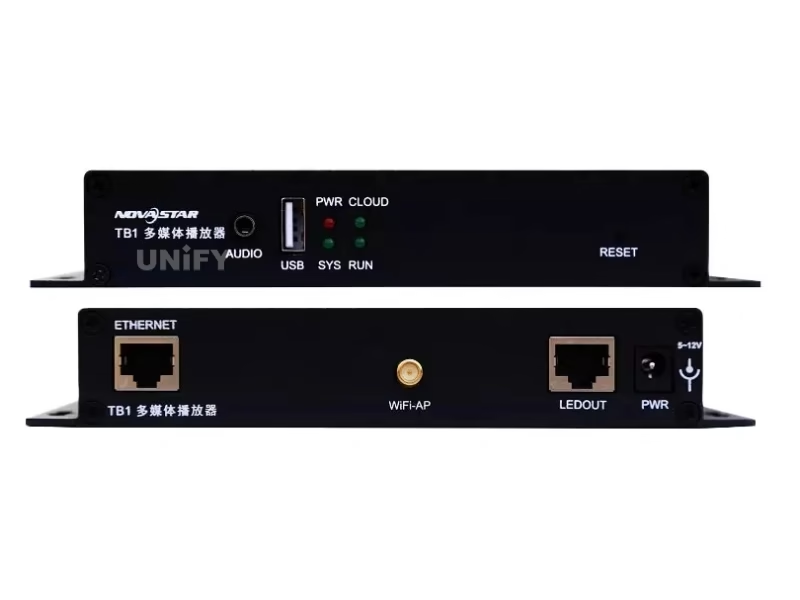
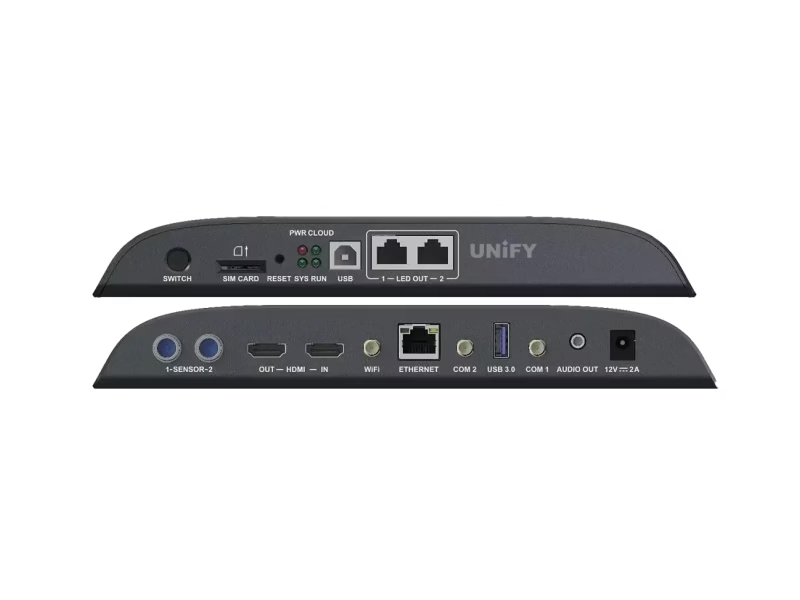
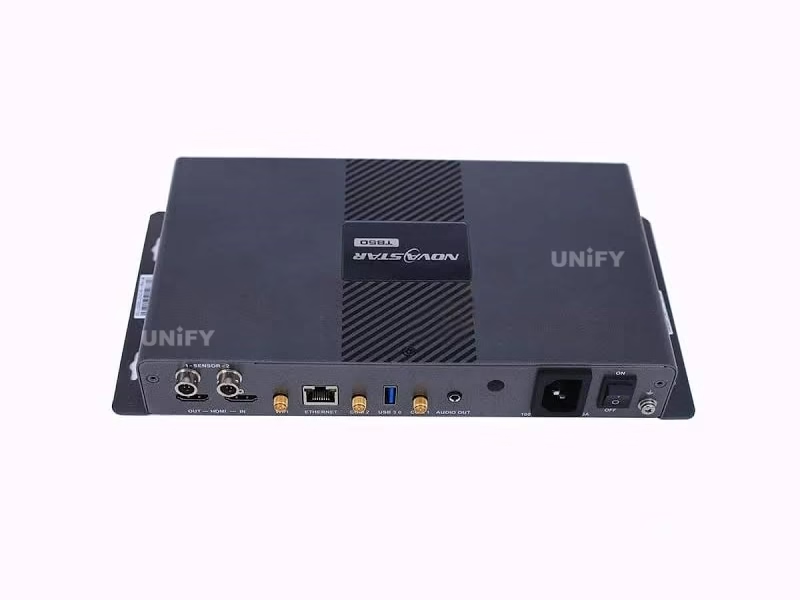
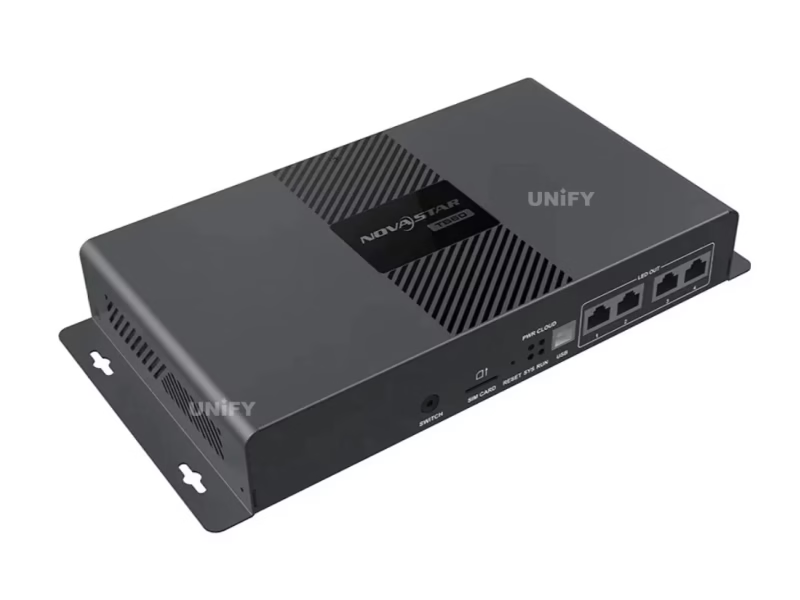
Asynchronous playback boxes — content stored on the player, no video source needed. Eight models from the basic TB1 to the 4K TB60 with built-in sending.
Novastar LED Display Controller Selection Guides & Quick Reference
Five in-depth comparison guides, plus a quick-reference table for the most common project profiles:
Quick Reference: Match Your Project to a Model
Novastar LED Display Controller Resources & Support
Sixteen engineering articles, the software ecosystem and factory support in one place.
Configuration & Debugging
Redundancy & Backup
Fundamentals
Engineering & Maintenance
Configuration Essentials
Every product on this page configures through the same ecosystem: NovaLCT for configuration, NovaCLB for calibration, V-Can for mapping and playback. The workflow in one line: wire the chain, install NovaLCT, load the module supplier’s RCFG file (the wrong RCFG is the number-one cause of garbled images), send the configuration, then verify with the self-test button and indicator patterns. Two official tutorials cover the essentials:
NovaStar Official — NovaLCT Performance Settings and Receiving Card Configuration Files tutorial
NovaStar Official — Gear Up: Troubleshooting H Series – MVR Card Problem
Novastar LED Display Controller FAQ
Novastar LED Display Controller Certifications
Every batch ships with NovaStar original packaging and full compliance documentation.
Ready to Source Novastar LED Display Controllers?
Complete control systems, factory-direct pricing, RCFG and NovaLCT support.
unifyledscreen@gmail.com | +86-191-18802497
Novastar LED Display Controller System Explained: Architecture, Models & Selection
Published: August 2026 | 12 min read | UnifyLED Engineering Team
NovaStar’s control system looks complicated from the outside — five product families, three software tools, and a spec sheet language of loading capacities, port counts and data groups. From the inside it is one pipeline with a small number of decision points. This guide walks the pipeline end to end: what each hardware layer does, what the model numbers mean, how the selection math works, and where the configuration, reliability and procurement practices fit. It is the article to read before the catalog above, or after it, when the catalog raises more questions than it answers.
Chapter 1 — The Pipeline: One Chain, Five Layers
Every synchronous NovaStar system moves pixels through the same five layers. Layer one is the video source — a media server, camera or player — feeding the controller. Layer two is the controller: a sending box (MCTRL) or an all-in-one unit (VX/NovaPro) that receives the signal, scales and processes it, and divides the frame across its output ports. Layer three is the transport: Gigabit Ethernet cables carrying roughly 650,000 pixels per port, or optical fiber for longer runs. Layer four is the receiving card inside each cabinet — MRV, DH, A or AT series — which buffers its portion of the frame and clocks it out to the modules. Layer five is the module itself, with its driver ICs lighting the LEDs. The design work on any project is deciding what belongs in each layer; the product families exist to make those decisions concrete.
The architectural split that matters most is synchronous versus asynchronous. Synchronous systems — everything in the MCTRL, VX, NovaPro and receiving card families — need a live video source and render it in real time. Asynchronous players — the TB family — store content on the box and loop it without any source. Many walls run both: a TB60 playing branded content during business hours, with a synchronous controller taking over for live events. See synchronous vs asynchronous LED control for the full comparison.
Chapter 2 — The Sending Layer: MCTRL vs VX vs NovaPro
The MCTRL family are sending boxes in the strict sense: video in, Ethernet out, with loading capacity as the defining number. The ladder runs from the MCTRL300 at 1.3M pixels through the MCTRL600/660 at 2.3M to the MCTRL4K at 8.8M with 16 Ethernet ports, 4 fiber outputs, HDR and 3D. The selection question is pixel budget: total wall resolution divided by capacity gives the controller count, and the TCO math favors the largest unit a project justifies — one MCTRL4K replaces four cascaded MCTRL660s and removes three synchronization points. For the detailed comparison see MCTRL300 vs MCTRL660 and MCTRL4K vs VX4S.
The VX family adds the front-end layer: video processing, scaling, layer management and seamless switching in the same chassis as the sending function. That is why rental and broadcast favor VX units — a VX16s handles 10.4M pixels with three independent layers, SDI inputs and backup switching, capabilities no MCTRL box carries. The NovaPro UHD Jr extends the concept toward broadcast: 12G-SDI, genlock, multi-viewer monitoring. The rule of thumb: fixed installations with one source choose MCTRL; anything that switches sources, mixes layers or feeds cameras chooses VX or NovaPro. The three families side by side: MCTRL vs VX vs TB.
Two form-factor notes complete the sending layer. The MCTRL R5 packs five independent sending modules in a 2U rack chassis for control rooms running multiple walls from one point — its value is density and centralized management, not raw per-module capacity. On the transport side, the MCTRL4K and VX1000 carry optical fiber outputs for runs beyond Ethernet’s 100-meter limit, and the 4K60 signal-chain requirements (HDCP, HDR, cabling) are covered in our 4K@60Hz controller guide. Fiber is a logistics decision as much as a technical one: one fiber replaces four copper runs and removes the ground-loop and surge paths copper introduces between buildings.
Chapter 3 — The Receiving Layer: Four Series, One Math
The receiving card catalog spans four series. The MRV series runs from the entry 8-port MRV208-1 through the 12-port and 16-port MRV-N flagships — the MRV412-N and MRV416-N add Color Management, Low Latency and multi-batch adjustment on a 2024 platform. The DH series is the mainstream current generation: DH7508-S (compact, 512×512 loading), DH7512-S (12-port, 18bit+ grayscale) and DH7516-S (16-port, 32 data groups). The A series (A5s Plus, A8s) targets high-end walls with HDR and low-latency features. The AT series (AT20, AT30) covers value installations. The legacy MRV328 and MRV336 remain available as remaining stock with documented replacement paths.
The selection math uses two numbers. Pixel loading — 256×256 for entry cards, 512×512 for the flagships — sets the theoretical card count. Connector count — 8, 12 or 16 HUB75E ports — sets the practical one, because each port attaches one module. On module-dense walls the ports bind first: a 1920×1080 wall on standard 128×64-pixel modules needs 32 cards at 8 ports or 16 at 16 ports. The complete method, with the IC-type and RCFG conditions: how to choose a NovaStar receiving card.
For walls still running discontinued cards, the replacement paths are documented and link to live pages: the MRV328’s direct replacement is the MRV208-1 (same 256×256 class, 8 ports), the MRV336’s same-profile successor is the DH7512-S (12 ports, 24 data groups), and the MRV366’s designated upgrade is the MRV416-N (16 ports). Every path shares the same two rules: obtain the destination card’s RCFG from the module supplier, and replace per complete section — never one card at a time.
Chapter 4 — The Software Layer: NovaLCT, NovaCLB, V-Can
One software ecosystem covers every product on this page. NovaLCT is the configuration tool: screen detection, RCFG loading, port mapping, monitoring setup, firmware updates. NovaCLB handles pixel-level calibration with the calibration system. V-Can manages mapping and player content. The RCFG file deserves its own paragraph, because it is the single most common source of field failure: it encodes the module’s driver IC type, scan mode and data routing, it is module-specific and card-generation-specific, and using the wrong one produces garbled images that look like hardware faults. The official RCFG workflow is demonstrated in the configuration section above, and the detection failure path is covered in NovaLCT cannot detect sending card.
Calibration completes the software layer. NovaCLB measures every pixel and writes correction coefficients that the receiving cards apply at runtime — the mechanism that makes 40 cabinets look like one surface. The coefficients belong to the module population, not the cards, which is why configuration readback matters: a card replacement without readback loses the coefficient state and forces a recalibration. The adjustment workflow, demonstrated officially:
Firmware discipline belongs in the same layer. Every receiving card stores two firmware copies, and every controller update should follow the same pattern as every field change: one variable per maintenance window, with the previous version archived and the wall verified on white and grey frames afterward. Controllers and cards from the same generation update together; mixed-generation walls update per section, never globally. The update itself is a non-event when the discipline holds — and a wall-down event when an interrupted update meets a card without its backup program.
NovaStar Official — Adjust Calibration Coefficient tutorial video
Chapter 5 — Selection in Practice: Three Project Profiles
Profile one: a fixed retail wall, 6m×3m P2.5, single media server source. The pixel count is 2400×1200 = 2.88M — too large for one MCTRL660 (2.3M), so either two MCTRL660s or one VX4S-N/VX16s; the receiving cards follow the module count — with 128×64 modules the wall needs 225 modules, meaning 15 cards at 16 ports (MRV416-N or DH7516-S) or 19 at 12 ports. The economical answer is one all-in-one controller and 15 16-port cards, with a 5% spare ratio.
Profile two: a rental stage wall with camera feeds. The content plan includes live cameras and fast load-in/load-out, so the controller is a VX16s (SDI inputs, layers, backup switching) and the cards are MRV416-N or DH7516-S at 16 ports for the module density; multi-batch adjustment handles the mixed module batches rental fleets always carry. Profile three: an outdoor billboard with no permanent video source — a TB60 plays content asynchronously through the night, and a small synchronous controller takes over for scheduled live takeovers. Each profile is the same pipeline with different layer decisions, which is the point of the catalog: the architecture is constant, the choices are finite, and the math is public.
Spare planning wraps the selection. The field-tested ratio is 5% of card count with a minimum of two — a 40-card wall holds two spares — and rental fleets that standardize on one card platform carry one spare population instead of three. The same discipline applies to controllers: a fixed-installation project with a single MCTRL660 carries one spare unit or a documented swap path; a broadcast wall carries a backup device wired for automatic switchover. Spares are the cheapest insurance in the control system, and the most commonly skipped line item on the order.
Chapter 6 — Reliability and the Mixed-Generation Rule
NovaStar’s reliability features are consistent across the catalog: loop backup keeps screens displaying through cable faults, dual program backup prevents bricked firmware updates, dual parameter backup allows instant configuration restore, and readback preserves a card’s exact state for replacements. The system-level view is in LED display system redundancy and multi sending card backup cascade.
One rule spans every generation and family: do not mix card generations on the same wall. Legacy and current cards apply calibration corrections differently, and a wall half MRV328 and half MRV416-N develops a visible brightness boundary within weeks on white content. Replace per wall or per complete section, archive the readbacks, and keep each section’s RCFG files with the project documentation. The maintenance cadence that surrounds the rule — quarterly audits, white/grey frame checks, spare ratios — is covered in LED screen maintenance.
Chapter 7 — Procurement: Channel Discipline for a Multi-Product Order
A control system order spans five product families, which multiplies the value of a single disciplined channel. One supplier that provides controllers, cards and players together delivers three things a mixed basket of marketplace purchases cannot: RCFG files matched to your actual module models, serial-number records across the whole system, and one support contact when the wall is down. Genuine verification follows the same checks on every product — original packaging, silk screen quality, and the specification version stated on the datasheet. Every NovaStar specification carries a change-history table on page two; a supplier that can state the version in one sentence is behaving like an authorized channel.
Warranty and longevity follow the family standard: solid-state designs, 2.5W-class power draws, passive cooling — failures are dominated by defects and installation damage, not wear. A 2-year warranty with NovaLCT support is the practical baseline across the catalog. For the full-system view — power budgets, installation and lifespan — LED display power consumption, LED screen installation and LED screen lifespan cover the layers beyond the control system.
One supplier covering all five families also simplifies the specification phase. A wall specified by three different sellers arrives as three different bills of materials with three support numbers; a single verified LED screen manufacturer supplies controllers, cards and players from one stock, one warranty policy and one engineering team. For a project manager, that consolidation is worth more than any single product’s price delta — the system either works together, or the responsibility for making it work together has one name on it.
Conclusion
The Novastar LED Display Controller ecosystem earns its reputation the boring way: one architecture, five families, public specifications, and a software stack that treats configuration as engineering rather than guesswork. The selection decisions reduce to arithmetic — pixel budget for the controller, module count for the receiving card, content plan for the VX-versus-MCTRL choice — and the discipline that makes the arithmetic hold: correct RCFG files, section-level replacement, readbacks archived, and one channel that can state its specification versions. Whether the wall is a mall screen, a broadcast studio or a 4K landmark, the pipeline is the same; the catalog above exists to make the layer decisions quick and the procurement boring. Both are features.