
How to Choose a Mooncell LED Control System (2026 Guide)
How to choose a Mooncell LED control system is not one decision but six — the family spans media players, 2-in-1 processors, sending controllers, creative controllers, receiving cards and video splicers, and each answers a different wall. This guide walks the six architectures with the loading math that decides between them, and ends with an application table that lands on specific models. Every specification figure traces to the official Mooncell sheets (V4.x series) and the product pages linked throughout.
Short answer: Choose a Mooncell LED control system by loading capacity and role. Receiving cards (A712 at $12.70, A10X at $27) go in every cabinet. A media player (MB401, ~$225) feeds content into an existing processor. A 2-in-1 processor (MVB4S Pro at $198 through M40 at 26M) processes and sends in one chassis for mid-size walls. A sending controller (MTB400E at $195, MTB2000E at $1,010–$1,080) sends PC-driven canvases. The creative controllers (B1200S, MB400S) handle spheres, domes and rings. The V Series splicer (26M–130M) runs command-center and broadcast walls. Size the load first at 655,360 pixels per Gigabit port, then pick the role.
What Are the Architectures of a Mooncell LED Control System?
The Mooncell LED control system is six roles that chain together — content first, processing second, sending third, and receiving cards in every cabinet:
1. Media Players — the Mooncell MB401
The Mooncell MB401 Networked Player is a 4K HDMI media player: Android 11 with a quad-core CPU, 64GB storage and remote cluster control, at about $225. It plays scheduled content — video, web pages, clocks, promos — in up to 12 windows and feeds a monitor or an LED video processor over HDMI 2.0. A signage wall that already owns a processor adds the MB401 as its content stage.
2. 2-in-1 Processors — the MVB Series and M40
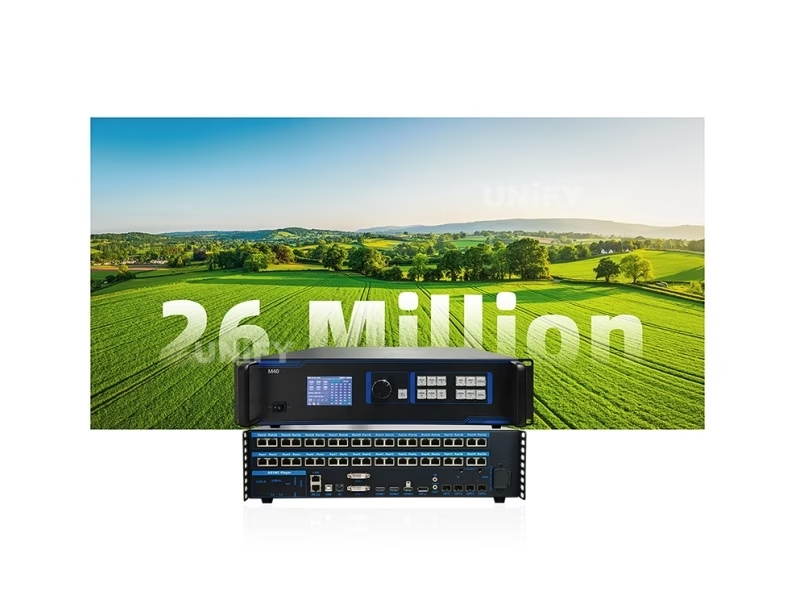
A Mooncell 2-in-1 video processor is a chassis that combines video processing — scaling, windowing, color — with the sending stage that distributes pixels to the receiving cards. The line runs from the MVB4S Pro (2.6M, 4 ports, ~$198) through the MVB12E (7.8M, 12 ports, 4K60, ~$865) and the MVB20E-G (13M, 20 ports, ambient-light sensing, 3D, Genlock, ~$1,243) to the M40 (26M, 40 ports plus fiber, project-quoted). Mid-size walls that want one box for processing and sending point here.
3. Sending Controllers — the MTB Series
The Mooncell sending controller is the pure sending stage for PC-driven walls: the MTB400E (2.6M, 4 ports, HDMI 1.4 + DVI, EDID, $195) and the MTB2000E (10.4M scaled / 8.29M pixel-to-pixel, 20 ports, HDR10, flexible wiring, $1,010–$1,080). Where the wall runs from a PC or media server and the processing happens upstream, the sending controller is the lean choice — and the MTB line spans seven rungs from the 1.3M V30 Pro to the 20-port flagship.
4. Creative Controllers — the B1200S and MB400S
The Mooncell creative controllers are built for non-rectangular geometry: the B1200S maps every pixel to an arbitrary 2D/3D position for spheres, domes and rings (12 ports, 7.8M, project-quoted), and the MB400S adds Android playback and cloud management for 1.3M-class creative walls ($350–$500 reseller estimate). When the wall is not a rectangle, this is the architecture the other brands work around.
5. Receiving Cards — the A712 and A10X
Every Mooncell wall carries receiving cards in its cabinets. The A712 (12× HUB75E, 512×512 PWM, HDR10 + HLG, $12.70) is the standard-module card; the A10X (120-pin, 512×640 PWM, 22-bit grayscale, ~$27) fits compact frames. They are the one component every other architecture drives, and the spares rule applies: one per ten installed covers realistic field failures.
6. Video Splicers — the V Series
The Mooncell V Series Video Splicer is the modular video-wall platform for the largest fixed installations: four chassis from the V300 (3U, 40 ports, 26M) to the V1400 (14U, 200 ports, 130M), with 4:4:4 color, HDR10, frame sync, Genlock cascading and modular input boards from DVI to 3G-SDI. Command centers, venue walls and broadcast studios above the 2-in-1 class point here — quoted per project.
One integration note before the loading math: these six roles chain into one system, and the same receiving cards and the same AutoLED software serve every tier. A signage wall pairs the MB401 player with the MVB4S Pro and A712 cards; a stage wall pairs the MVB20E-G with A712 cards and loop backup; a command center pairs the V Series splicer with A712 or A10X cards and Genlock cascading. The decision is rarely a single box — it is a chain with one sending stage, one player where content is scheduled, and receiving cards sized to the cabinets. The price record for every chain combination is on the Mooncell LED controller price guide.
A worked example of the math in practice: a rental company building a 3,840 × 1,920 stage wall runs 7.37 million pixels, which divides into twelve ports at 614,400 each — inside the 655,360 per-port ceiling, so the wall fits a 12-port stage processor with margin, or eleven full ports plus one lightly loaded port on a flexible-loading sender. The same wall at 4K depth (8.29M) needs thirteen ports at the 8-bit ceiling or a 12-port unit at the pixel-to-pixel rating of a 4K-class processor — which is why the official sheets quote loading two ways and why the canvas math belongs in the tender before the chassis is ordered.
How Much Loading Capacity Does Your Mooncell LED Control System Need?
Every Mooncell sending stage loads 655,360 pixels per Gigabit port — the family constant that turns a pixel budget into a model. Count the wall’s physical pixels (width × height), divide by the port class, and the chassis picks itself:
The receiving-card count follows the same constant: a 2.07M Full HD wall needs eight A712 cards in PWM mode (262,144 per card), a 4K wall needs 32 — the Mooncell LED controller price guide carries the chain math with street prices.
The 655,360 per-port constant carries three sub-rules worth knowing before the budget meeting. First, the per-port canvas ceiling: most Mooncell ports carry 1280×512 at full load, and the sending tiers add whole-unit ceilings — 4096×4096 on the MTB400E, 8192×8192 on the MTB2000E and the V Series. Second, cascade depth: receiving-card chains run to 1,000 cards per port in the family, which is why a single sending stage covers stadium-scale canvases without exotic wiring. Third, flexible loading: the MTB2000E and the V Series count actual loaded pixels rather than the bounding rectangle, so irregular or sparsely populated walls keep ports in service — the same idea that makes the creative controllers efficient on curved geometry.
When Should Your Mooncell LED Control System Use a Player or a Sending Stage?
The player-versus-sending decision is the first fork after the pixel budget, and it follows the synchronous vs asynchronous LED control split: a player feeds content on a schedule with no PC attached; a sending stage carries live PC video in real time. Three cases cover most walls:
- Scheduled signage into an existing processor — add the MB401 (~$225): 12 windows, cluster control, content on a calendar, no PC in the path.
- PC-driven wall with no processor owned — compare the MVB4S Pro ($198) 2-in-1 against the MTB400E ($195) sending controller: the 2-in-1 adds windowing and scaling in the same chassis, the sending controller is the lean path when processing happens upstream.
- Live stage or broadcast wall — the synchronous tier: MVB20E-G for stage features (3D, Genlock, ambient light), MTB2000E for the 20-port HDR10 sending canvas, or the M40 when fiber runs and 26M are on the drawing.
A boundary case worth separating: the MB400S is not a replacement for the standard sending tier — it is the creative-geometry player that happens to include a sending stage. A rectangular signage wall that needs playback should compare the MB401 plus a processor against the MB400S’s all-in-one price; a sphere or ring wall skips that comparison entirely, because only the creative line maps the geometry natively. Mooncell ships official solution recipes for hemisphere, floor, ring, KTV and naked-eye 3D screens, which is the practical shortcut when the shape is unusual — the geometry work is already documented rather than invented on site.
Sizing the creative tier follows the same per-port constant as the standard tier: the B1200S loads 7.8 million pixels across 12 Gigabit ports with single-port budgets of 655,360, and the MB400S covers 1.3M over 2 ports — a 2-meter sphere at P2.5 maps comfortably onto the B1200S with headroom for the pole regions, and a small ring display fits the MB400S. The irregular-splicing story extends upward too: the V Series splicer carries irregular screen splicing and smart resolution settings across its 200-port chassis, so a venue that mixes a rectangular main wall and creative specials can run both from one splicer family rather than two control ecosystems.
When Does Your Mooncell LED Control System Need a Creative Controller?
The creative-controller fork is the simplest of all: if the wall is a sphere, dome, ring, floor or any non-rectangular geometry, the Mooncell architecture that handles it natively is the B1200S (arbitrary pixel mapping, 12 ports, 7.8M) or the MB400S (networked player for 1.3M-class creative walls). A rectangular wall never needs them; a sphere cannot do without them — the standard processors map rectangles, and the creative controllers map geometry. The Mooncell vs Colorlight vs Novastar comparison shows why this is Mooncell’s structural advantage over the other brands.
How to Choose a Mooncell LED Control System by Application
Five questions — shape, budget, mode, scale and software — collapse to a model per application:
The receiving cards follow every row — the A712 for HUB75E standard modules, the A10X for compact 120-pin frames — and the LED video processor category page maps the wider class for cross-brand planning.
The cross-brand context, briefly: Mooncell, Colorlight and Novastar are closed ecosystems — the sending stage, receiving cards and software must share one brand — so the architecture choice above is also the brand choice. The Mooncell vs Colorlight vs Novastar guide compares the three tier by tier with official data; the short version is that Mooncell sits between Colorlight’s price entry and Novastar’s ecosystem at most classes, with the creative and splicer tiers as its exclusive territory. The asynchronous LED media player selection guide and the LED video processor category page map the wider cross-brand classes.
The software side of the choice is worth one paragraph, because it is free and unified: AutoLED configures the whole family — sending controllers, processors, creative controllers, splicers — with the same workflow, LEDmagic manages the players, and M3 Studio runs the V Series splicer, all from Mooncell’s download center without license fees. An integrator who learns AutoLED once carries it across every tier on this page, which is a softer but real factor in the architecture decision: the wall is only as serviceable as the software the team knows.
What Do Buyers Ask When Choosing a Mooncell LED Control System?
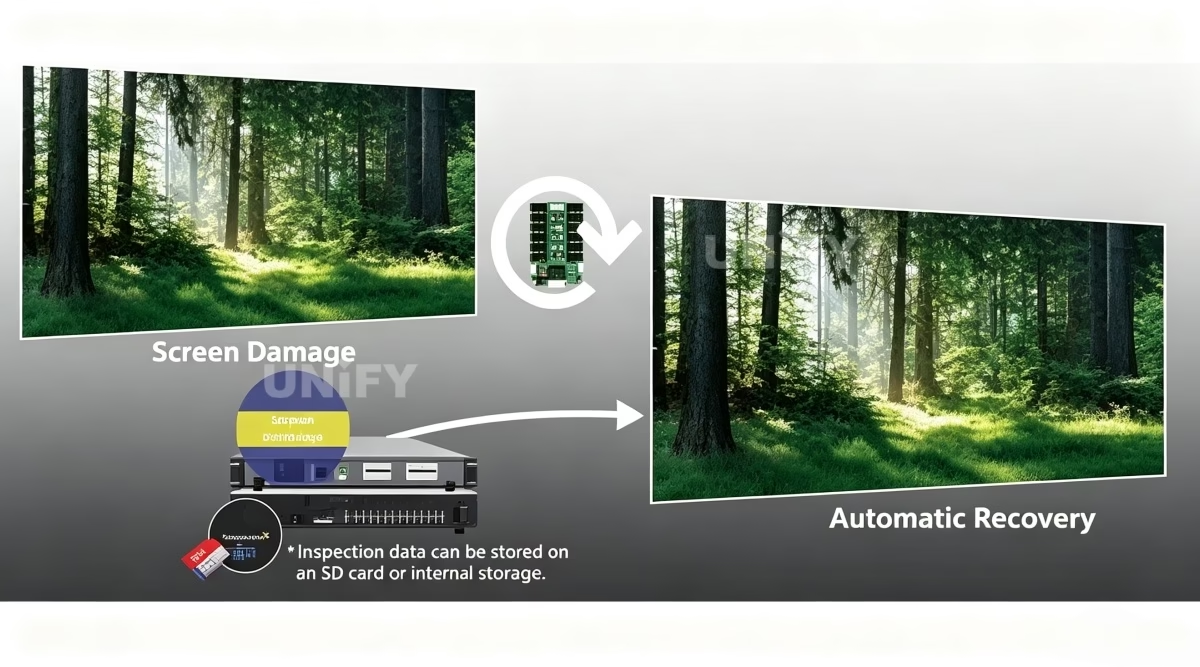
Two field notes on the receiving-card rows that every architecture shares. First, the module interface decides the card: HUB75E-standard modules and cabinets map to the A712’s twelve ports; 120-pin high-density module layouts take the A10X — a cabinet built around the wrong interface is a re-wire, not a swap. Second, the spares discipline: one card per ten installed, ordered with the system, covers the realistic field failure rate for years at $12.70–$27 a card. The LED display warranty page states what the supplier must hold on RMA turnaround and dead-on-arrival replacement, and the LED display system redundancy & backup guide covers the loop-backup and dual-master discipline for the walls that cannot blink.
How to Choose the Right Mooncell LED Control System: Final Thoughts
Choosing a Mooncell LED control system is a six-step walk, and the steps rarely change order. Count the physical pixels and divide by 655,360 per port to size the load. Decide the shape: rectangular walls take the standard tiers, creative geometry takes the B1200S or MB400S. Decide the mode: scheduled content adds a player, live PC video picks the sending tier. Decide the scale: under 10.4M the 2-in-1 and sending lines cover it; above, the M40 or the V Series takes over. Match the receiving card to the cabinet — A712 for HUB75E, A10X for compact frames — and budget the chain, not the box. Six architectures, one 655,360 constant, and every model’s specification traceable to an official sheet: that is how to choose a Mooncell LED control system that matches the drawing.
Planning a wall and not sure which architecture fits? Talk to us — we are the LED screen manufacturer behind unifyled.com, and every Mooncell system we ship is configured, tested and warrantied inside the display.