
Mooncell Control System · Complete Catalog
Mooncell LED Controller
Every Mooncell control system product we supply in one catalog — 13 processors, sending controllers, creative controllers, receiving cards, players and splicers across 6 categories, with selection guides, AutoLED configuration guidance and factory-direct sourcing. All specifications verified against official Mooncell documentation.
System Overview
What Is the Mooncell LED Controller?
The Mooncell LED controller is the hardware layer that turns a video signal into a working LED wall — and Mooncell builds it wider than almost anyone else: two-in-one processors, pure sending controllers, irregular-screen controllers, receiving cards, playback players and video splicers in one family. Every synchronous system follows the same chain: a source feeds a processor or sending controller, which divides the frame across Gigabit Ethernet ports to receiving cards inside the cabinets, which drive the LED modules. This page catalogs the 13 models we supply, each linked to its dedicated specification page and carrying an LED screen manufacturer‘s verified figures rather than marketplace claims.
The number the whole catalog is built around is 655,360 pixels per Gigabit Ethernet port — the standard loading Mooncell documents on its specification sheets. Multiply it by the port count and the family ladder falls out: 4 ports ≈ 2.6M pixels (MVB4S Pro, MTB400E), 12 ports ≈ 7.8M (MVB12E, B1200S), 20 ports ≈ 13M (MVB20E-G) and 40 ports ≈ 26M (M40), with the V Series splicer continuing beyond 26M to 130M on its own chassis.
The six categories: (1) 2-in-1 processors — MVB4S Pro, MVB12E, MVB20E-G and M40, the capacity ladder from 2.6M to 26M. (2) Sending controllers — the MTB pair, pure senders without HDMI processing. (3) Creative controllers — B1200S and MB400S, Mooncell’s signature irregular-screen line. (4) Receiving cards — A10X and A712, chosen by data group count and loading. (5) Players — MC-C2 and MB401 for scheduled content without a PC. (6) Video splicers — the V Series for 26M-130M multi-source walls. For the architectural background, see synchronous vs asynchronous LED control.
Category 1 of 6
Mooncell LED Controller Series: 2-in-1 Processors
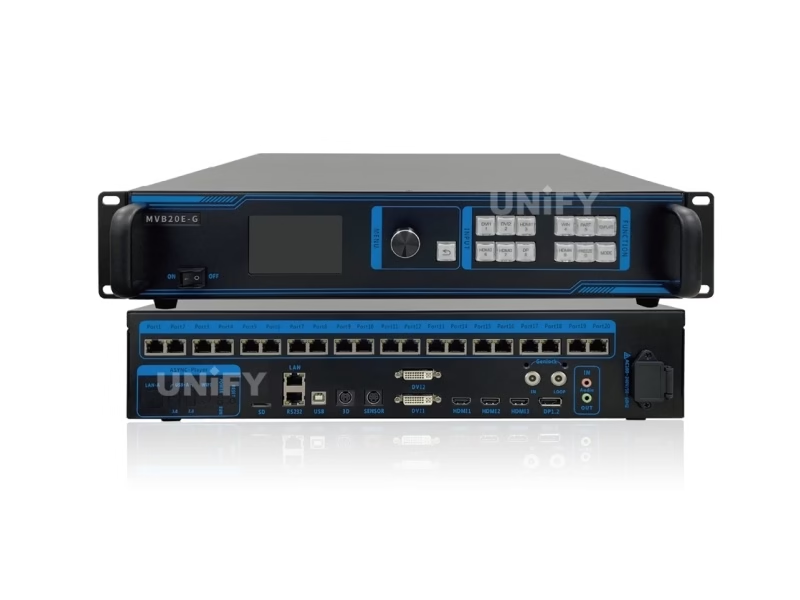
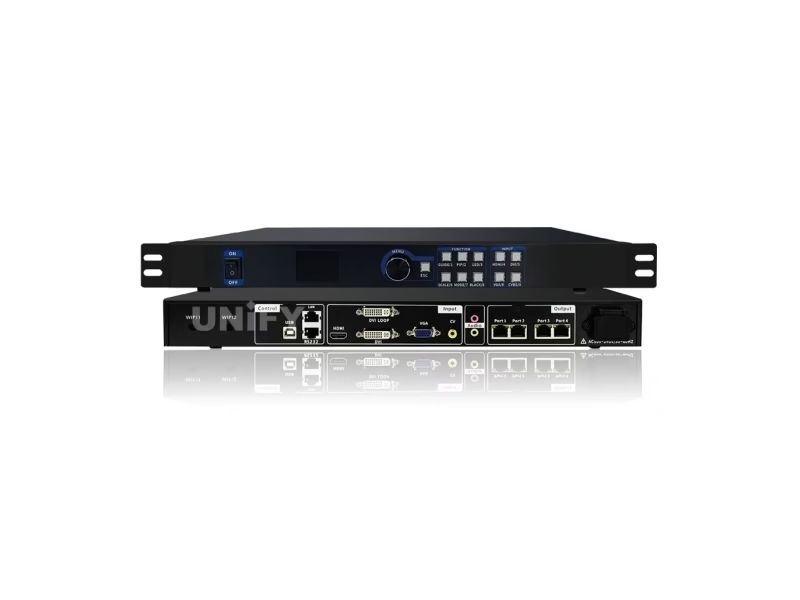
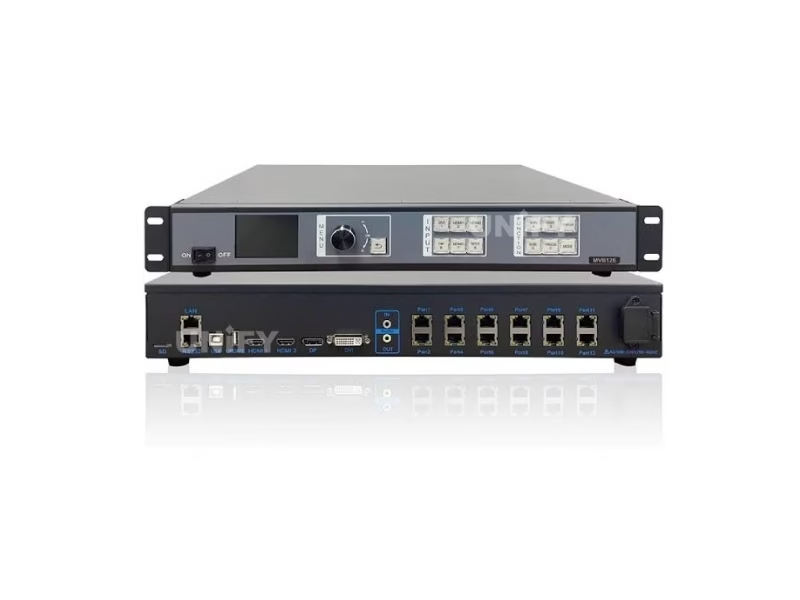
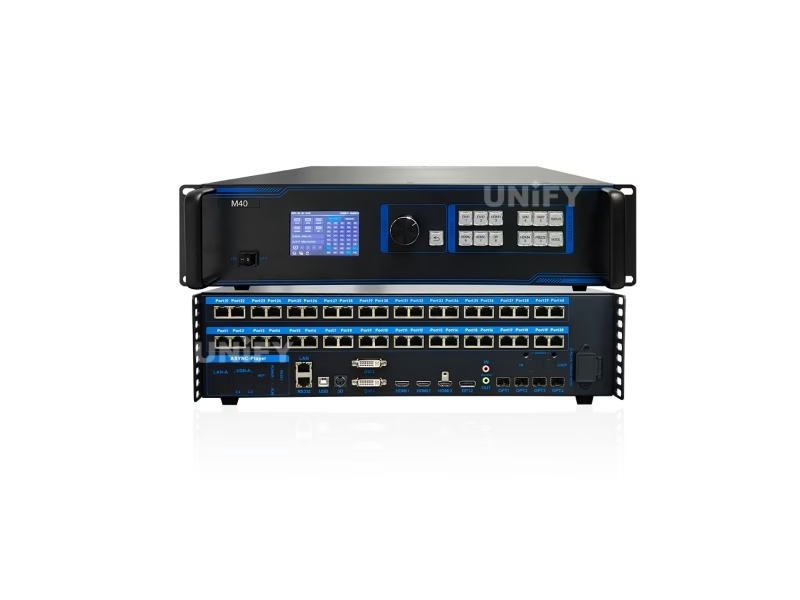
The MVB and M40 family — the capacity ladder in four steps, 2.6M → 7.8M → 13M → 26M pixels. Every step doubles the port count and adds a processing layer: 4K60 scaling from the MVB12E, 3D and Genlock from the MVB20E-G, and 10G fiber from the M40. Each is a two-in-one device: HDMI processing and Ethernet sending in one box.
Category 2 of 6
Mooncell LED Controller Series: Sending Controllers
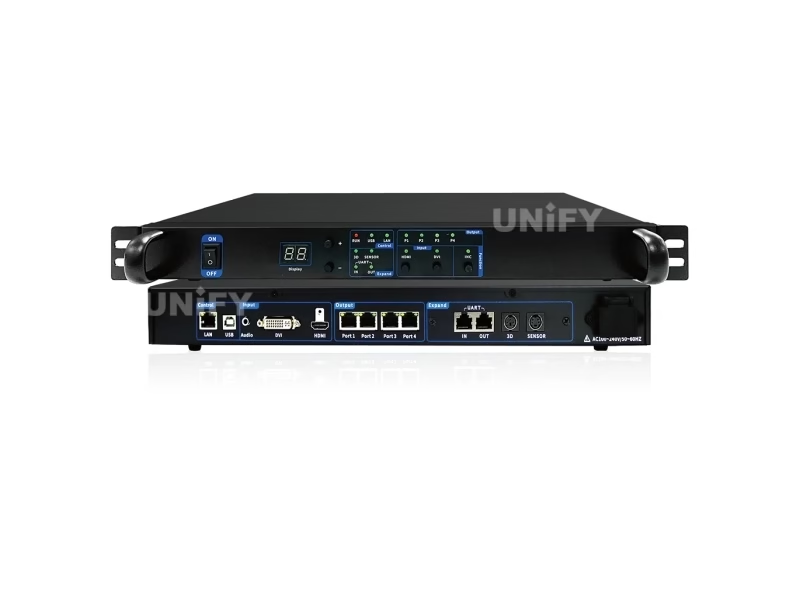
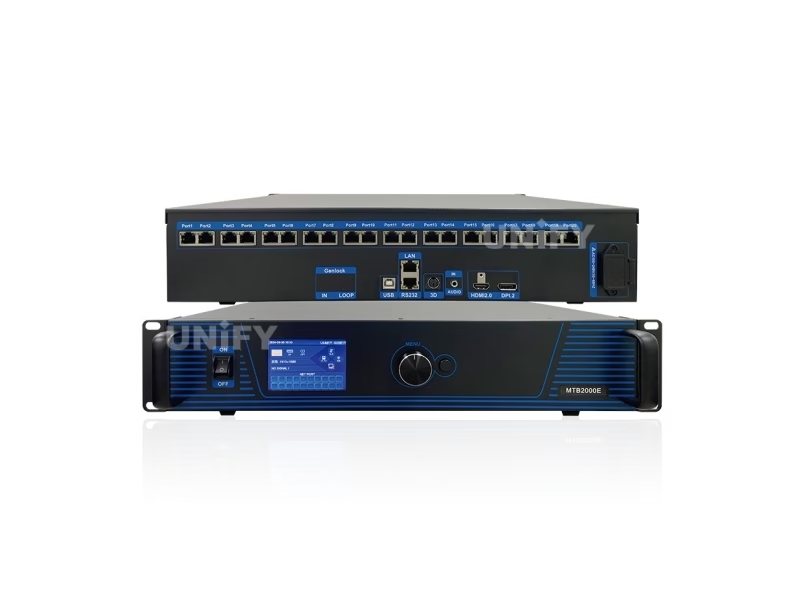
The MTB pair — pure sending controllers without HDMI processing. They take a pre-processed signal over Ethernet or HDMI passthrough and divide it across their output ports. The MTB400E is the entry sender at 4 ports; the MTB2000E scales to 20 ports with full 4K60 processing and HDR10 — Mooncell’s flagship sender for large fixed walls.
Category 3 of 6
Mooncell LED Controller Series: Creative Controllers
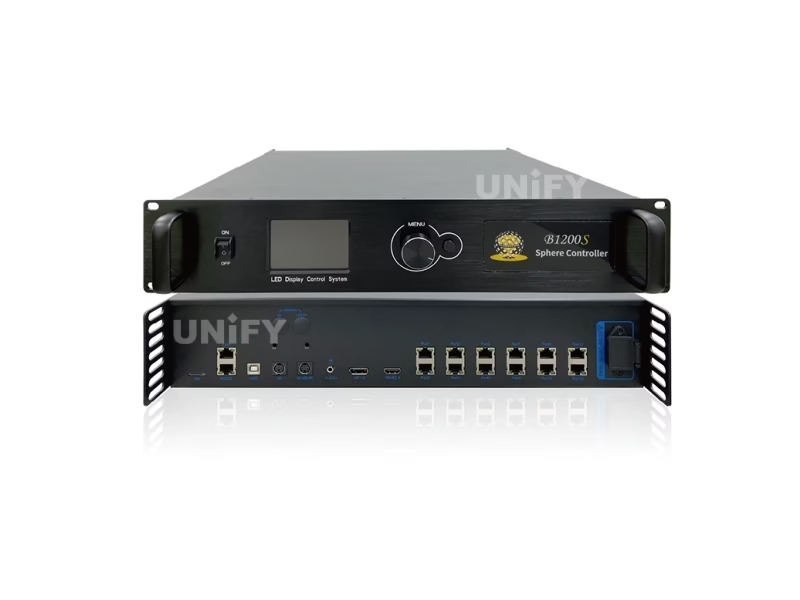
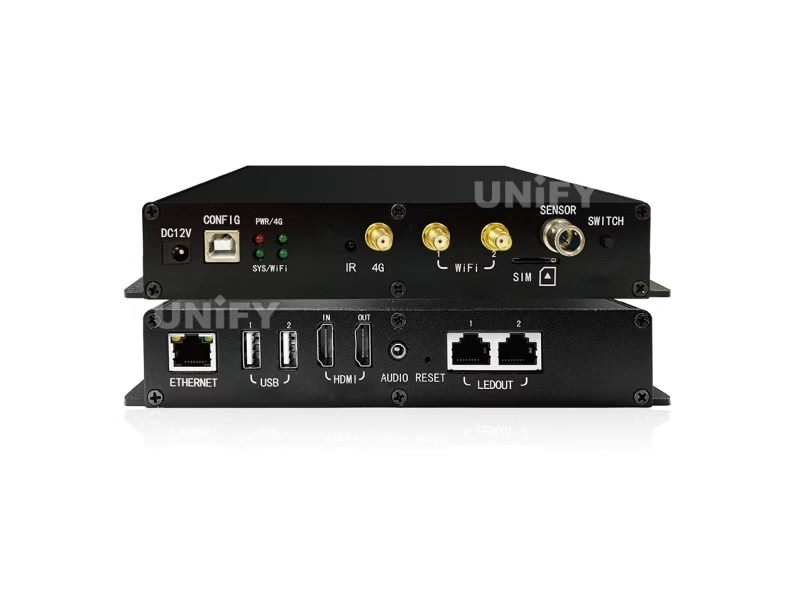
Mooncell’s signature line — the hardware most competitors replace with workarounds. The B1200S is a dedicated irregular-screen controller for spheres, domes, rings and floors, with five irregular modes and a documented F5 height rule. The MB400S doubles as a network player: dual-mode playback and cloud cluster management with 12 picture-in-picture windows.
Category 4 of 6
Mooncell LED Controller Series: Receiving Cards
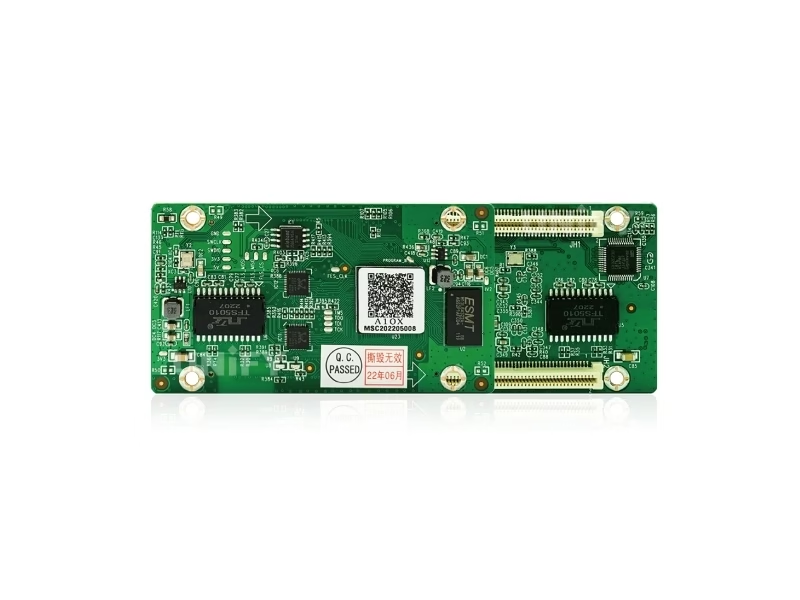
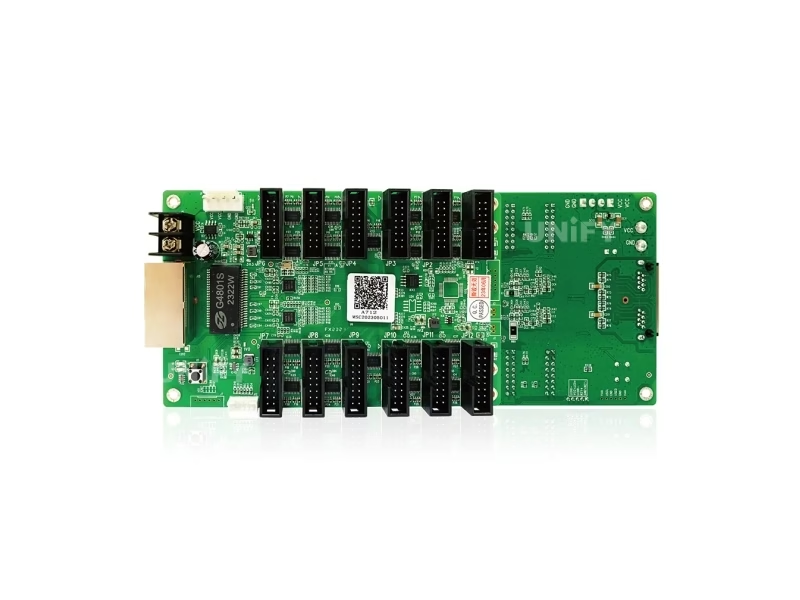
Two cards, one standard. The A712 is the volume card — 512×512 PWM on a standard HUB75E connector, with HDR10 and HLG, and the most aggressive street price in the family at ≈ $12.70. The A10X steps up to 512×640 PWM with 22-bit grayscale and 32 RGB data groups for high-detail walls, plus dual-card backup support for never-goes-dark installations.
Category 5 of 6
Mooncell LED Controller Series: Players
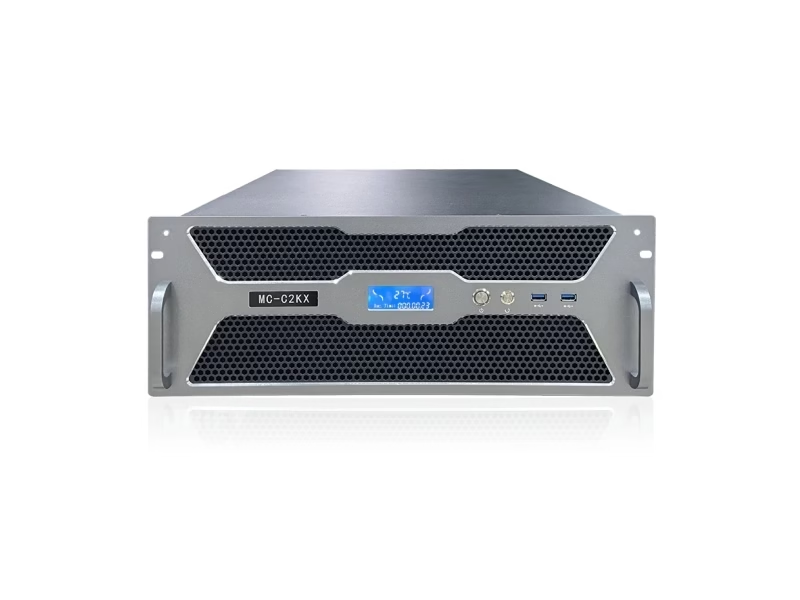
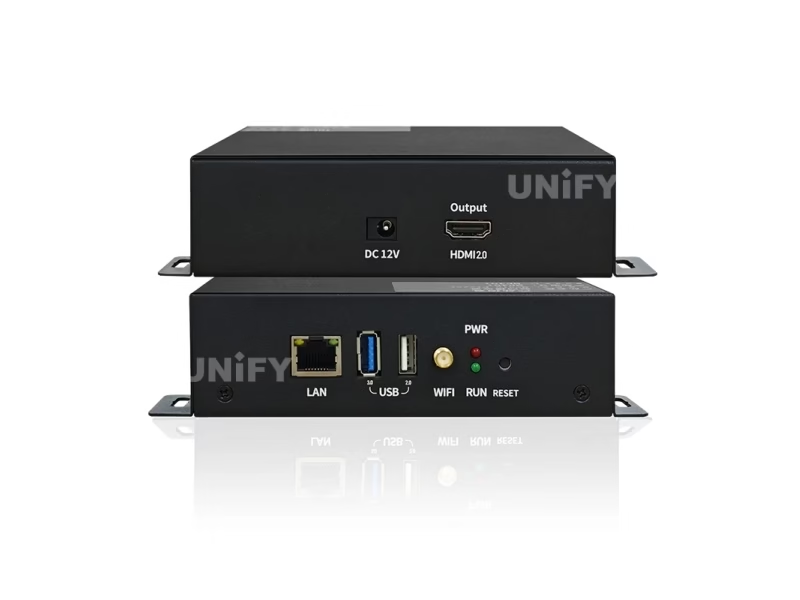
The asynchronous side of the family. The MC-C2 is Mooncell’s server-grade multimedia player for project installations — 8K decoding, scheduled playback and project-based configuration quoting. The MB401 is the networked signage player: 4K HDMI output on Android 11 with 64GB storage and 12 windows, at ≈ $225. Both run the LEDmagic content ecosystem.
Category 6 of 6
Mooncell LED Controller Series: Video Splicers
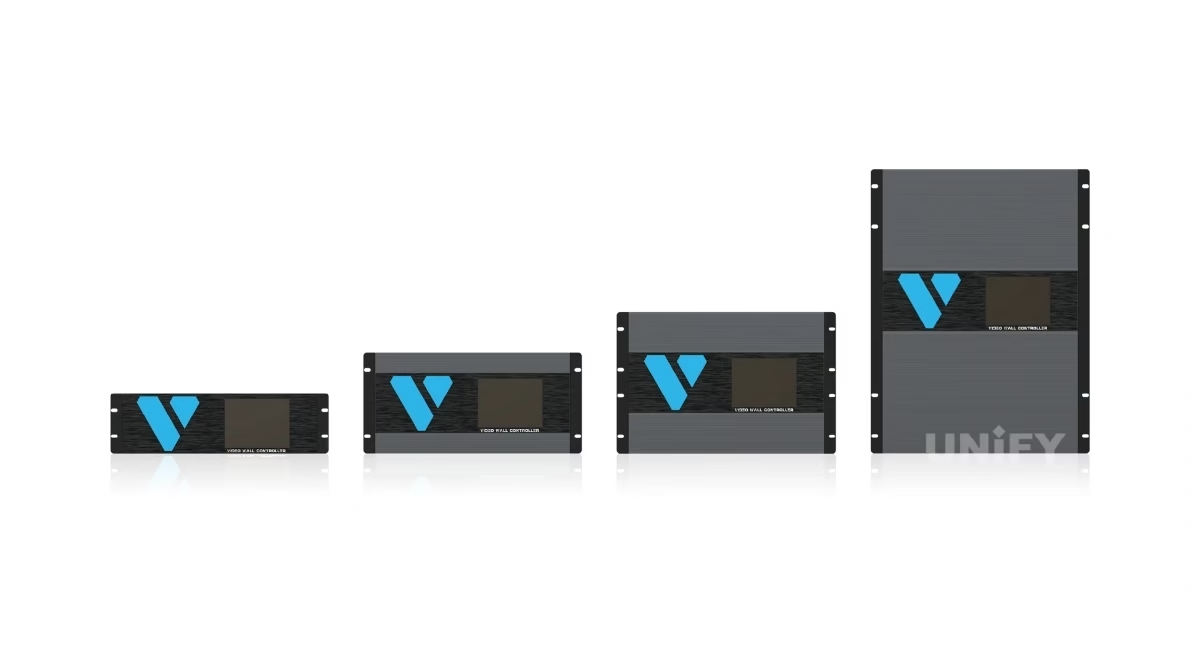
Above 26M pixels, the processor stops being the right tool and the V Series takes over — a four-step chassis ladder from the V300 at 26M to the V1400 at 130M, all divisible-by-16 output math. The V Series is a broadcast-style splicer: input boards for 3G-SDI and VGA, 4:4:4 processing, HDR10 10-bit rules, up to 160 inputs with 32-160 layers, and hot-backup redundant power supplies.
Verified Pricing
Mooncell LED Controller Price Overview 2026
Every figure below carries its source type — distributor listings, public listings or factory quotes — and factory-quoted models are marked as such rather than given invented street prices. The full sourcing note and methodology are in our Mooncell controller price guide.
Value per dollar, for the models with verified street prices — the receiving cards deliver the best pixels-per-dollar in the family:
Three complete control chains, costed with the verified figures — a Full HD wall’s control electronics start around $300:
Brand Position
Mooncell vs Colorlight vs Novastar: How Do They Compare?
The short version: Novastar is the global market leader with the deepest ecosystem, Colorlight is the price-performance player, and Mooncell is the creative and irregular-screen specialist with a mid-market price position. The long version — model-by-model, software-by-software — is our three-brand comparison. The condensed tables:
Same tier, official figures side by side — note the port-count advantage Mooncell documents at each step:
And the practical choice, project by project:
Selection Guides
Mooncell LED Controller Selection Guides & Quick Reference
Seven in-depth engineering guides — one per decision — plus a quick-reference table for the most common project profiles:
Quick Reference: Match Your Project to a Model
Software
Mooncell AutoLED Software: One Tool for the Whole Family
AutoLED is the single, free configuration tool behind every product on this page — the 2-in-1 processors, the MTB sending controllers, the A10X and A712 receiving cards, the creative controllers and the V Series splicer all commission in the same program, which is what makes the family feel like one system rather than a parts list. Two companion tools complete the ecosystem: LEDmagic for content playback and cloud management on the players, and M3 Studio for the V Series splicer. All three are free from Mooncell’s official download center.
The core AutoLED workflow is five steps, the same for a 2.6M shop window and a 26M stadium:
1. Connect — USB or LAN from a PC, or network discovery by device serial number.
2. Map the wall — network-port debugging locates every receiving card and its position.
3. Configure the modules — driver IC, scan mode and data routing per module type.
4. Apply correction — per-pixel calibration, 22-bit grayscale on the A10X, HDR10/HLG on the A712.
5. Read back and save — pull the configuration from the hardware as the master backup.
One discipline matters more than any feature: download AutoLED only from Mooncell’s official download center — modified copies from marketplace links are the most common source of misbehaving installations. The complete walkthrough, including firmware upgrade with FPGA dual-program fallback and the cross-brand comparison with NovaLCT and LEDVISION, is in the AutoLED software guide.
Resources & Support
Mooncell LED Controller Resources & Support
Seven engineering guides, the AutoLED software ecosystem and factory support in one place — plus official Mooncell videos from the brand channel:
Configuration & Debugging
Redundancy & Backup
Software & Players
FAQ
Mooncell LED Controller FAQ
Mooncell LED Controller Certifications
Every batch ships with Mooncell original packaging. Compliance is documented per product — the receiving cards list RoHS and CE-EMC on their official specification sheets, and further certification documents are supplied with each production batch.
Ready to Source Mooncell LED Controllers?
Complete control systems, factory-direct pricing, AutoLED configuration support.
unifyledscreen@gmail.com | +86-191-18802497
Technical Deep-Dive
Mooncell LED Controller System Explained: Architecture, Models & Selection
Published: September 2026 | 13 min read | UnifyLED Engineering Team
Mooncell’s control system looks complicated from the outside — MVB and MTB prefixes, B and MB creative controllers, a V Series that looks like broadcast equipment, three software tools, and specification sheets that have disagreed with each other across versions. From the inside it is one pipeline with a small number of decision points, and one number — 655,360 pixels per Gigabit Ethernet port — that explains most of the catalog. This guide walks the pipeline end to end: what each hardware layer does, how the capacity ladder works, where the creative controllers sit, how the software fits, and where the selection and procurement practices belong. It is the article to read before the catalog above, or after it, when the catalog raises more questions than it answers.
Chapter 1 — The Pipeline: One Chain, Five Layers
Every synchronous Mooncell system moves pixels through the same five layers. Layer one is the video source — a media server, camera or computer. Layer two is the controller: a 2-in-1 processor such as the MVB series, which receives the signal, scales and processes it, and divides the frame across its output ports. Layer three is the transport: Gigabit Ethernet carrying up to 655,360 pixels per port on the MVB and MTB families, or 10G optical fiber on the M40. Layer four is the receiving card inside each cabinet — the A712 or A10X — which buffers its portion of the frame and clocks it out to the modules. Layer five is the module itself, with its driver ICs lighting the LEDs. The design work on any project is deciding what belongs in each layer; the model families exist to make those decisions concrete.
The architectural split that matters most is synchronous versus asynchronous. Synchronous systems — the MVB, MTB, B and V families — need a live video source and render it in real time. Asynchronous players store content on the box and loop it without any source: that is the MC-C2, the MB401 and the playback half of the MB400S. Many walls run both: a player looping branded content during business hours, with a synchronous processor taking over for live events. The deeper comparison is in our synchronous vs asynchronous LED control article.
The 655,360 figure is the skeleton key to the catalog. It is the standard loading Mooncell documents on its specification sheets — what one Gigabit port is rated to carry. Multiply by ports and the ladder falls out cleanly: 4 ports ≈ 2.6M pixels, 12 ports ≈ 7.8M, 20 ports ≈ 13M, 40 ports ≈ 26M. The MVB4S Pro, MVB12E, MVB20E-G and M40 are exactly these four rungs, and the V Series continues the same arithmetic on a splicer chassis to 130M.
Chapter 2 — The Processor Layer: 2-in-1 vs Sending
Mooncell splits the sending layer into two families with one practical difference: whether the box processes HDMI or only sends Ethernet. The MVB series and the M40 are two-in-one devices — HDMI processing and Ethernet sending in one chassis. The MTB pair are pure senders: they take a signal that something else already processed and divide it across their ports. That is why the MTB400E, at 4 ports and $195, is the cheapest way to hang a wall behind an existing processor or player — and why the MTB2000E, Mooncell’s sender flagship, is specified for 20 ports of 10.4M pixels with 4K60 processing.
The MVB ladder adds a processing layer at each step. The MVB4S Pro is the fast-setup rung — quick commissioning without a PC and a 2.6M budget. The MVB12E adds 12 ports, 7.8M and 4K60 scaling. The MVB20E-G is the stage rung — 20 ports, 13M, 3D, Genlock and an ambient light sensor. The M40 tops the ladder at 26M with 40 Gigabit ports plus four 10G fiber ports and a 16,384-pixel canvas — the model for stadiums and broadcast control rooms.
One boundary decision recurs often enough to deserve its own treatment: when does the processor stop being the right tool? The answer in Mooncell’s own catalog is 26M. Below it, a processor scales cleanly by port count. Above it — or when the wall demands many simultaneous sources, per-input boards and redundant power — the V Series splicer is the tool, and the M40’s fiber transport versus the V300’s layer count is the junction point worked through in the processor vs splicer guide.
Chapter 3 — The Receiving Layer: Two Cards, One Standard
Mooncell keeps the receiving layer to two cards, and the choice between them is mechanical. The A712 is the volume card: 512×512 PWM loading on a standard 12-pin HUB75E connector, with HDR10 and HLG, and the sharpest street price in the family at ≈ $12.70. The A10X is the high-detail card: 512×640 PWM, 22-bit grayscale and 32 RGB data groups on a 120-pin connector, plus dual-card backup support for installations that must never go dark.
Two marketplace errors keep circulating about these cards and are worth correcting. One: listings that quote the A712 at 512×384 — that figure belongs to older or third-party material; the official V4.0 specification is 512×512 PWM. Two: listings that round the A10X loading upward — the official V4.0 figure is 512×640. When the wall’s module count is fixed, the card’s true loading decides how many cards each port can feed, so an inflated or deflated number changes the entire port plan.
The rule of thumb that follows: standard modules and budget-sensitive walls take the A712; HDR-grade or high-detail modules and redundancy requirements take the A10X. The full method is in the receiving card selection guide.
Chapter 4 — The Creative Layer: Irregular Screens as First-Class Citizens
This is the layer where Mooncell’s catalog does something the market leaders do not. Novastar and Colorlight both handle irregular screens — spheres, domes, rings, floors — with workarounds: generic processors pressed into creative duty and labor-intensive mapping. Mooncell sells dedicated hardware for the job. The B1200S is a creative controller with five irregular modes and a documented F5 height rule governing how many irregular cabinets can hang off one port; it carries 12 ports and 7.8M pixels, and it synchronizes audio over the network cable so the wall and the soundtrack cannot drift apart.
The MB400S is the dual-mode sibling: synchronous control and network playback in one box, with cloud cluster management and twelve picture-in-picture windows. A shopping mall can run a dome installation and a floor installation from one MB400S cluster, update the content from the cloud, and switch to live mode for events — the irregular screen treated as an appliance rather than a project. The triangular-module mapping both controllers use is configured in AutoLED, and the official tutorial videos walk the geometry step by step.
Chapter 5 — The Software Layer: AutoLED, LEDmagic, M3 Studio
One brand, one tool. Every piece of Mooncell hardware — processors, senders, creative controllers, cards, splicers — configures in the same free program, AutoLED. This is the difference from the two big rivals in daily practice: Novastar spreads configuration across NovaLCT and SmartLCT, Colorlight across LEDVISION, and technicians bounce between tools depending on which box they are touching. A Mooncell site runs on one installer with one interface, and the workflow is five steps: connect over USB or LAN, map the wall with network-port debugging, configure the modules, apply correction and grayscale, and read the configuration back as the master backup.
Two companion tools complete the ecosystem without breaking the rule. LEDmagic manages content on the players — the MC-C2, the MB401 and the playback half of the MB400S — including cloud scheduling. M3 Studio drives the V Series splicer and its input boards. Firmware upgrades run through AutoLED with a safety net worth knowing: the FPGA holds dual program images, so a failed upgrade falls back to the previous version instead of bricking the hardware. The complete walkthrough, including the download-center-only discipline, is in the AutoLED software guide.
Chapter 6 — Selection in Practice: Three Project Walks
Walk one: a rental stage wall at 13M. The budget forces the MVB20E-G — 20 ports, 13M, 3D and Genlock for camera work, and a light sensor that adjusts brightness to the venue. Receiving cards follow the module choice: A712 cards cascaded across the ports, with the A10X reserved for any HDR zone. The chain cost is the processor plus cards, and the configuration rides in AutoLED readback files so a re-rig in the next city is minutes, not hours.
Walk two: a fixed Full HD shop-front at 2.07M. No live source, scheduled content only — so the wall does not need a processor at all. An MB401 player (≈ $225) feeds an MTB400E sender ($195), which drives eight A712 cards (≈ $102): a complete control chain for ≈ $522, the figure from the verified price table above. The same wall with live-event ambitions swaps in the MVB4S Pro for the sender and keeps everything else.
Walk three: a broadcast control wall at 130M. Past the 26M boundary, the V Series is the tool — a chassis scaled to the input count with 3G-SDI and VGA boards, 4:4:4 processing and hot-backup redundant power supplies. The wall’s pixel budget divides by 16 across the outputs, which is exactly the arithmetic the V Series models are built around. Every input gets its own window, every output its own card zone, and M3 Studio runs the whole board matrix.
Chapter 7 — Procurement: Channel Discipline and Verified Figures
Mooncell pricing is the least transparent of the three brands — which is why this catalog treats prices as evidence, not decoration. Every figure above carries its source type: distributor listings for the cards and the entry controllers, public listings for the MVB processors, and factory quotes for the M40, V Series, B1200S and MC-C2, which have no retail channel price. A quote that is project-based is marked project-based rather than given an invented street price. The same discipline applies to specifications: where official sheets disagree across versions — the A712 loading and the MVB20E-G port ceiling both have circulating variants — this catalog quotes the official current-sheet figure and flags the discrepancy on the product page.
Three procurement habits close the loop. First, buy through an official channel: genuine Mooncell hardware ships in original packaging, and the batch certification documents — RoHS and CE-EMC on the card sheets — should accompany the order. Second, keep one spare per failure domain: an extra card per cabinet zone and an extra sender for every wall that cannot afford downtime, with AutoLED readback files stored off-site. Third, keep the configuration discipline from Chapter 5: same-batch modules, supplier-verified driver ICs, and no third-party AutoLED copies. The full sourcing discussion is in the verified price guide.
Conclusion. Mooncell’s catalog is one pipeline — five layers, one loading figure, one software tool — stretched across six product categories from a $12.70 receiving card to a 130M broadcast splicer. The models choose themselves once the wall’s pixel budget, shape and reliability demands are written down; the guides above exist to make that writing-down fast.
Shopping Else? Open the Other Controller Catalogs
LED screen display control system — the six-brand master catalog