
HDMI vs DisplayPort vs DVI: Which Input Should Your LED Controller Use? (2026)
The HDMI vs DisplayPort vs DVI question lands differently for LED walls than it does for monitors. On a desktop monitor the answer is usually “whatever cable you have”; on an LED wall the input connector decides what resolution actually reaches the screen, whether protected 4K content plays at all, and how far the source can sit from the controller. This article compares the three inputs as they appear on LED controllers — the versions that real controllers carry, the back-panel combinations of the current NovaStar line, and the adapter and cable rules that decide field installations. As an LED screen manufacturer, Unify LED ships every controller with the input configuration matched to the customer’s source list.
How Do HDMI vs DisplayPort vs DVI Compare at a Glance?
| Parameter | HDMI | DisplayPort | DVI |
|---|---|---|---|
| Pin count | 19 | 20 | 24 (single-link) / 29 (dual-link) |
| Audio | Yes, embedded | Carried by the standard, rarely routed on LED controllers | No |
| Max version on LED controllers | HDMI 2.0 (4K@60Hz) | DP 1.2 (4K@60Hz) | Dual-link DVI (2560×1600@60Hz class) |
| Locking | No latch | Push-button latch (most cables) | Thumb screws |
| Typical source | Laptops, media players, set-top boxes, cameras | PC graphics cards, media servers | Legacy PCs, rental media servers, scalers |
| Best for | Universal compatibility, HDCP content, audio | 4K@60 from a PC, custom ultra-wide resolutions | Fixed-resolution 1:1 mapping, legacy racks |
Reading the table for a purchasing decision: the connector name tells you what plugs in; the version number tells you what the signal can carry; the controller’s own spec sheet tells you which of the two is the binding limit. All three rows matter, and the rest of this article works through them in that order.
What Does Each Version of HDMI vs DisplayPort vs DVI Allow?
Version numbers, not connector names, set the real limits — and the versions that appear on LED controllers are a small subset of what consumer TVs carry. No current LED controller ships HDMI 2.1, DisplayPort 2.x, or 8K inputs; the market tops out at 4K@60Hz, so the comparison below stops where the hardware stops.
HDMI. HDMI 1.3 — the version on the MCTRL600 and MCTRL660 — passes 1920×1200@60Hz. HDMI 1.4 lifts the ceiling to 3840×1080@60Hz or 3840×2160@30Hz: that is the “4K×1K” limit behind the trap in the next section. HDMI 2.0 — on the VX16S, NovaPro UHD Jr, and MCTRL4K — carries full 3840×2160@60Hz with 18 Gbps of bandwidth and adds HDCP 2.2. If a spec sheet or a blog claims HDMI 2.0 stops at 4K@30Hz, the table is wrong; 4K@60 is exactly what HDMI 2.0 was released to deliver.
DisplayPort. DP 1.2 provides 21.6 Gbps and 4K@60Hz, and it is the input generation the MCTRL4K and NovaPro UHD Jr use for true 4K sources. On the MCTRL4K, DP and HDMI 2.0 are also the only inputs that accept the 7680-pixel-wide custom canvases used for ultra-wide stage backgrounds.
DVI. Single-link DVI caps at 1920×1200@60Hz — the exact ceiling NovaStar lists for the MCTRL300, MCTRL600, and MCTRL660. Dual-link DVI doubles the data lanes to the 2560×1600@60Hz class, and it is why the MCTRL4K and MCTRL R5 still carry dual-link DVI inputs alongside their modern ports.
NovaStar’s official walkthrough of 4K input handling and splicing applies these limits in software:
Why Does the HDMI vs DisplayPort vs DVI Choice Matter More Than the Cable?
The input connector is a gate, not just a socket. A controller’s loading capacity and its input capability are two separate numbers, and the input is the smaller one far more often than buyers expect. The cleanest example is the VX1000: it loads 6.5 million pixels across ten Ethernet ports, but its HDMI 1.4 inputs pass at most 3840×1080@60Hz — 4,147,200 pixels. Feed it from a 1080p-class source and the wall uses every pixel the controller can drive; feed it 4K content and more than two million pixels of capacity sit idle, because the input gate will not let the signal through. The same math applies to the MCTRL660: 2.6 million pixels of port capacity behind a 1920×1200@60Hz input ceiling of 2.3 million. The full 4K@60 bandwidth picture is in our 4K@60Hz, HDCP 2.2 and HDR explained article.
Which HDMI, DisplayPort, or DVI Inputs Do NovaStar Controllers Carry?
Every controller in the current NovaStar line takes one of three input strategies, and the table below is the quick reference we use when matching a source list to a controller.
| Controller | HDMI | DisplayPort | DVI | Other |
|---|---|---|---|---|
| MCTRL300 | — | — | 1× single-link | 3.5 mm audio |
| MCTRL600 / MCTRL660 | 1× 1.3 (660: HDCP 1.4) | — | 1× single-link | 3.5 mm audio |
| MCTRL660 PRO | 1× 1.4a | — | 1× single-link | 3G-SDI |
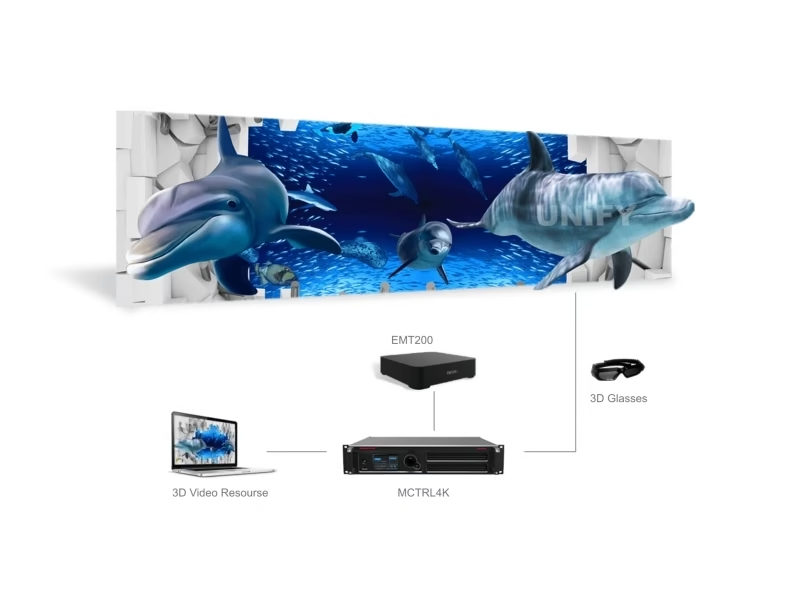
| MCTRL4K | 1× 2.0 | 1× 1.2 | 2× dual-link | Genlock |
| MCTRL R5 | 1× 1.4 | — | 1× dual-link | 6G-SDI |
| VX4S-N | 1× 1.3 | 1× DP 1 | 1× single-link | 3G-SDI, VGA, audio |
| VX600 | 1× 1.3 | — | 1× (loop) | 3G-SDI (loop), 10G OPT |
| VX1000 | 2× 1.4 | — | 2× | 3G-SDI, 10G OPT |
| VX16S | 1× 2.0 (4K@60) | — | 4× (DVI mosaic) | 2× 3G-SDI |
| NovaPro UHD Jr | 1× 2.0 (HDCP 2.2, loop) | 1× 1.2 | 4× | 2× 12G-SDI (loop) |
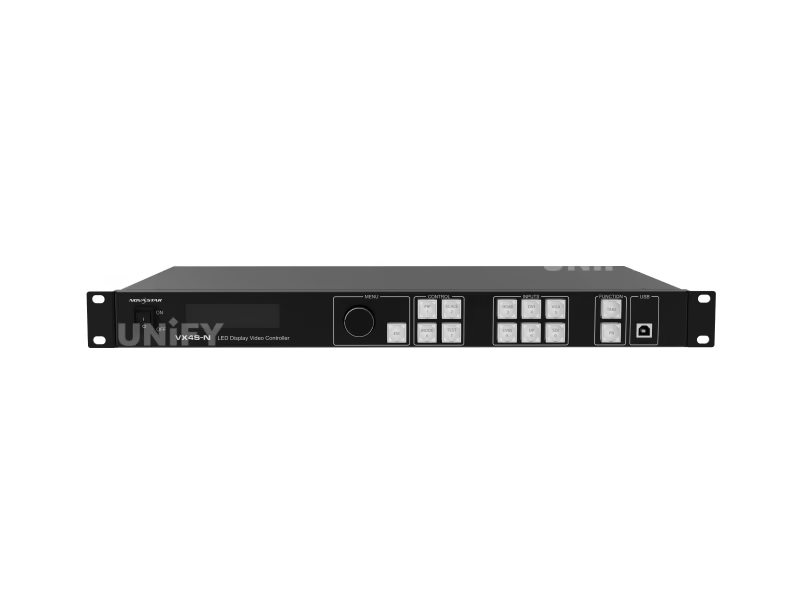
Product pages: MCTRL300 · MCTRL660 · MCTRL4K · VX4S-N · VX16S · NovaPro UHD Jr.
When Does HDMI Beat DisplayPort and DVI for an LED Wall?
HDMI wins on universality and content access. Nearly every source a fixed installation will ever meet — laptops, media players, signage boxes, set-top boxes, consumer cameras — has an HDMI output, and HDMI is the only one of the three that carries embedded audio and HDCP on the same cable. For walls fed by 4K Blu-ray or streaming boxes, HDMI 2.0 with HDCP 2.2 is a hard requirement, not a preference: the HDCP chain breaks on DVI-only controllers. HDMI is also the connector visitors can replace from any electronics shop at 10 p.m. before a morning show — the practical tiebreaker for rental work. In a mixed corporate venue where a different client laptop appears every day, an HDMI input on the controller means the client plugs in directly instead of routing through an adapter box someone has to own, carry, and not lose.
When Does DisplayPort Beat HDMI and DVI?
DisplayPort wins when the source is a modern PC. Graphics cards in 2026 ship DP ports as the default high-bandwidth output, and DP 1.2 carries 4K@60 with headroom. On the LED side, the MCTRL4K and NovaPro UHD Jr treat DP as a first-class input: DP 1.2 is where their 4096×2160@60Hz and ultra-wide custom canvases come from, and the MCTRL4K’s 7680-pixel-wide stage backgrounds only work over DP or HDMI 2.0. The push-button latch is a small but real field advantage — a DP plug survives cable drags that pop an HDMI connector loose mid-show. The one thing DP does not do on current LED controllers is route audio or HDCP through the wall: plan the audio path separately.
When Does DVI Beat HDMI and DisplayPort?
DVI refuses to die in the LED industry for two reasons. First, it is the native input of the entry sending boxes — the MCTRL300, MCTRL600, and MCTRL660 all take single-link DVI as their primary connector, and a rental rack full of those units is wired DVI end to end. Second, DVI carries an uncompressed, unscaled digital signal, which maps 1:1 to the wall’s pixel grid — no EDID negotiation surprises, no color subsampling. Dual-link DVI remains relevant on the high end too: the MCTRL4K uses its two dual-link DVI inputs for high-resolution sources, and in 3D mode DVI1 feeds the left eye while DVI2 feeds the right. The MCTRL R5 carries a dual-link DVI input for the same reason — ultra-wide rental canvases that still arrive from older media servers over DVI. The trade-offs are the same as always: no audio, and about 5 meters of reliable cable run.
How Do HDMI-to-DVI Adapters and Cable Length Change the Comparison?
Adapters blur the boundaries between the three standards, but only in one direction. HDMI and DVI share the same digital video signaling, so a passive HDMI-to-DVI adapter or cable converts between them with zero conversion hardware and no quality loss — this is how HDMI-only laptops feed the DVI-only MCTRL300. DisplayPort is different: DP-to-DVI or DP-to-HDMI adapters must be active converters, because DisplayPort signaling is not electrically compatible with the other two. VGA sits even further out and always needs an active converter. Two adapter rules follow: use a passive adapter only for HDMI↔DVI, and budget for active converters whenever a DP source meets a DVI or HDMI input.
Cable length is the second practical boundary. DVI runs reliably to about 5 meters, HDMI on a good 18 Gbps-rated cable to about 15 meters, and passive DisplayPort cables are shorter still — 2 to 3 meters before signal trouble, which surprises people at 4K@60. Past those distances the professional answer is an active extender or fiber, which is exactly why long-run installations move to SDI or optical-fiber chains instead of any of the three consumer formats.
What Do Buyers Frequently Ask About HDMI vs DisplayPort vs DVI?
Can I use an HDMI source with a DVI-only controller? Yes — with a passive HDMI-to-DVI adapter or cable. The digital video signal is identical; audio still needs a separate path, usually the controller’s 3.5 mm input.
Does a DisplayPort-to-DVI adapter need power? Yes. DP-to-DVI conversion requires an active adapter; passive “DP to DVI” cables do not work the way passive HDMI-to-DVI cables do.
Why does my wall show 4K content at 30Hz? The controller’s input is HDMI 1.4-class (10.2 Gbps), which caps at 4K@30. The source negotiates down automatically. An HDMI 2.0 or DP 1.2 input removes the cap.
Does DisplayPort carry audio to the LED wall? The DP standard can carry audio, but current LED controllers do not route DP audio to the wall. Plan a separate audio feed.
Is VGA dead for LED controllers? Nearly. The VX4S-N keeps one VGA input for legacy conference rooms, and nothing newer in the line carries one. For new installs, treat VGA as emergency-only.
What is the difference between single-link and dual-link DVI? Single-link caps at 1920×1200@60Hz; dual-link doubles the lanes to the 2560×1600@60Hz class and feeds high-resolution inputs on the MCTRL4K and MCTRL R5.
Can I run HDMI and DVI sources on the same controller? Yes. Controllers with both inputs — the MCTRL600 and MCTRL660, and every VX model — switch between them from the front panel or software; the VX series assigns each source to its own layer. What you cannot do is feed two live sources into a single-input box like the MCTRL300 without an external switcher.
HDMI vs DisplayPort vs DVI: Which One Should Your LED Wall Use? Final Verdict
The HDMI vs DisplayPort vs DVI decision follows the source list, not the wall. Consumer sources, HDCP content, and anything that needs embedded audio point to HDMI — and the controller should carry HDMI 2.0 if 4K@60 is in the plan. A modern PC or media server pushing 4K@60 or ultra-wide canvases points to DisplayPort 1.2. A fixed-resolution legacy rack, or a sending box built around DVI, stays on DVI — with passive HDMI adapters covering the gaps. The controller’s input table decides the rest: match the source’s connector and version to the controller before the cable is ever cut, and the comparison resolves itself.
Send your source list to the Unify LED contact page and we will return the controller and input configuration that matches it exactly.