
NovaStar NovaPro UHD Jr — The Complete B2B Buyer’s Guide
Published July 2026 · UnifyLED Engineering Team · 14 min read
1. Why Your LED Controller Choice Determines Project Success
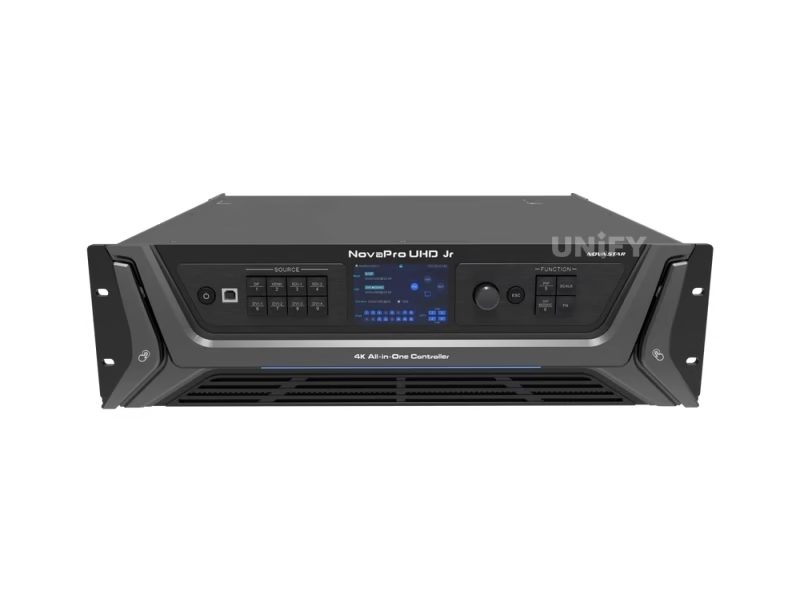
The NovaStar NovaPro UHD Jr Video Processing Controller represents a strategic inflection point in LED control system design. In conventional deployments, integrators must specify, procure, cable, and configure three separate devices: a video scaler for input management, a sending card for data transmission, and a screen configuration tool for pixel mapping. Each additional device introduces a potential failure point, consumes rack space, adds cabling complexity, and multiplies vendor support relationships.
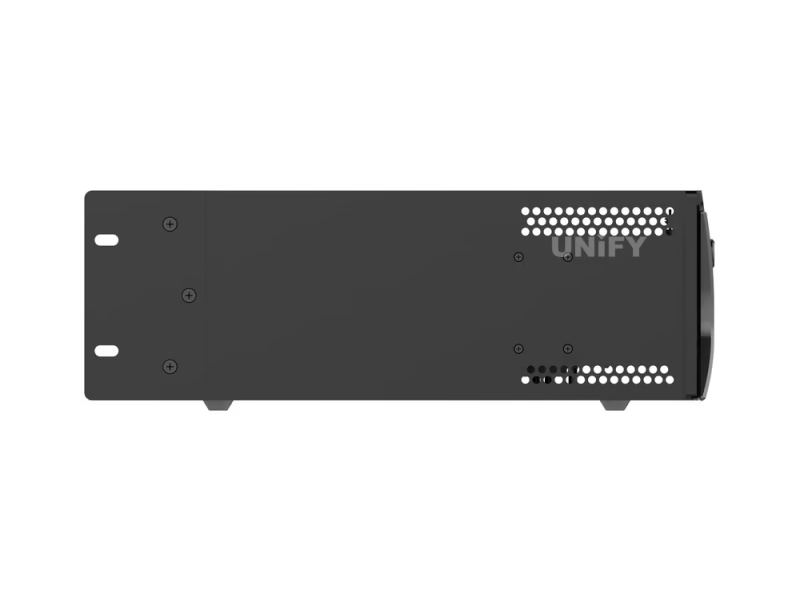
The all-in-one architecture consolidates these three functions into a single 3U, 6.3 kg chassis drawing 70W maximum. For a stage LED display rental company deploying 20+ screens per year, the operational simplification — one device to rack, one device to cable, one device to configure — can reduce on-site setup time by an estimated 30–45 minutes per event. Over a 50-event season: approximately 30–37 labor-hours recovered.
2. Core Specifications — What the Numbers Mean in Practice
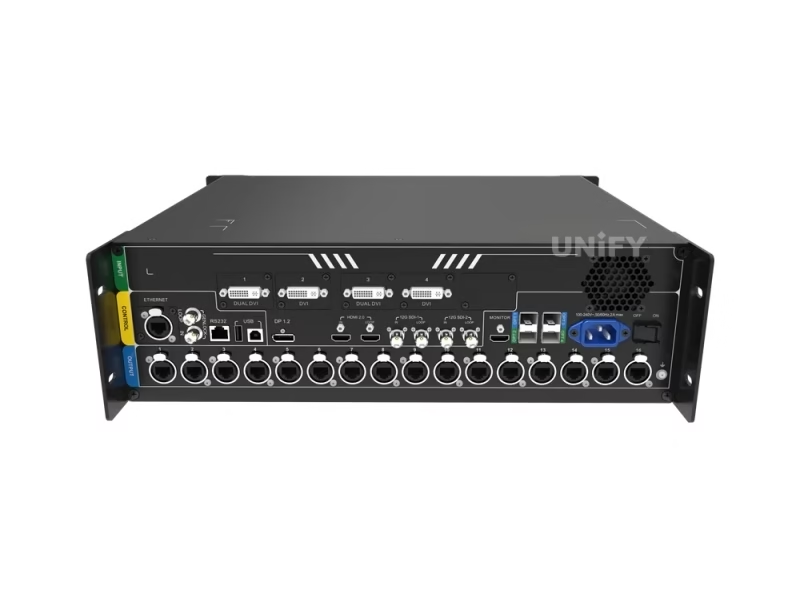
The headline figure of 10,400,000 pixels warrants careful interpretation. This is cumulative across all 16 Neutrik Ethernet ports — not per-port. At 8-bit color depth, each port delivers 650,000 pixels. At 10-bit or 12-bit depth, the per-port capacity drops to 320,000 pixels due to increased bandwidth per pixel. A practical example: driving a 1920×1080 (2MP) screen requires only 3 Ethernet ports at 8-bit; driving a 3840×2160 (8.3MP) screen requires 13 ports — still well within capacity.
DP 1.2 and HDMI 2.0 both accept 3840×2160@60Hz with HDCP compliance (1.3 and 2.2 respectively). The two 12G-SDI inputs accept up to 4096×2160@60Hz — critical for broadcast integration where SDI remains standard. The 4 DVI inputs support single-link 2048×1152@60Hz each, with dual-link mode on DVI 1 and 3 bumping to 3840×1080@60Hz.
For comparison across models: the NovaStar MCTRL4K offers 4K input but lacks integrated video processing layers. The NovaStar MCTRL660 PRO provides 6.5M-pixel capacity in a smaller form factor but without the same input variety or layer management. The NovaPro UHD Jr occupies a distinct category: all-in-one control for projects needing both processing power and sending capacity in a single chassis.
3. Input/Output Architecture — Understanding Real-World Connectivity
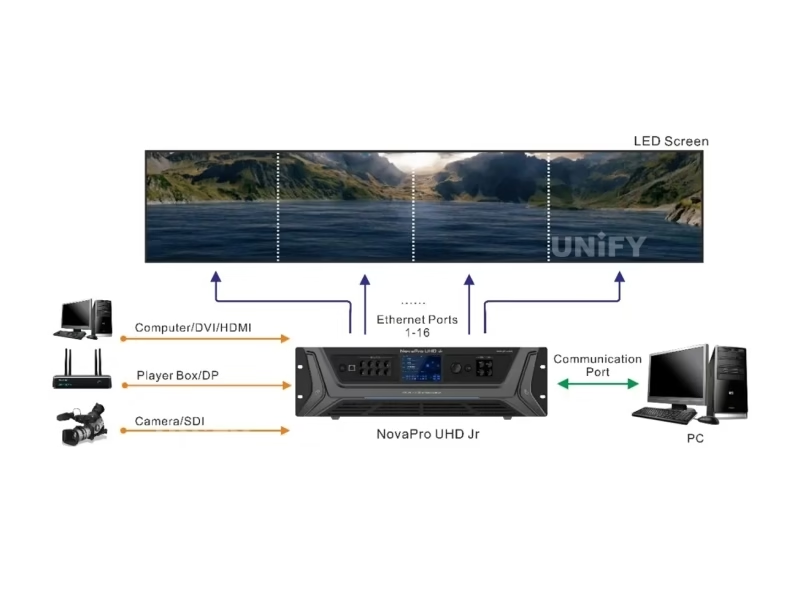
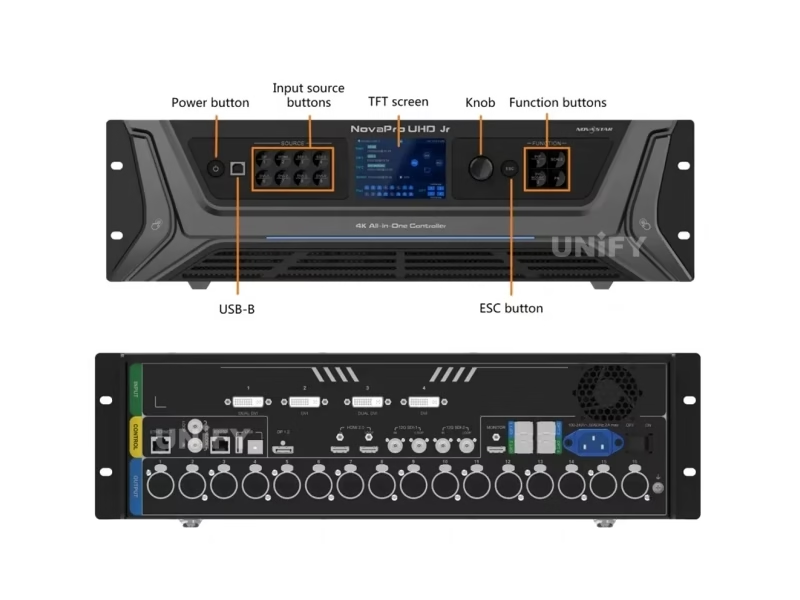
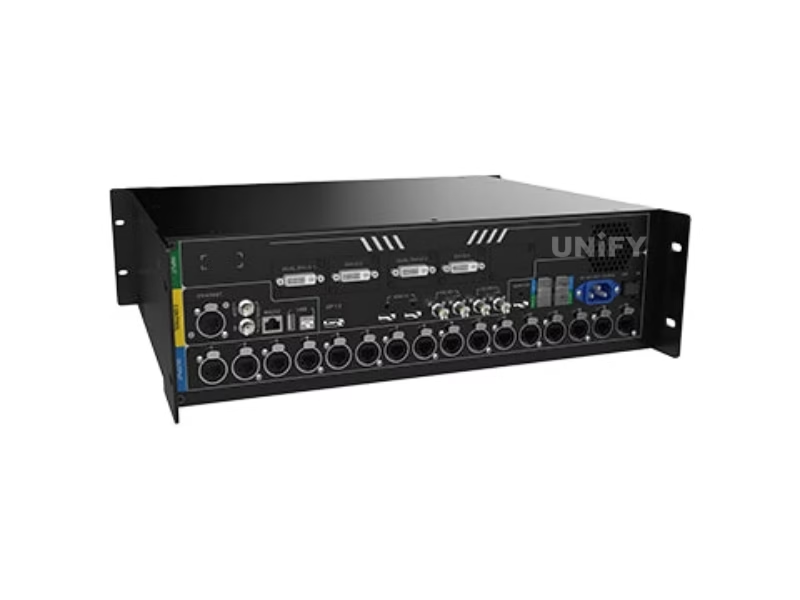
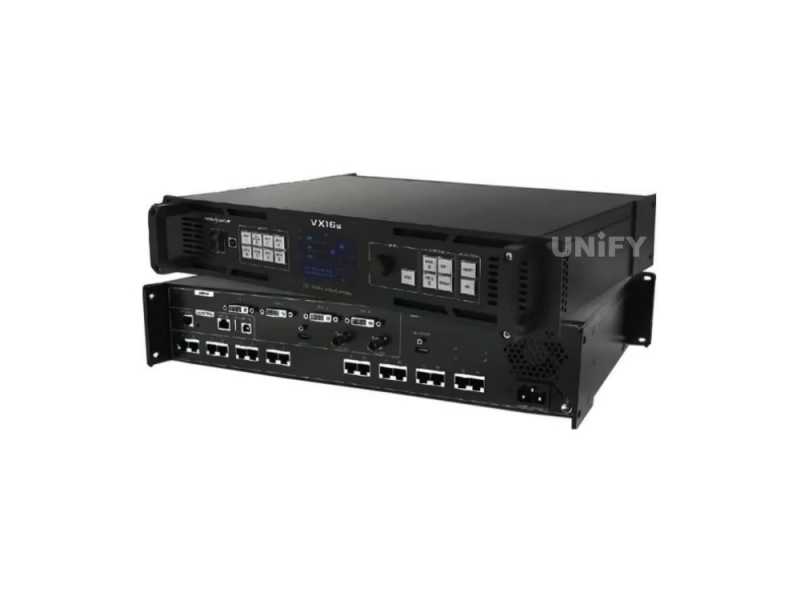
The rear panel reveals the routing flexibility. A typical conference setup: presenter laptop via HDMI, backup playback via DP, two PTZ cameras via 12G-SDI, confidence monitor via HDMI loop output. Front-panel input buttons with LED status indicators provide tactile switching — a feature live event technicians consistently rank as essential when software switching adds unacceptable latency during critical moments.
On the output side: Neutrik etherCON connectors survive repeated plug/unplug cycles that degrade standard RJ45 — decisive for rental and touring. The four 10G optical ports support Copy mode (OPT 3 mirrors OPT 1, OPT 4 mirrors OPT 2) and Hot Backup (automatic failover on primary fiber failure). For mission-critical installations — broadcast studios, control rooms, 24/7 digital signage — this redundancy is operational insurance.
The synchronous LED control system architecture ensures all 16 Ethernet ports operate in lockstep — every frame transmitted in real time, maintaining perfect synchronization across the entire LED surface.
4. HDR10-Optima and Low Latency — Operational Impact
HDR on LED walls is fundamentally different from HDR on consumer TVs. LED walls are inherently high-brightness (1,000–5,000 nits), so HDR processing must map content to avoid clipping highlights or crushing shadows. NovaPro UHD Jr’s HDR10-Optima engine handles this with perceptually optimized tone curves. Result: specular highlights in concert footage retain detail; shadow details in cinematic content remain distinguishable — even on screens at high brightness levels.
Low-latency mode achieves its 2-frame reduction (~33ms at 60Hz) by optimizing the data path between sending card and Armor series receiving cards. For IMAG applications, total glass-to-glass latency (camera → processor → sending card → receiving card → LED driver → photon emission) stays under 3 frames. Above 3 frames, the human visual system detects lip-sync discrepancies — a failure mode that degrades audience experience at any event.
5. Total Cost of Ownership — 5-Year Analysis
Separate Components Approach: External video scaler ($800–$2,000) + independent sending card ($200–$500) + screen configuration hardware + additional cabling ($50–$150) + extra rack space (2–3U) = hardware cost $1,050–$2,650 before operational overhead.
NovaPro UHD Jr Approach: Single device, single cable set, single 3U rack space, single configuration point. 5-year electricity cost: 70W × 8h × 365d × 5yr × $0.12/kWh ≈ $123.
The real savings emerge in operational efficiency. One manual. One firmware update. One support contact. With LED display lifespan of 100,000 hours (11+ years at 24/7), controller longevity is a primary procurement consideration.
6. Real-World Deployment: Stage, Conference, Fine-Pitch & Rental
In stage productions, the 10 presets become show-critical. A FOH engineer pre-configures Preset 1 for opening act (single camera, full screen), Preset 2 for keynote (PIP: slides + speaker), Preset 3 for awards (two PIPs: nominee + winner camera). Each preset recalls input assignments, layer positions, scaling, and color settings in under a second.
For conference LED display solutions, the front-panel TFT + knob provide a backup control path if V-Can or the PC connection fails mid-event. In fine-pitch LED display installations (P1.5 and below), 10/12-bit color depth prevents banding artifacts in smooth gradients. For rental LED display operations, EDID management solves the recurring “no signal” scenario with client-provided source devices.
7. Installation Best Practices & Common Pitfalls
Pitfall 1 — Exceeding per-port pixel limits at high color depth: Switching from 8-bit to 10-bit drops per-port capacity from 650K to 320K pixels. A screen that loaded correctly at 8-bit may show blank areas at 10-bit. Solution: Recalculate port allocation before changing bit depth.
Pitfall 2 — Neglecting rcfgx backups: If a receiving card fails without a backup, manual reconfiguration takes 30–60 minutes per card. Solution: After every successful configuration, read back and save rcfgx files from every receiving card. Store in at least two locations.
Pitfall 3 — Optical fiber mode misconfiguration: OPT 3 and 4 only provide backup/copy functions for OPT 1 and 2 respectively. Verify the working mode in device settings. We cover these topics in our LED Academy.
How to Read Back Configuration File from NovaLCT — Backup Your LED Screen Settings Before Maintenance
8. Software Ecosystem: V-Can, NovaLCT & Web Control
NovaStar’s software strategy provides three complementary tools. V-Can (V3.8.0) handles operational video control — what the operator sees during a live event. NovaLCT (V5.8.1) handles engineering configuration — what the technician sets up before the event. SmartLCT (V3.5.14) provides an alternative configuration interface. All three communicate over Ethernet (TCP/IP) or USB.
The web-based control interface — accessible by navigating to the device’s IP address — provides a lightweight alternative for basic operations: input switching, brightness adjustment, preset recall from any browser. This is valuable for setups where the AV team may not have a dedicated control PC.
9. Maintenance & Long-Term Reliability
The front-panel TFT displays Ethernet port status in real time. The Ethernet port backup test function simulates primary port failure and confirms backup path functionality — this should be part of every pre-event checklist. For LED screen maintenance, we recommend: monthly input port verification, quarterly rcfgx/preset backups, annual connector inspection and vent cleaning. The 70W power draw generates minimal heat, but 1U rack gap above and below extends component lifespan measurably.
10. Sourcing Strategy — Factory Direct vs. Distributor
B2B buyers face a genuine choice: regional distributor (local stock, local warranty, relationship continuity) vs. factory-direct from a LED screen manufacturer that is also a NovaStar partner (15–30% lower pricing, pre-shipment configuration, integrated ecosystem support).
Key evaluation questions: Does the supplier test each unit with a live LED screen before shipping? Can they provide the complete system (LED cabinets + controller + receiving cards) pre-configured? Do they offer technical support in your time zone? Our quality control process documentation details our testing procedures — we encourage direct comparison.
11. Conclusion — Is the NovaPro UHD Jr Right for Your Project?
The NovaStar NovaPro UHD Jr Video Processing Controller occupies a distinct market position: the most capable all-in-one controller below the flagship NovaPro UHD, offering 10.4M pixels, HDR10 output, 12G-SDI broadcast integration, and multi-unit cascading in a field-proven 3U chassis with global certifications. For B2B buyers whose projects exceed a basic sending card but don’t require the full feature set and price point of the flagship NovaPro UHD, the Jr represents the optimal balance of capability, reliability, and cost.
When evaluating your next LED controller purchase, move beyond the specification sheet. Ask your supplier: Is this unit tested before it ships? Can you pre-load configuration files? What happens when I need support at 2 AM local time during a live event? These operational considerations — not just pixel counts and input types — determine whether a controller contributes to project success or becomes a source of recurring frustration.