
SDI vs HDMI: Which Connection Should Your LED Wall and Broadcast Setup Use? (2026)
The SDI vs HDMI choice is decided by which world the signal lives in. HDMI is the consumer standard — every laptop, media player, and conference system speaks it, and it carries video, audio, and copy protection in one cable. SDI is the broadcast standard — uncompressed video over locking BNC connectors, built for long runs, live production, and zero copy-protection headaches. This article compares the two from the LED wall and live-event perspective: what each signal carries, how far it travels, which LED controllers have which inputs, and where converters fit. As an LED screen manufacturer, Unify LED ships controllers with both interfaces across the NovaStar line, matched to the project’s source list.
Short answer: Use SDI when the signal chain is professional — cameras, switchers, broadcast equipment, runs over 15 meters, or anything that must not drop mid-show. Use HDMI when the chain is consumer — laptops, media players, set-top boxes, or short runs where HDCP-protected content is involved. On LED walls the practical answer is often both: SDI for the camera feeds, HDMI for the client laptop, and a controller that takes both.
How Do SDI vs HDMI Compare at a Glance?
| Parameter | HDMI | SDI |
|---|---|---|
| Connector | 19-pin HDMI, no lock | BNC, twist-lock bayonet |
| Signal | Digital A/V + HDCP + EDID handshake | Uncompressed digital video, no HDCP, no handshake |
| Typical distance | ~15 m on a good cable; 25–50 ft typical | 100 m+ at HD-SDI on RG6; shorter at 12G-SDI |
| Audio | Embedded, universal | Embedded, professional channels |
| Copy protection | HDCP applies | None |
| Typical gear | Laptops, players, signage boxes, TVs | Cameras, switchers, routers, broadcast monitors |
Five differences do most of the deciding:
- Distance. SDI runs 100 meters and beyond on coaxial cable; HDMI is done around 15 meters without active extenders.
- Connector security. BNC twist-lock survives a cable drag on a stage floor; an HDMI plug pops out.
- Copy protection. HDMI carries HDCP, which can black out a wall; SDI has no HDCP layer at all.
- Field service. SDI coax can be terminated on site with a crimp tool; HDMI cables are bought pre-made.
- Ecosystem. HDMI is everywhere in consumer and corporate AV; SDI is everywhere in cameras and broadcast.
What Do SDI and HDMI Actually Mean?
HDMI (High-Definition Multimedia Interface) is a consumer audio-video interface that transmits digital video and audio over a 19-pin cable, with HDCP copy protection and EDID negotiation built into the standard — the reason a laptop and a display can agree on resolution automatically, and the reason protected 4K content can refuse to play on non-compliant hardware.
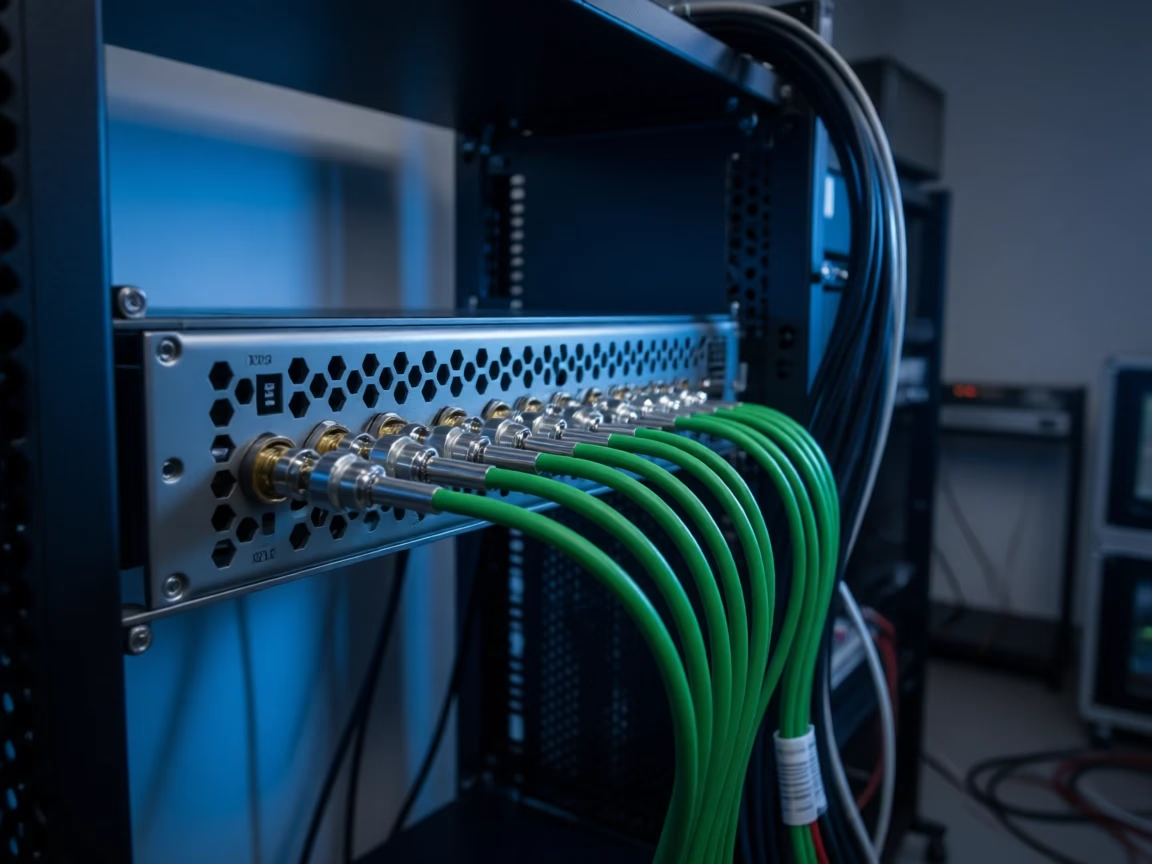
SDI (Serial Digital Interface) is a family of SMPTE broadcast standards that carry uncompressed digital video — and embedded audio — over coaxial cable with BNC connectors. There is no copy protection and no negotiation: the source sends, the receiver displays, and the signal runs as far as the coax will carry it. The version ladder — HD-SDI, 3G-SDI, 6G-SDI, 12G-SDI, 24G-SDI — maps directly to resolution, and the LED controllers that carry these inputs are covered below. For the HDMI-side bandwidth and version details, see our HDMI vs DisplayPort vs DVI article.
How Far Can Each Signal Travel?
Distance is the comparison’s most practical dimension, and the numbers decide most installs. HDMI on a good 18 Gbps-rated cable is reliable to about 15 meters; beyond that the picture drops to artifacts and black screens, and the fix is an active extender or fiber. SDI rides coaxial cable much further: HD-SDI and 3G-SDI cover 100 meters and beyond on standard RG6, which is why a camera at the back of an arena reaches the switcher at the front without any converter in between. The ladder shortens as bandwidth rises — 12G-SDI, carrying 4Kp60, is typically reliable to 40 to 80 meters on RG6, with better cable buying more distance. The practical rule: under 15 meters, either works; over 15 meters, SDI or active extension is the only real choice.
The extension story matters on both sides. HDMI runs stretch with active extenders over Cat cable or fiber, at the cost of one more powered device per run; SDI runs stretch further with better coax, and reclocking devices clean up long 12G paths when needed. The cost asymmetry is real: a 50-meter HDMI job needs hundreds of dollars of extenders, while the same 50 meters on SDI is a spool of RG6 and two BNC ends.
What Do the SDI Versions Mean: 3G, 6G, 12G, 24G?
The SDI version names are bandwidth classes, and each class has a resolution ceiling:
| Version | Data rate | Ceiling | Where it appears in our lineup |
|---|---|---|---|
| HD-SDI (1.5G) | 1.485 Gbps | 1080p30 / 1080i60 | Legacy broadcast gear |
| 3G-SDI | 2.97 Gbps | 1080p60 | MCTRL660 PRO, VX4S-N, VX600, VX1000, VX16S |
| 6G-SDI | 6 Gbps | 4Kp30 | MCTRL R5 |
| 12G-SDI | 12 Gbps | 4Kp60 | NovaPro UHD Jr (2×, with loop) |
| 24G-SDI | 24 Gbps | 8K | Not yet on LED controllers |
Which LED Controllers Carry SDI Inputs?
SDI inputs live on the broadcast side of the controller line, and the full picture — from 1080p60 to 4Kp60 — is covered by the current lineup: the MCTRL660 PRO and VX4S-N, VX600, VX1000, and VX16S carry 3G-SDI (with loop-through on several models, so a monitor can tap the signal); the MCTRL R5 steps up to 6G-SDI for its 3840×1080 ultra-wide canvas; and the NovaPro UHD Jr carries two 12G-SDI inputs with loop for true 4Kp60 broadcast chains. The entry sending boxes — MCTRL300, MCTRL600, MCTRL660 — have no SDI, which is the first thing to check when a camera feed is part of the project. NovaStar’s own introduction to the VX1000, a 3G-SDI-equipped all-in-one, doubles as a broadcast-side tour of the line:
Product pages: MCTRL660 PRO · MCTRL R5 · VX16S.
Why Does Broadcast Use SDI and Corporate AV Use HDMI?
The two ecosystems chose their standards for the same reason: the environment. Broadcast uses SDI because a show is built from cameras, switchers, and long cable runs — the BNC lock keeps connectors seated when a stagehand walks past the cable, the coax runs 100 meters without an extender, the cable can be cut and re-terminated on site, and there is no HDCP layer to refuse a signal at the worst possible moment. Corporate AV uses HDMI because the sources are laptops and the runs are short — HDMI is on every device in the room, carries audio with video, and negotiates resolution automatically. The two worlds meet on the LED wall, which is exactly where dual-input controllers earn their price.
One more operational difference separates the two on live shows. SDI is a dumb pipe in the best sense: no handshake, no negotiation, no firmware opinion — the source sends and the screen shows, with latency measured in a fraction of a frame. HDMI is a conversation: EDID negotiation, HDCP checks, and source-to-display agreement happen before the first frame appears, which occasionally means a black screen exactly when the show starts. On a live stage, the pipe that cannot refuse to work is the one engineers trust.
What About HDCP and Converters?
HDCP is the hidden difference that decides some chains before distance does. HDMI carries it, SDI does not — which is why a 4K Blu-ray chain can fail on HDMI hardware and work fine over SDI, and why broadcast equipment has no copy-protection failure mode at all. The HDCP mechanics are covered in our 4K@60Hz, HDCP 2.2 and HDR article. When the two worlds must meet, converters bridge them: HDMI-to-SDI and SDI-to-HDMI converters run from roughly $20 to $100 per direction, pass the video through, and are the standard fix for feeding a laptop into an SDI switcher or a camera into an HDMI-only controller. Two converter rules apply: SDI-to-HDMI conversion does not create HDCP where none existed, and every converter adds a device to troubleshoot — which is why a controller with both input types beats a converter on every live show.
How Do You Choose for an LED Wall Project?
The decision follows the source list. Live production — cameras, switchers, broadcast trucks, anything filmed with genlock discipline — runs on SDI, and the controller needs a 3G, 6G, or 12G input to match. Corporate and presentation work — laptops, signage players, set-top boxes — runs on HDMI, with HDCP compliance as the quiet requirement. Most walls serve both audiences, which makes the practical answer a dual-input controller: SDI for the camera feed and HDMI for the client laptop on the same device, with the VX line’s input switching doing the routing. For the video processing side of that equation, see our LED video processor article.
The checklist that settles it in the field: camera feed or switcher output in the chain → SDI; laptop or media player → HDMI; cable run over 15 meters → SDI or active extension; protected 4K content → HDMI 2.0 with HDCP 2.2, or SDI with no protection layer at all; both audiences on one wall → dual-input controller.
What Do Buyers Frequently Ask About SDI vs HDMI?
Does SDI carry audio? Yes — SDI embeds digital audio channels alongside the video, which is how camera feeds arrive at the switcher with sound intact.
Can I convert HDMI to SDI? Yes, with an active converter. It is the standard way to bring a laptop into an SDI production chain, and converters cost little enough to keep as spares.
Why does my SDI source show no signal on the LED controller? The usual causes are a version mismatch — a 12G source into a 3G input does not downconvert — or a cable damaged on site. Check the SDI version ladder before checking anything else.
Which NovaStar controllers have SDI? The MCTRL660 PRO, VX4S-N, VX600, VX1000, and VX16S carry 3G-SDI; the MCTRL R5 carries 6G-SDI; the NovaPro UHD Jr carries two 12G-SDI inputs.
How far can SDI go? HD-SDI and 3G-SDI cover 100 meters and beyond on RG6 coaxial cable; 12G-SDI is typically reliable to 40–80 meters depending on cable quality.
Does SDI support 4K? Yes — 6G-SDI carries 4Kp30, 12G-SDI carries 4Kp60, and 24G-SDI carries 8K. On LED controllers, 12G-SDI is currently the top of the ladder.
Which should a church streaming setup use? SDI from the cameras to the switcher and to the wall, HDMI for the presentation computer — the same dual-input pattern as every other live venue.
Is SDI better quality than HDMI? At 1080p the two carry the same picture quality; both are digital. SDI’s advantage is not better pixels but a more robust chain — uncompressed broadcast signaling, longer runs, and no copy-protection or negotiation layer. At 4K, 12G-SDI and HDMI 2.0 again deliver equivalent picture quality; the choice stays an infrastructure one.
SDI vs HDMI: Which One Should You Use? Final Verdict
The SDI vs HDMI decision ends where the cable run and the copy protection begin. If the signal comes from cameras, switchers, or broadcast equipment, or travels more than 15 meters, SDI is the standard for a reason: locking connectors, field-terminated coax, 100-meter runs, and no HDCP. If the signal comes from laptops and players over short runs, HDMI is the universal answer, HDCP included. On the LED wall the two answers combine — SDI on the production side, HDMI on the presentation side, and a dual-input controller in the middle.
Send your source list and cable-run map through the Unify LED contact page, and we will return the controller and input configuration matched to the signal chain.