
RGBlink Video Switcher vs Video Processor: Which One Does Your Setup Need?
RGBlink video switcher vs video processor is the first decision most buyers face when they meet the brand: the portable mini switchers and the rack-mount M1 look like one product class, while the VSP 628PRO, X1 Gen2, X2 and X3 look like another. The two families do different jobs in the same signal chain, and buying the wrong one costs either a wall that cannot be composed or a stream that cannot be produced. This guide defines each family, compares them point by point, and maps every current RGBlink product to the job it is built for. Data sources: RGBlink official product documentation for the mini series, M1, VSP 628PRO, X1 Gen2, X2 and X3 (specification sheets and user manuals, V1.x–V1.8, 2024–2026), the RGBlink product pages on this site, and September 2026 channel data.
Short answer: A video switcher selects live sources and produces one program with transitions, audio, recording and streaming. A video processor scales sources, composites layers and drives fixed displays such as LED walls. RGBlink’s switcher family is the mini-pro v3, mini-edge SDI, mini-ISO and M1; the processor family is the VSP 628PRO, X1 Gen2, X2 and X3. Cameras and streaming point to a switcher; LED walls and multi-display systems point to a processor; live productions that do both chain the two together.
What Is the Difference Between RGBlink Video Switcher vs Video Processor?
A video switcher is a real-time production device that takes several camera or computer sources, selects which one becomes the program, and adds the production layer around it — audio mixing, transitions, recording and streaming. A video processor is an image engine between sources and a display system: it scales every input to the display’s native resolution, composites several sources into layers, and drives the fixed output topology of the screen — the exact pixel geometry of an LED wall, the number of outputs, the resolution per output. One operator question belongs to each: the switcher answers “which source goes live right now?”, the processor answers “how does each source appear on this display?”.
Four key differences decide the purchase:
- Time. A switcher works in real time during the event; a processor is configured before it and recalled as presets.
- Destination. Switchers aim at streams and recordings; processors aim at the fixed pixel geometry of a wall.
- Audio. Switchers mix audio with mic inputs; processors handle video only.
- Output count. A switcher produces one program; a processor drives the full output topology of the display system.
RGBlink Video Switcher vs Video Processor: Which One Sits First in the Signal Chain?
When a switcher and a processor are both in one system, the order is fixed by the jobs: sources enter the switcher, the switcher’s program output feeds the processor, and the processor feeds the LED control system and the wall. The chain runs camera to switcher to processor to display:
- Sources — cameras, laptops, media players, NDI streams.
- RGBlink video switcher — cuts the live mix, adds audio, records and streams, and outputs one clean program.
- RGBlink video processor — takes that program plus slides and graphics, scales everything and composites it for the wall.
- Display — the LED wall, with its control system and receiving cards on the final leg.
A common real case is a church or conference room where the switcher’s program output enters the X2 or X3 as one input among several: the wall shows the camera mix, the speaker’s slides, a countdown and a branding bar as separate layers, while the switcher continues to stream the single-camera program to the platforms. Neither device replaces the other in that chain.
RGBlink Video Switcher vs Video Processor: Which Do You Need for Multi-Camera Live Streaming?
Within the switcher family, the dividing lines are portability, connection types and streaming depth. The choice is a ladder from a solo creator to a studio:
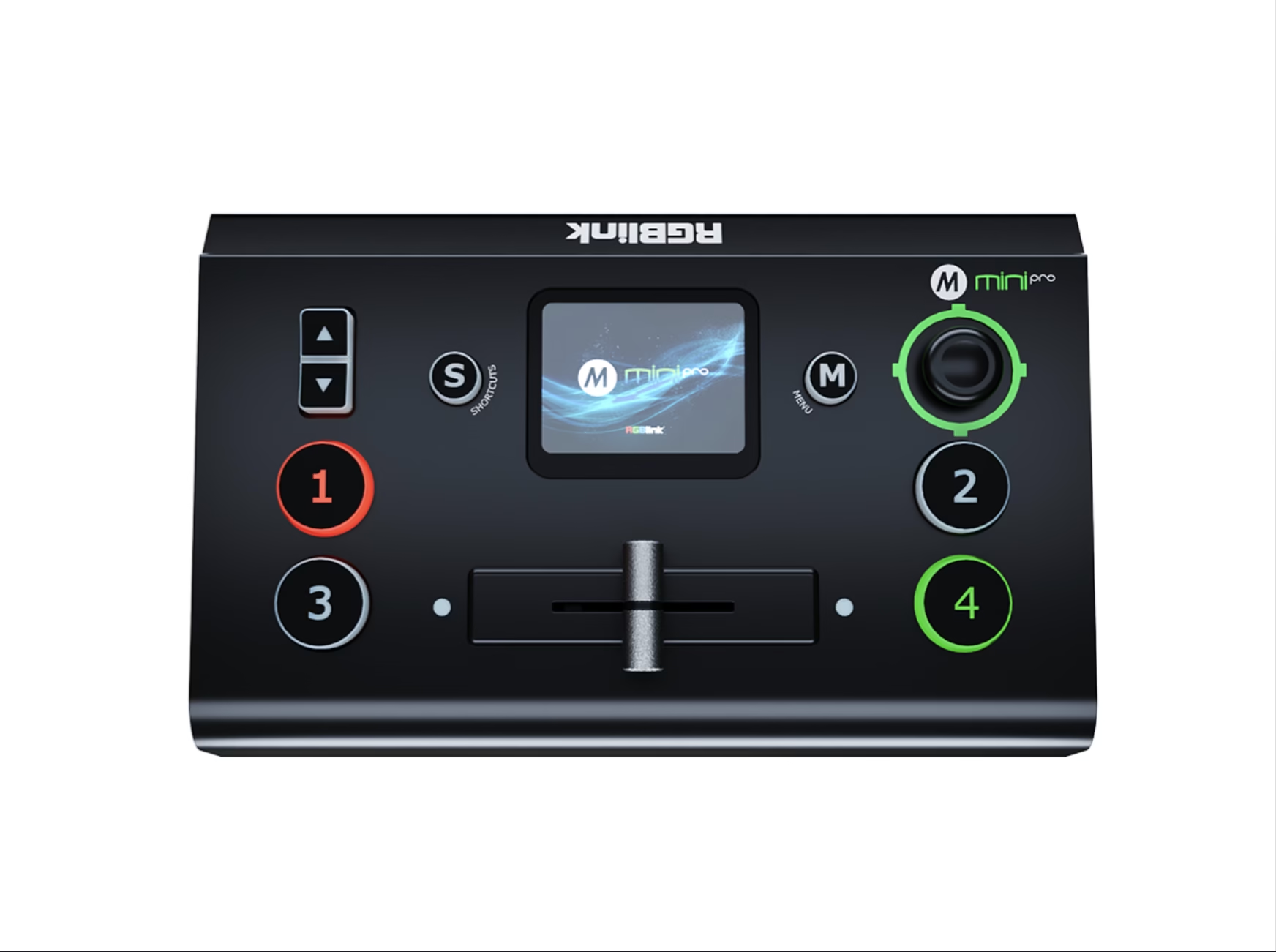
RGBlink mini-pro v3 is the streaming switcher for one-laptop producers: four HDMI 4K60 inputs, a 2.1-inch touchscreen, and dual output added in the v3 generation. Choose it when all sources are HDMI and the event is a two-camera or three-camera stream.
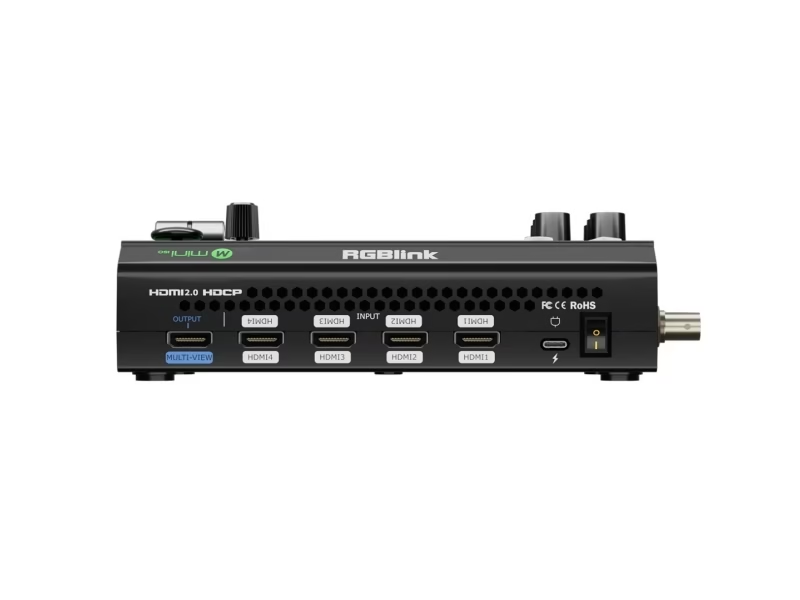
RGBlink mini-ISO is the 10-channel all-in-one for events that mix camera types: four 4K60 HDMI, four 3G-SDI, UVC and NDI. Choose it when SDI cameras, PTZ control and NDI sources must live on one desk.
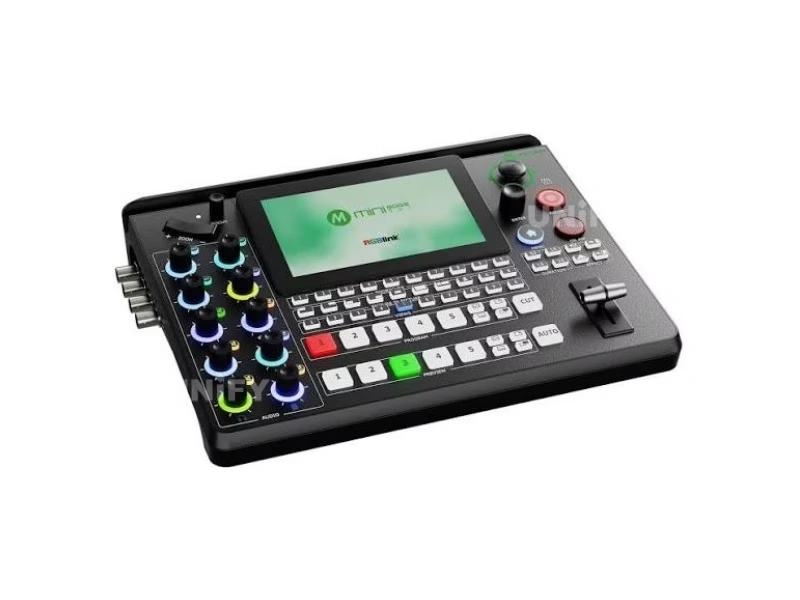
RGBlink mini-edge SDI is the installed version of the same 10-connector I/O with a 5.5-inch screen, XLR phantom power and fan-less 24/7 duty. Choose it for a rack or a fixed AV room that runs all day.
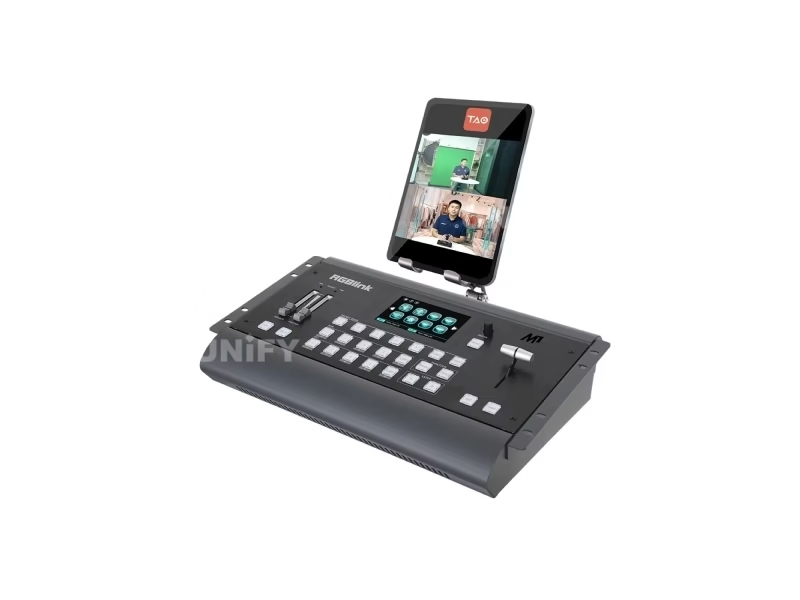
RGBlink M1 is the modular production switcher for studios and touring racks: replaceable NDI and SDI I/O, Genlock, tally and program output over HDMI and USB 3.0. Choose it when the input set changes between productions.
RGBlink Video Switcher vs Video Processor: Which Do You Need for an LED Video Wall?
The processor family is a ladder too, sized by the wall. The question to answer first is not which processor, but what the display system needs: one direct-driven screen, a single processor chain, a 2K wall with several outputs, or a 4K/HDR wall with many sources.
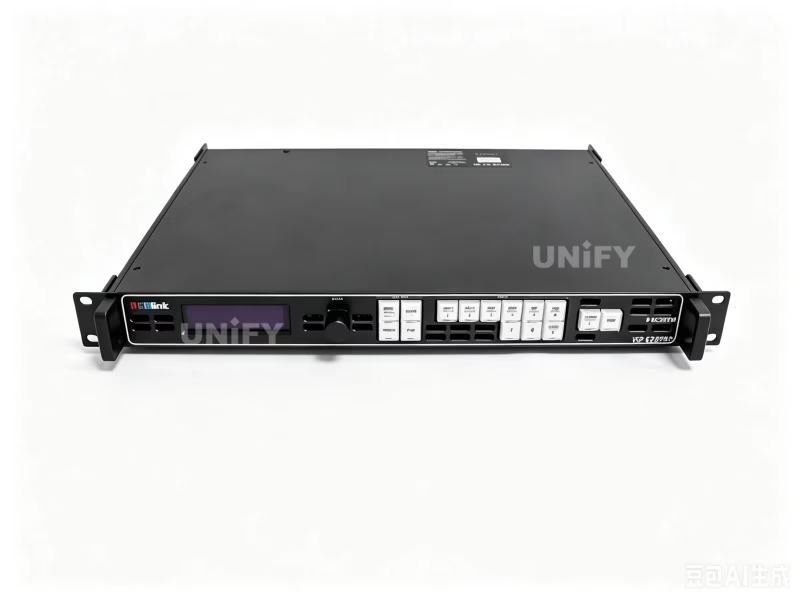
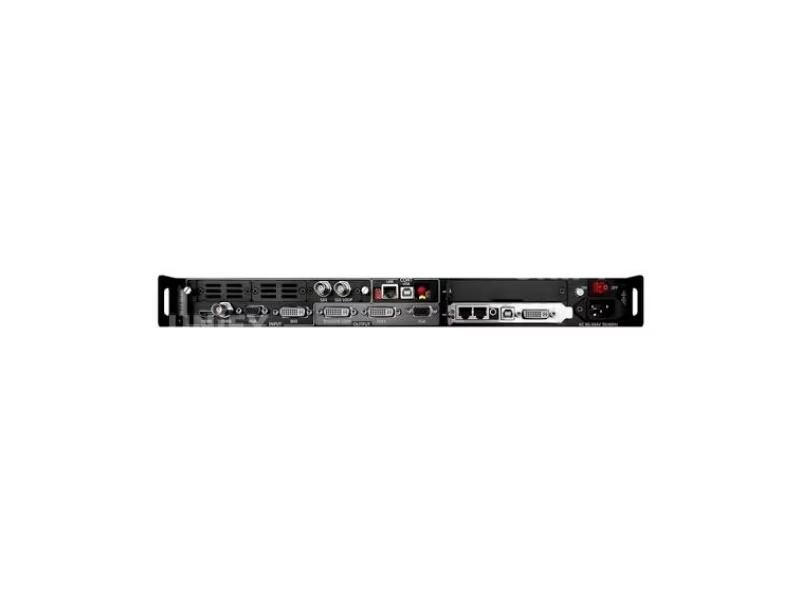
RGBlink VSP 628PRO is the LED video scaler for one display: its sending-card slot drives the screen directly and its four processing modes cover camera-led content. Choose it for fixed signage and small stages without a separate LED control chain.
RGBlink X1 Gen2 is the single-chain processor with dual HDMI inputs, input looping and clean take for broadcast-style cuts. Choose it for one LED screen that must switch between two sources without black frames.
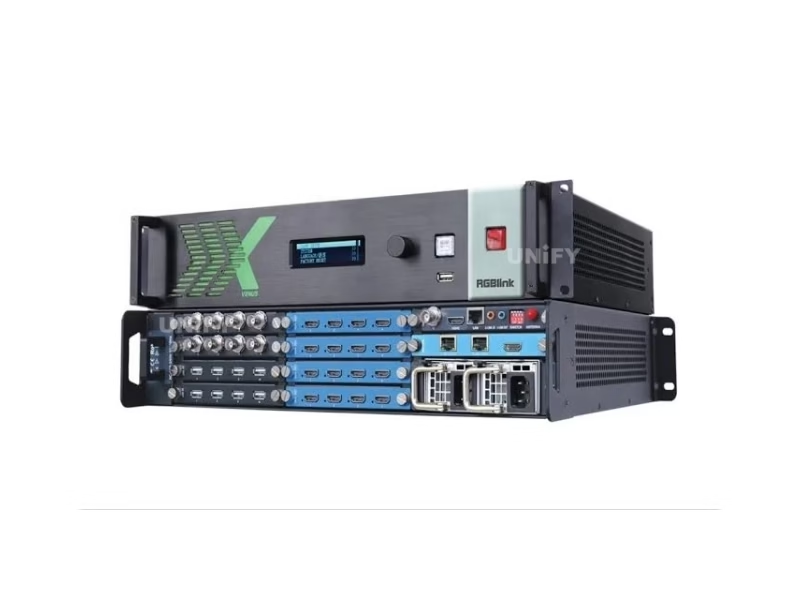
RGBlink X2 is the modular wall processor that drives multi-output 2K walls with up to sixteen layers. Choose it for medium walls whose sources and displays still run at 2K.
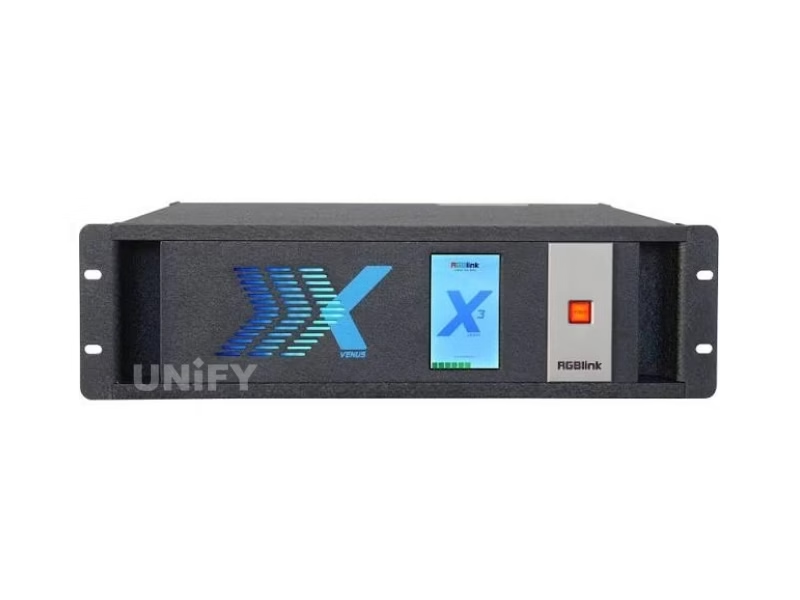
RGBlink X3 is the 4K/HDR-generation wall processor: 4K@60 inputs over HDMI 2.0 and DisplayPort 1.2, 4K HDR and 12G-SDI modules, dual 4K HDMI 2.0 outputs and up to eight displays. Choose it when sources, cameras or content have moved to 4K and the wall must show HDR.
RGBlink Video Switcher vs Video Processor: When Do You Need Both at Once?
You need both when one event has two deliverables: a produced feed and a composed wall. The clearest example is a church service. The video team runs cameras, slides and audio through a mini-ISO or mini-edge SDI, streams the program to the platforms and records it; the same program then enters the wall processor, where it sits beside the lyric background, the speaker title and the countdown clock as separate layers on the LED wall behind the stage.
Rental and staging companies see the same pattern with the M1 on the truck and the X2 or X3 on the wall: the production switcher builds the live mix for the video screens and the stream, and the processor builds the stage wall. The two devices meet at one cable — the program output of the switcher into an input of the processor — and each preset on the processor references that one input.
RGBlink Video Switcher vs Video Processor: How Do the Two Families Overlap?
The line between a RGBlink video switcher and a video processor is honest but not absolute; each family borrows one skill from the other. The mini switchers scale every input and output cleanly, which is processor territory at a single-output scale. The X-series processors cut between inputs with clean transitions and recall presets, which is switcher behavior on a presentation timescale — RGBlink itself calls the X3 a presentation switcher as much as a wall processor. The M1 sits nearest the middle: a production switcher with internal pixel scaling, so it can drive a display directly when the wall needs only one chain.
The rule that survives the crossover is about the primary job. When the deliverable is a stream, a recording or a single-screen show, pick the switcher line and read the switcher product pages above. When the deliverable is a multi-output LED wall with layers and presets, pick the processor line and read the processor product pages above. When both deliverables are on the same contract, buy one of each and connect them — the two families are designed to meet at that one cable.
RGBlink Video Switcher vs Video Processor: What Do Buyers Ask?
Conclusion: RGBlink Video Switcher vs Video Processor — Which One Should You Choose?
A RGBlink video switcher and a video processor are not competing products; they are two stations on one signal chain, and RGBlink’s catalog maps cleanly onto them. The mini-pro v3, mini-edge SDI, mini-ISO and M1 form the switcher family for live, produced output. The VSP 628PRO, X1 Gen2, X2 and X3 form the processor family for walls and display systems. Identify the deliverable — a stream or a screen — and the family chooses itself; identify both, and the chain chooses itself.
Buying a switcher or a processor as part of a complete wall? Talk to us — we are the LED screen manufacturer behind unifyled.com, and we test the switcher and processor against the LED display we ship.