
Church Live Streaming Setup: What Gear Do You Need in 2026?
A church live streaming setup is the bundle of cameras, switcher, audio and network output that puts a Sunday service on YouTube and Facebook without a broadcast crew. Almost every guide in this space — from SoundPro’s church streaming guides to the church AV media sites — builds that bundle around a laptop running OBS or an ATEM Mini, and that is exactly where churches drift off budget: the computer, the capture path and the volunteer who has to run it. This guide builds the same deliverable around hardware switchers instead, in three honest budget tiers, with every RGBlink price traceable to the linked product pages. Data sources: RGBlink official specification sheets and user manuals (V1.x, 2024–2026), the RGBlink product pages on this site, the published Ehonor church LED installation on this site, and typical US street prices for cameras and audio gear (September 2026).
Short answer: A church live streaming setup needs cameras, a switcher with audio mixing, and a stream encoder — and the cleanest build for volunteer teams is a hardware all-in-one switcher that needs no laptop. RGBlink’s mini line maps onto three budgets: the mini-pro v3 ($295) streams to four RTMP platforms and records to USB; the mini-ISO ($599) adds SDI, NDI and PTZ camera control; the mini-edge SDI ($729) adds a 5.5-inch monitor, 16 recallable presets and XLR inputs with phantom power. Total bundles run about $500, $1,500 and $3,000 depending on cameras and audio.
Church Live Streaming Setup: What Does It Include in 2026?
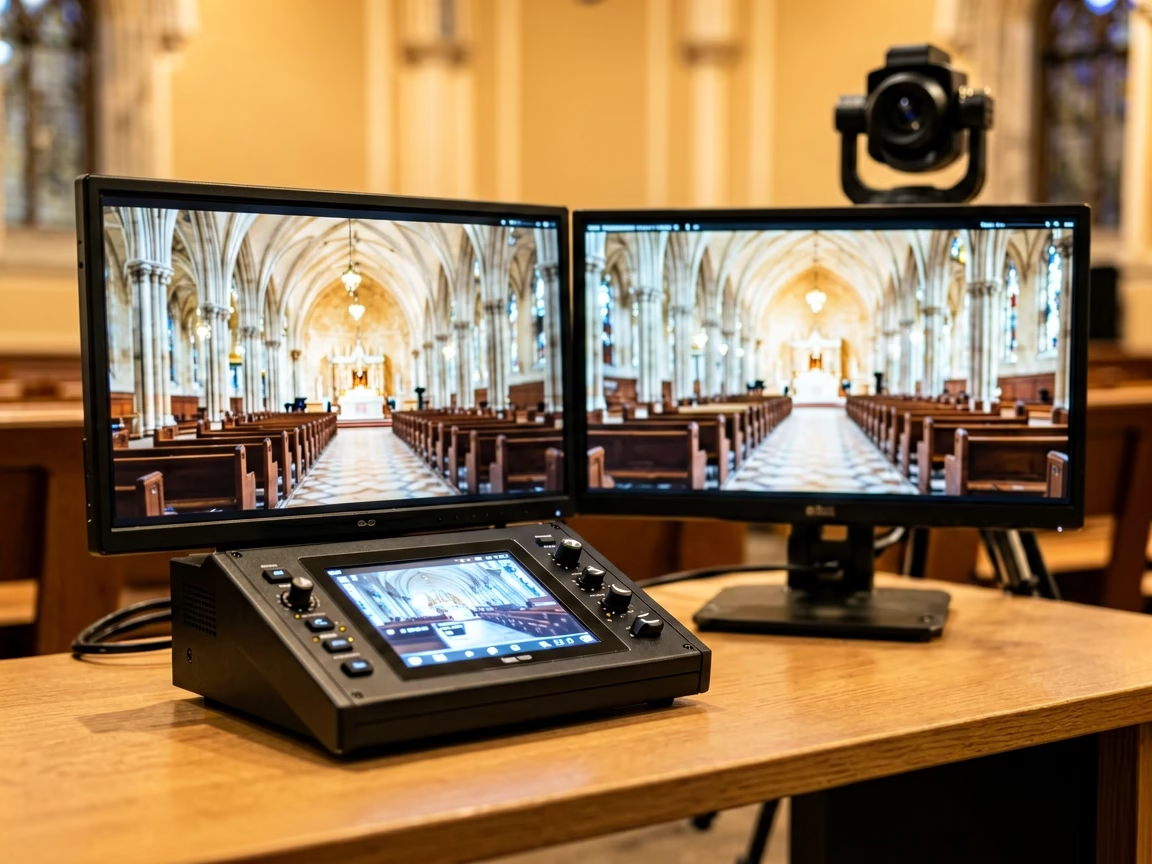
A church live streaming setup includes five stages, and it helps to name them before buying anything: cameras capture the service, a switcher selects and mixes the live picture, audio joins at the switcher or through a console feed, an encoder turns the program into a stream, and a network path carries it to the platforms. The stream itself has two jobs in most churches — the online congregation on YouTube or Facebook and the recording for later review — and a single switcher that mixes audio, records and streams covers both without a computer in the middle.
The 2026 market splits into two design schools. One is software-centric: cameras into a capture card, a laptop running OBS, a stream key pasted into the settings. The other is console-centric: cameras into an all-in-one switcher that mixes audio, records to USB and streams over Ethernet from the unit itself. Console-centric systems cost less to own because they cost less to run — no capture card, no laptop license, no volunteer who must know OBS scenes. The tiers below follow the console school, which is where hardware switcher prices make the difference.
Church Live Streaming Setup: How Much Does Each Budget Tier Cost?
Three tiers cover the range of church sizes, and each is built around one RGBlink mini switcher. Component prices outside the switchers are typical 2026 street ranges; switcher prices are the documented figures from the linked product pages:
Four numbered observations about the budget tiers:
- The switcher is the smallest line item and the most important one. It is also the only component that cannot be upgraded in place without re-learning the room — buy it for the tier above you if the budget allows.
- Camera cost dominates every tier. A church that already owns camcorders or PTZ cameras should scale the tier around the switcher only; the tables assume new cameras.
- Audio rides inside the switcher. The mini line mixes audio at the console — XLR with 48 V phantom on the mini-edge SDI — so no separate mixer is mandatory in Tier 1 and 2 builds.
- Recurring cost is near zero. Streaming needs a network connection and platform accounts; there is no laptop, no capture software license and no per-service operator beyond the volunteer who presses scene recall.
Church Live Streaming Setup: Which RGBlink Switcher Fits Each Tier?
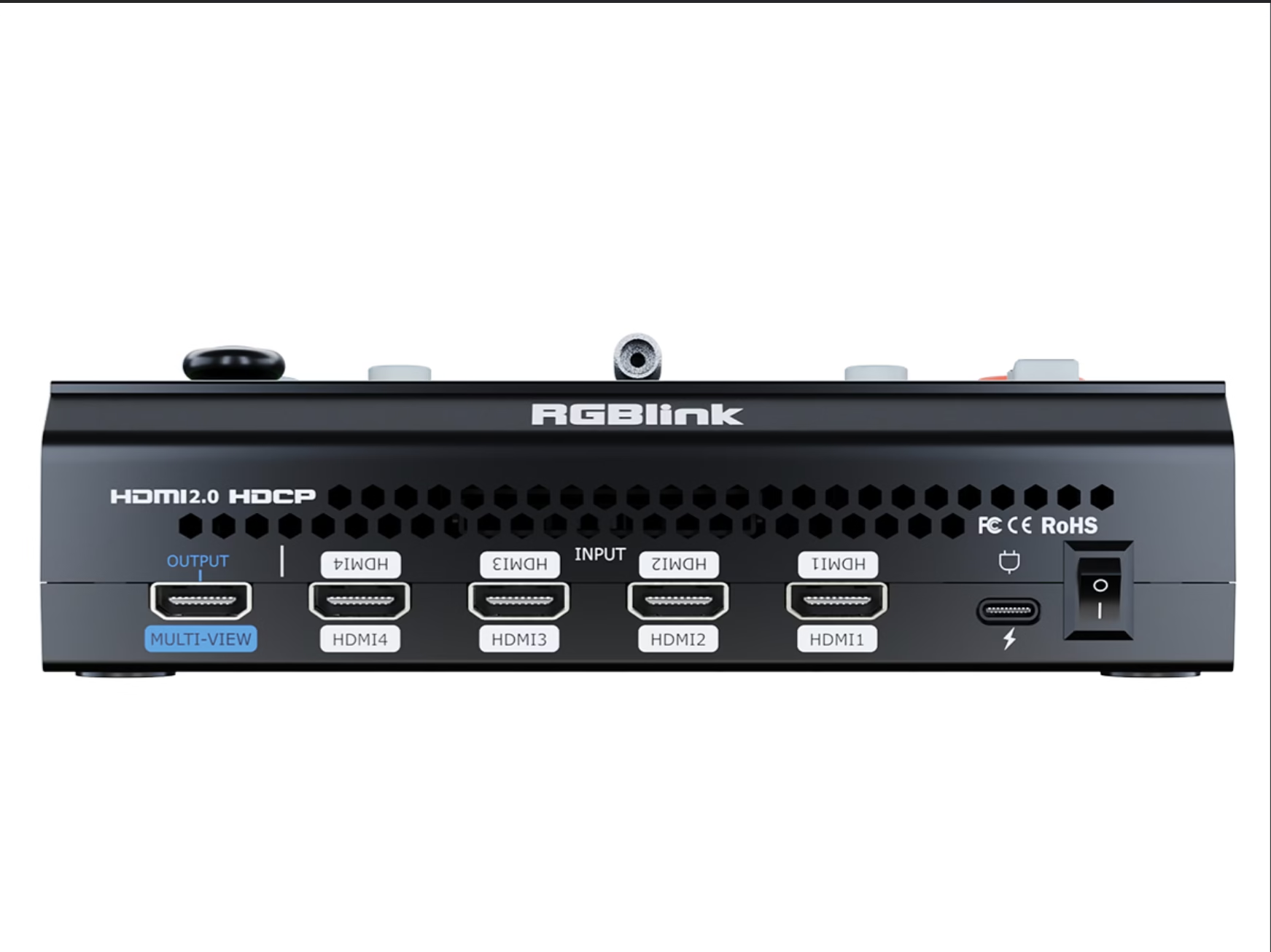
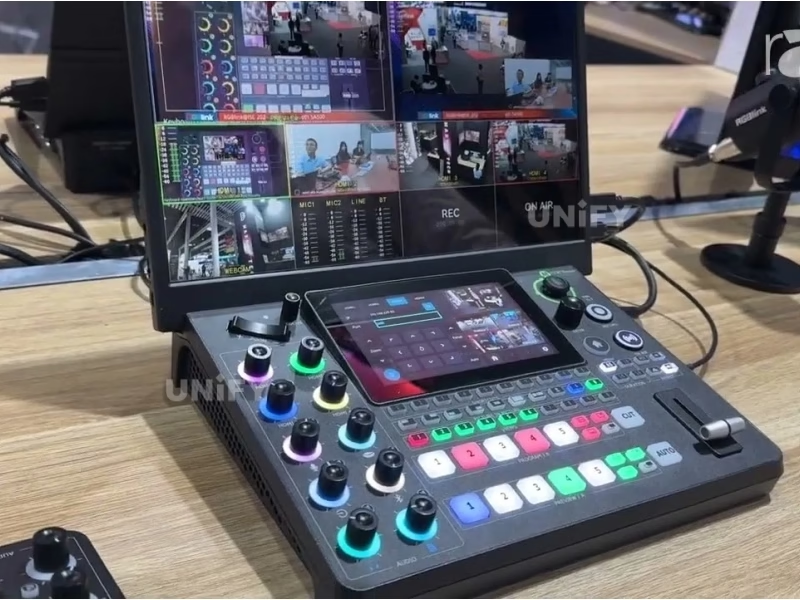
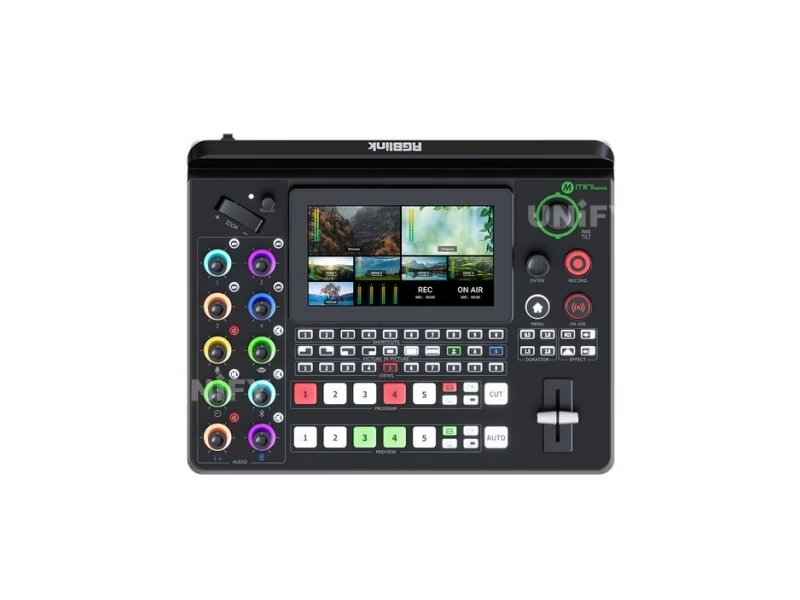
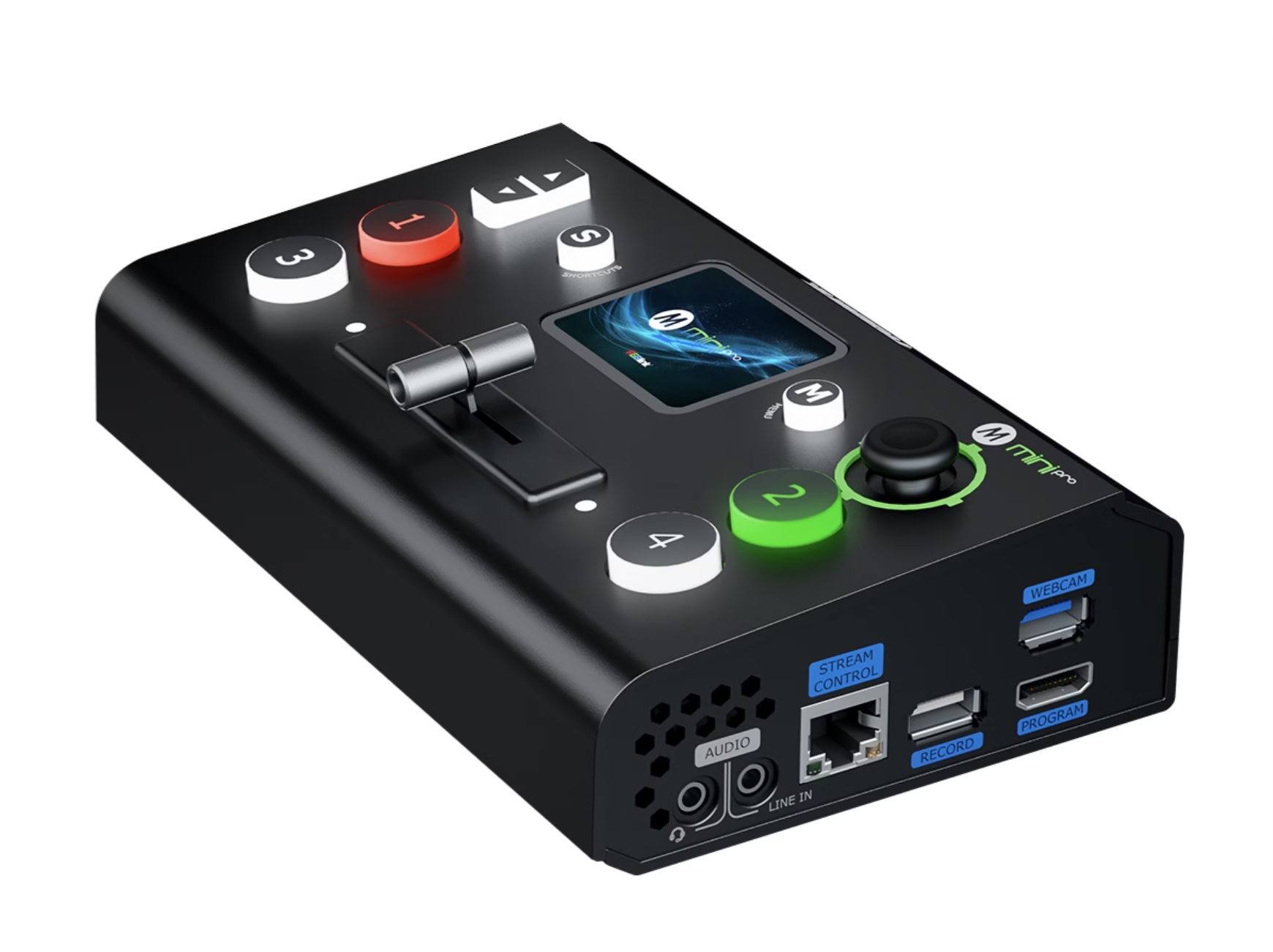
The RGBlink mini family is three consoles with one operating idea — touchscreen switching, built-in streaming, no laptop — and the choice between them is the camera connector and the room. The RGBlink mini-pro v3 at $295 runs the Tier 1 church: four HDMI 2.0 inputs up to 4K60, dual HDMI outputs for a confidence monitor, a 2.1-inch touchscreen with joystick, USB recording to 2 TB and RTMP streaming to four platforms. It suits the room with one or two HDMI camcorders and a volunteer who wants one box to power on.
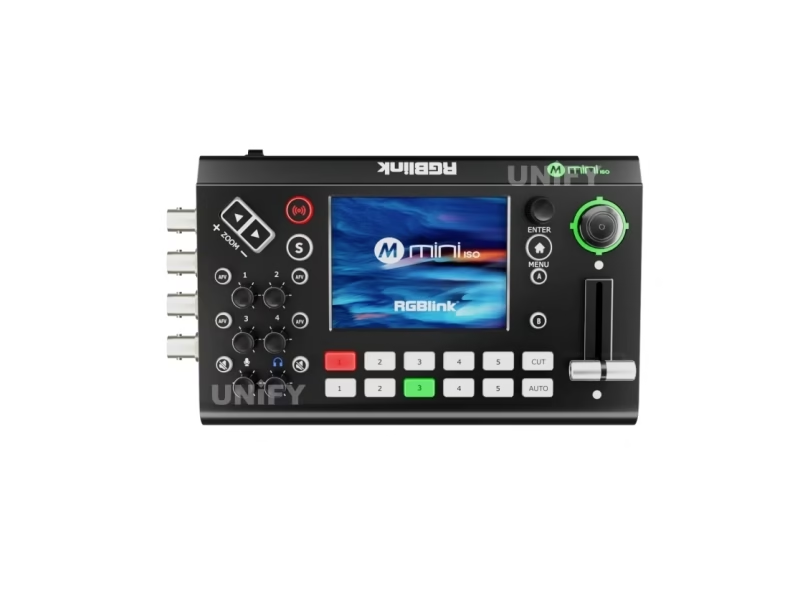
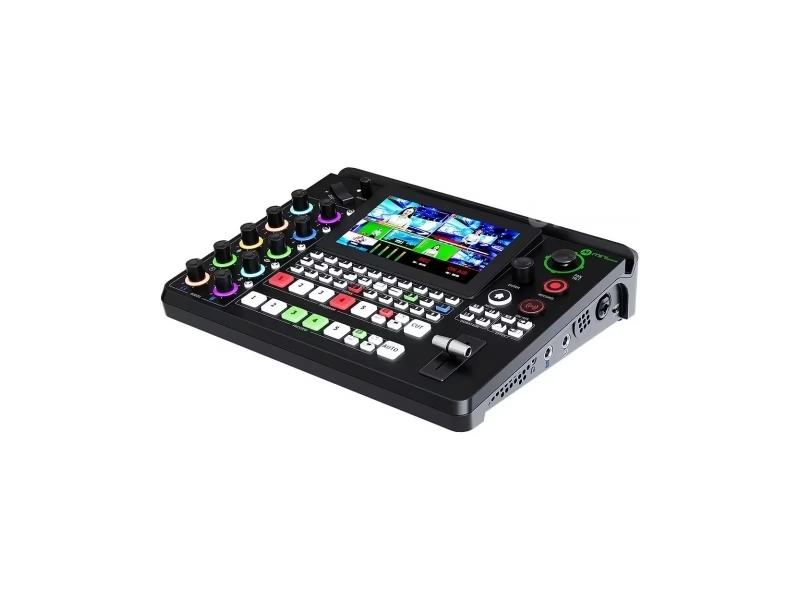
The RGBlink mini-ISO at $599 runs the Tier 2 church: ten video inputs — four 4K60 HDMI 2.0, four 3G-SDI, one UVC and one NDI — so SDI PTZ cameras connect directly, plus PTZ camera control and a 3.5-inch touchscreen on a 0.60 kg body. It suits the room that is adding its second and third angle and does not want converter boxes on the SDI runs. The RGBlink mini-edge SDI at $729 runs the Tier 3 church: the same ten-connector I/O with a 5.5-inch monitor, 16 recallable scene presets, XLR microphone inputs with 48 V phantom power and fan-cooled 24/7 operation for an installed AV room.
Church Live Streaming Setup: Hardware Switcher or OBS on a Laptop?
The question every church committee asks is really about the volunteer: who runs this on Sunday? OBS is free and powerful, but it demands a computer that stays healthy, a capture path from each camera and an operator who understands scenes, sources and bitrate settings. A hardware switcher like the RGBlink mini line moves the whole production onto one console: the volunteer presses a scene preset or a cut button, the unit mixes audio, records and streams, and a laptop is absent from the failure chain.
OBS still has a legitimate seat in the bigger room: churches that want lower-thirds and title graphics beyond the console’s built-in media, or that feed a recording desk, can take the switcher’s UVC input path into a laptop for overlays — the console stays the production core and the laptop becomes an effect box, not the whole system. Churches that came from the software school should read the RGBlink vs ATEM Mini comparison before they buy the ATEM path on habit: the HDMI-only, software-controlled alternative is priced against the same budgets.
Church Live Streaming Setup: How Do You Stream to YouTube and Facebook at Once?
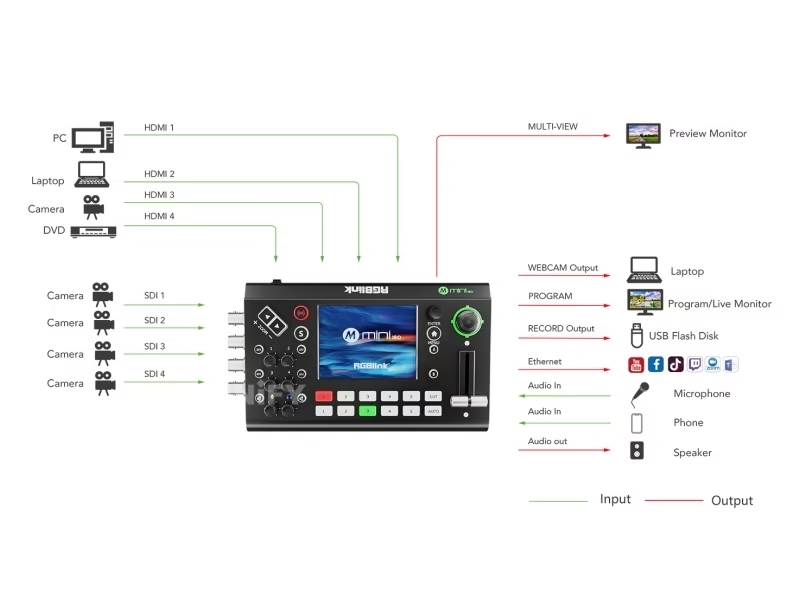
Most churches deliver to YouTube and Facebook together, because the congregation is split between them. The RGBlink mini-pro v3 documents RTMP streaming to four platforms from the console, so YouTube and Facebook run side by side with room to spare; the same unit records the program to USB at the same time, giving the church an archive without a second device. The mini-ISO and mini-edge SDI stream from the console through their built-in encoders with UVC output as a second path for a laptop when one is wanted.
Setup discipline matters more than gear here: each platform needs its own stream key, the keys belong in a password manager accessible to the media team, and the network uplink should be wired rather than Wi-Fi — a Sunday stream at 1080p typically runs several megabits per second, and a wired drop removes the variable. Test the full path on a weeknight: cameras live, stream started, recording started, then walk the building and watch the phone feed for one full song.
Church Live Streaming Setup: How Do You Add SDI Cameras, Audio and the LED Screen?
Three additions turn a stream box into a media room, and the mini line accepts all of them without new converters. SDI cameras: the mini-ISO and mini-edge SDI each carry four 3G-SDI inputs, so broadcast-style PTZ cameras with SDI outputs connect on the cable they were built for, with PTZ control from the mini-ISO console. Audio: the mini-edge SDI mixes eight audio sources including XLR inputs with 48 V phantom power, TRS line and Bluetooth, which covers lapel mics through an interface and a music feed without a separate mixer on the desk. The cable and sync trade-offs between camera transports are covered in the NDI vs SDI guide.
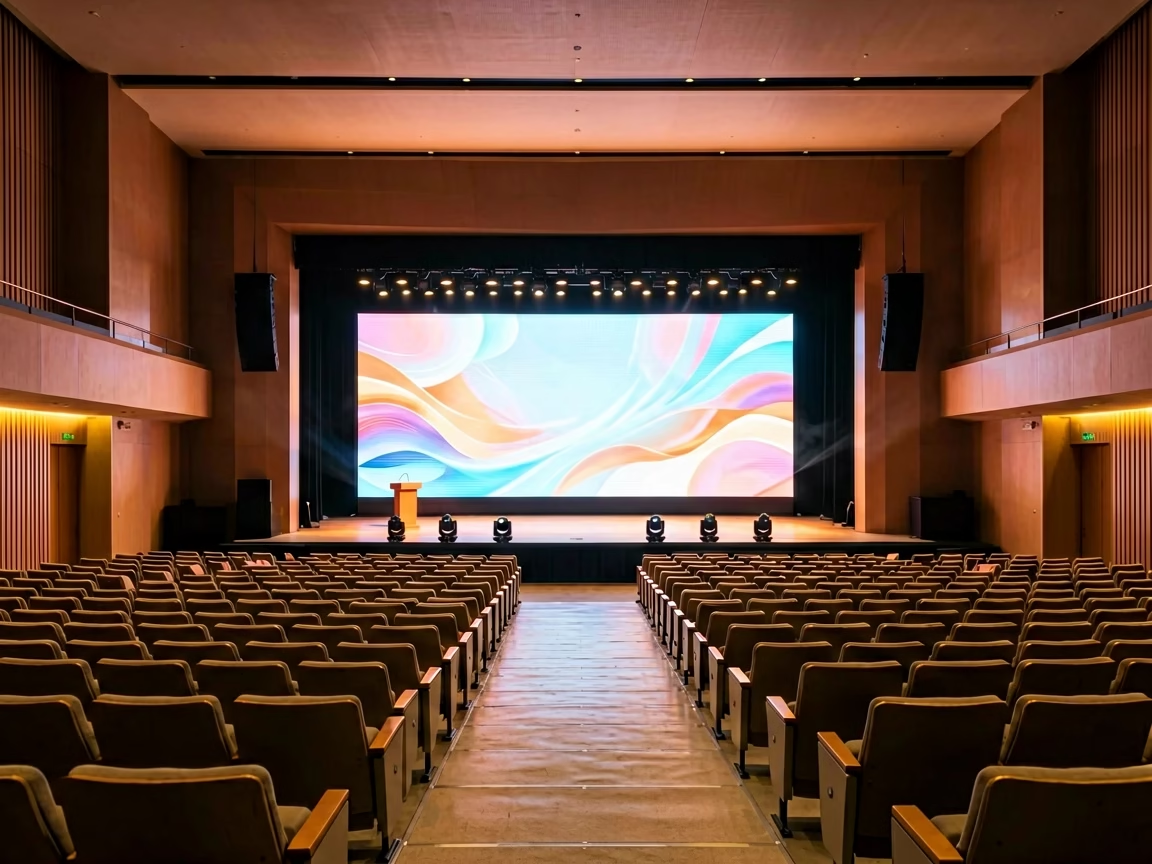
The LED screen is a separate deliverable that shares the switcher’s program output. A church with a stage LED wall feeds the same PGM signal that streams — one HDMI output to the LED control system behind the stage, the stream encoder on the console’s network path — so the wall and the online feed stay in sync by construction. Our church LED screen solutions page covers panels, pixel pitch and processor tiers for sanctuaries, and the published Ehonor P2.5 indoor LED screen for a church in Nigeria installation shows the display side of that chain at 4.8 × 2.4 m, and the video switcher vs video processor guide explains where the switcher ends and the wall processor begins.
Church Live Streaming Setup: What Do Buyers Ask?
Conclusion: Church Live Streaming Setup — Build by Deliverable
A church live streaming setup works when it matches the people who run it, not the catalog that sponsors the guide. For a first stream, the $500 tier with the RGBlink mini-pro v3 puts YouTube, Facebook and a recording on one console a volunteer can learn in an afternoon. For a growing media room, the $1,500 tier with the RGBlink mini-ISO adds SDI cameras and PTZ control. For an installed sanctuary that streams every service and feeds a stage LED wall, the $3,000 tier with the RGBlink mini-edge SDI brings 16 presets, XLR audio and 24/7 operation to the rack. Buy the console that removes the most failure points from Sunday, and let the online congregation grow into the budget.
Buying a switcher or the LED screens behind the stage? Talk to us — we are the LED screen manufacturer behind unifyled.com, and we test the livestream path against the church displays we ship.