
RGBlink Video Wall Processor: How to Read the Spec, Size the Canvas and Choose the Tier
A RGBlink video wall processor is the device most LED buyers buy last and understand least: the same job title covers a $500 single-chain unit and a $9,995 4K/HDR chassis, and the differences live in four spec lines that almost nobody reads before comparing prices. This guide is the reading course for those lines — outputs, canvas, layers and formats — using the four current RGBlink wall processors, the VSP 628PRO, X1 Gen2, X2 and X3, as the working examples. Every figure is traceable to the official specification data published on the linked product pages. Data sources: RGBlink official specification sheets and user manuals (V1.x, 2024–2026) and the published RGBlink product pages on this site, verified September 2026.
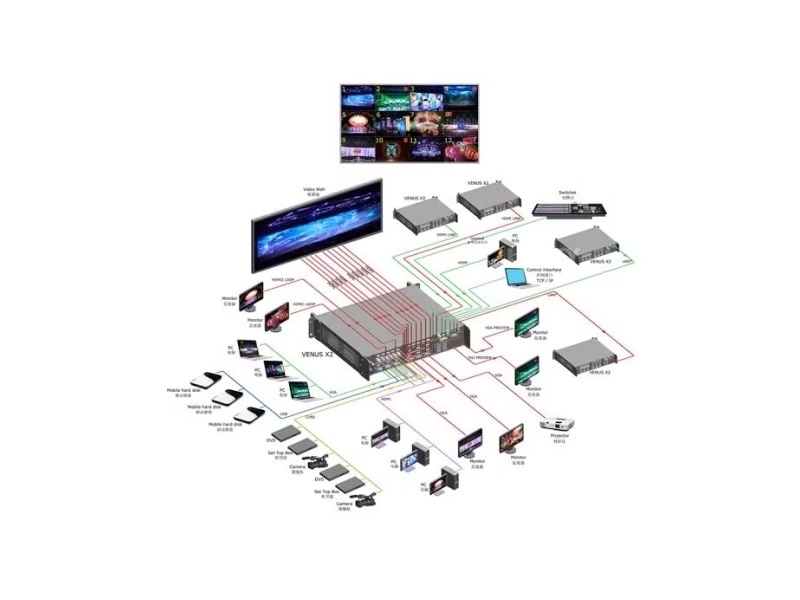
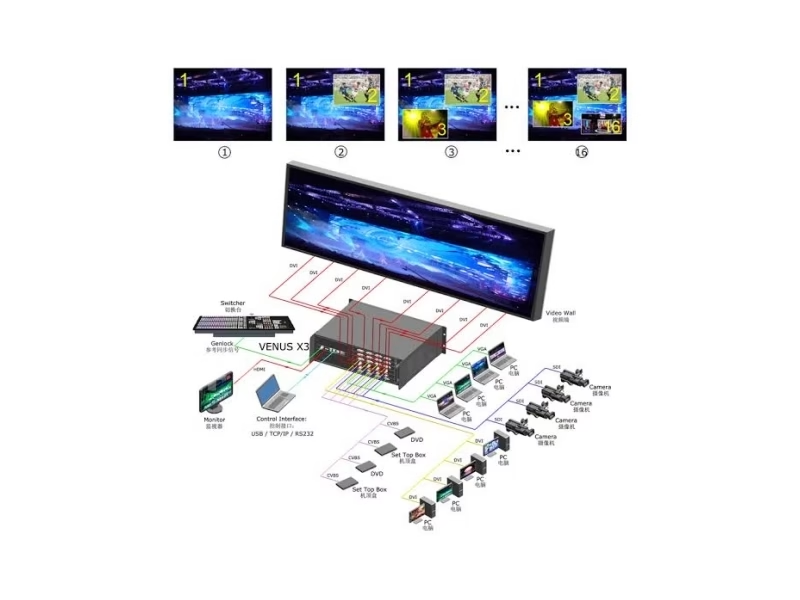
Short answer: A RGBlink video wall processor scales sources, composites layers and drives the output topology of an LED wall. The range spans four jobs: the VSP 628PRO drives one screen directly through its sender-card slot, the X1 Gen2 switches two clean sources to one chain, the X2 drives sixteen 2K outputs with sixteen layers on a 32K × 1K canvas, and the X3 carries the 4K/HDR generation with 16 modular inputs and eight display outputs. Read the spec sheet in this order — outputs, canvas, layers, formats — and the right tier picks itself.
RGBlink Video Wall Processor: What Is It and When Do You Need One?
A RGBlink video wall processor is the image engine between video sources and an LED wall: it scales every input to the wall’s native resolution, composites sources into layers and windows, and drives the fixed output topology of the display system. The moment a project has more than one source, more than one display, or sources that must change during an event, a processor earns its place in the chain. The exceptions are honest: a single screen fed by one fixed source can run through the LED control system alone, and a single screen with a few changing sources can be served by the VSP 628PRO’s direct-drive slot or the X1 Gen2’s clean-take inputs without a wall-scale processor behind them.
The processor sits between sources and the sending stage, not after it: source to processor to LED control system to receiving cards to panels. That is the same signal-chain position the video switcher vs video processor guide maps — switchers produce the live mix, processors build the wall picture from it.
RGBlink Video Wall Processor: How Do You Read the Spec Sheet?
Four lines decide every wall processor purchase, and the four RGBlink units demonstrate them cleanly. Read the lines in this order:
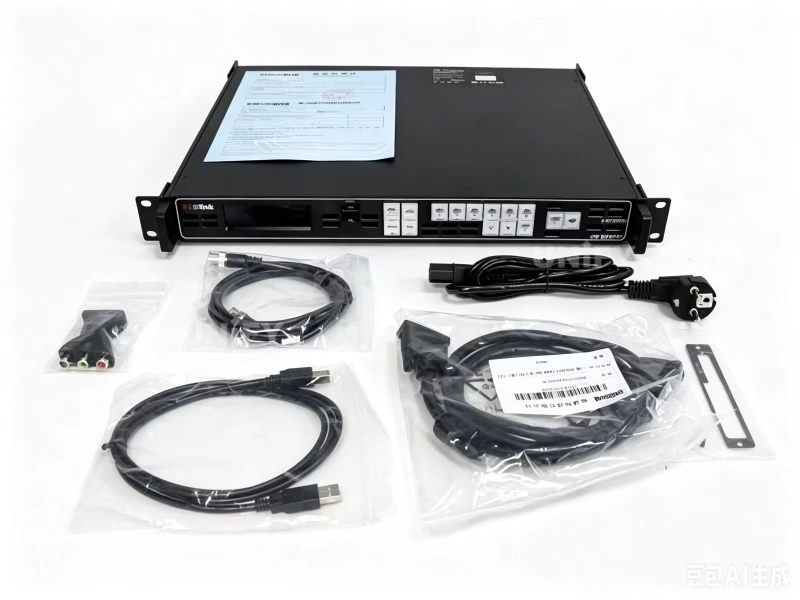
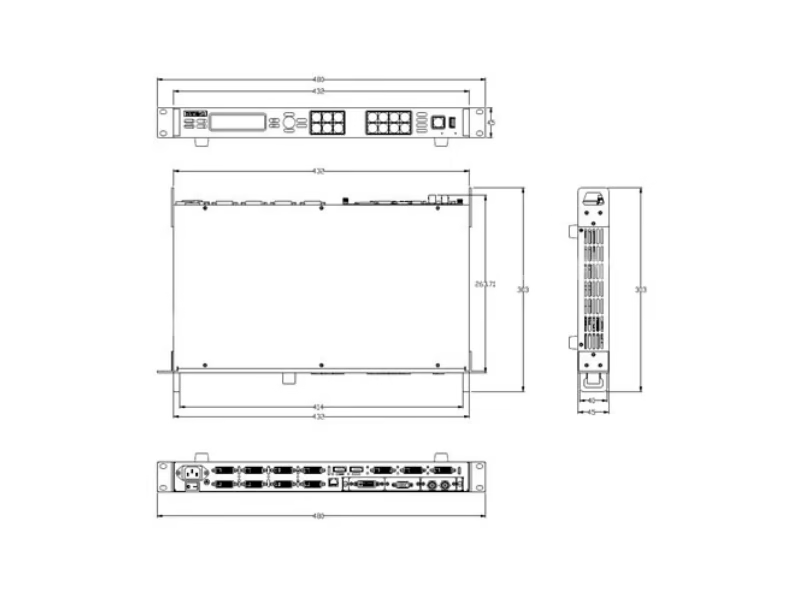
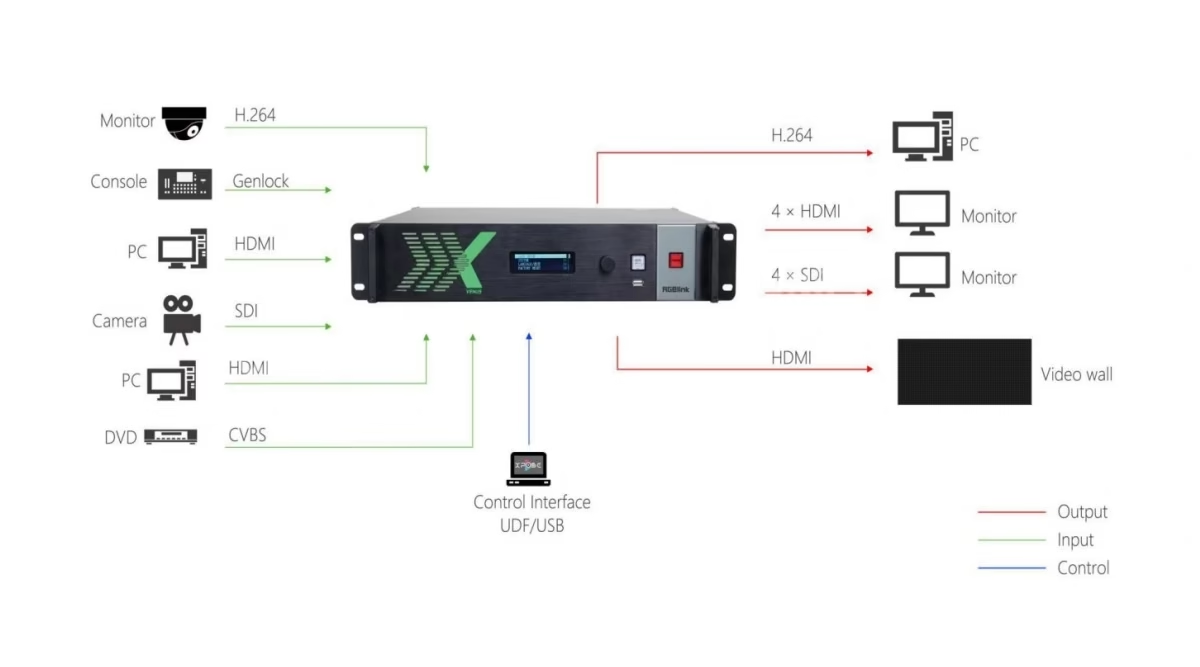
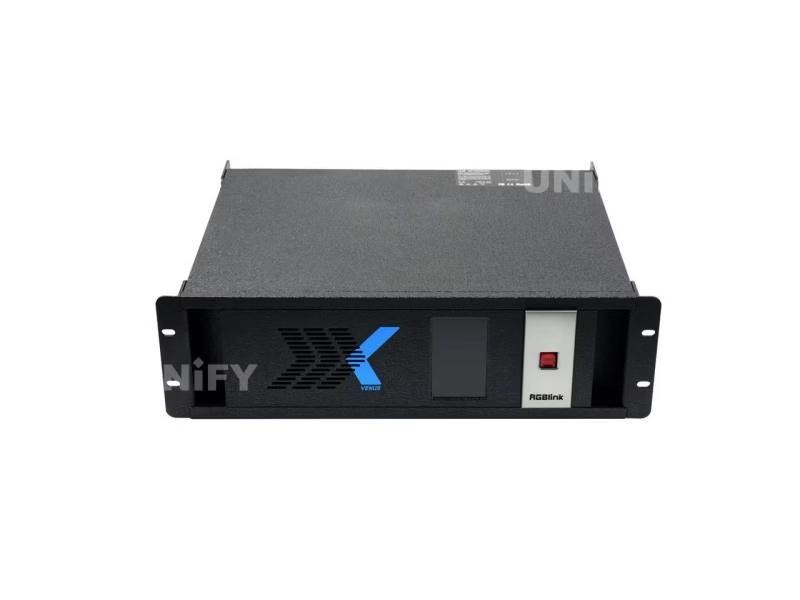
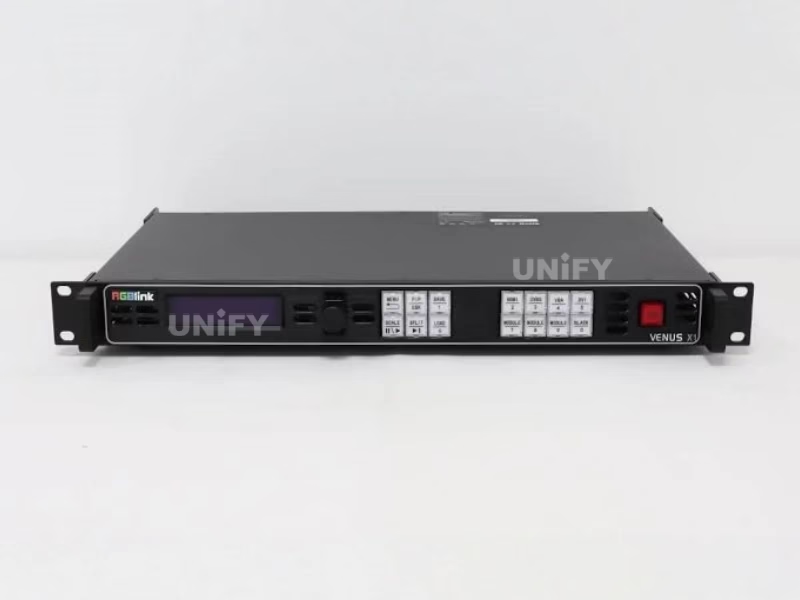
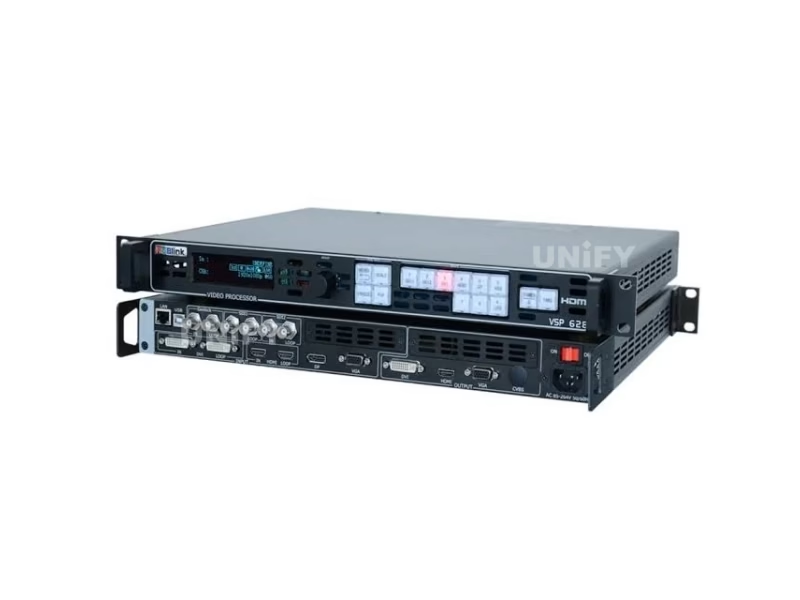
The RGBlink VSP 628PRO answers a one-screen brief with a sender-card slot that removes the separate sending stage; the RGBlink X1 Gen2 answers the broadcast-cut brief for a single chain; the RGBlink X2 answers the wide 2K wall; the RGBlink X3 answers the 4K/HDR wall.
RGBlink Video Wall Processor: How Do You Size One to the Wall?
Sizing a RGBlink video wall processor is arithmetic on two numbers: the wall’s total pixel canvas and the number of independent outputs it needs. Worked examples from the published specifications:
- A single screen up to 2048 × 1152-class resolution fits the X1 Gen2’s dual DVI output pair — one chain, two clean-switchable sources, no wall canvas beyond the screen itself.
- A wide wall whose total canvas stays inside 32K × 1K fits the X2: sixteen outputs each carry a slice of the canvas, and sixteen layers place sources anywhere across it. A 4096 × 2048 wall, for instance, divides cleanly across its output grid.
- A wall above 2K class, with 4K sources, HDR or broadcast SDI points to the X3: eight display outputs driven by 4K@60 HDMI 2.0 and DisplayPort 1.2 modules, with 4K HDR and 12G-SDI input options for the source fleet.
- A camera-led single screen can skip the separate processor-plus-sender pair entirely with the VSP 628PRO, whose direct-drive slot is sized for one display.
RGBlink Video Wall Processor: 2K, 4K or HDR — Which Tier Fits Your Sources?
The tier decision belongs to the source fleet, not the wall size. A room whose sources are laptops and 1080p cameras runs 2K-class processing honestly: the X1 Gen2 switches two of them with clean take, and the X2 carries many of them as layers across a wide 2K canvas. A venue whose cameras, media servers or graphics engines output 4K@60 should not downscale at the wall: the X3 accepts 4K natively over HDMI 2.0 and DisplayPort 1.2, keeps HDR through the chain and takes broadcast feeds through its 12G-SDI module options. The VSP 628PRO sits beside the tiers for the camera-led single screen, with four working modes and 12-bit grayscale aimed at picture quality on one display rather than wall topology.
RGBlink Video Wall Processor: How Many Inputs, Outputs and Layers Do You Need?
Three room types make the answer concrete. A meeting or house-of-worship wall that shows a presenter, slides and one camera feed needs three input slots and one output group — the X1 Gen2 or VSP 628PRO class covers it. A control-room or stage wall that must show a dozen sources simultaneously in windows needs the layer count and output grid of the X2 — sixteen inputs, sixteen outputs, sixteen layers. A broadcast-facing or premium venue wall with 4K/HDR sources needs the X3’s modular bay: up to sixteen inputs chosen as 4K, HDR, 12G-SDI or 3G modules, feeding eight outputs with layer presets recalled per event.
RGBlink Video Wall Processor: What Does the Right Tier Cost?
Once the spec sheet is read and the tier is sized, the price story is short and documented: the X1 Gen2 at $500 street, the VSP 628PRO at $2,800 street with its sending stage included, the X2 at $3,429 street for its sixteen outputs, and the X3 family from the $9,995 Touch build with other builds quoted by configuration. The full price breakdown per output and the street-versus-configuration distinction are covered in the RGBlink LED video processor price guide; the decision order here stays the same — outputs first, canvas second, formats third, price last.
RGBlink Video Wall Processor: What Do Buyers Ask?
Conclusion: Which RGBlink Video Wall Processor Should You Choose?
Choosing a RGBlink video wall processor stops being guesswork once the four spec lines are read in order. Count the outputs the wall needs, measure the canvas it spans, decide the layers the content demands and name the formats the sources actually output — then the family chooses itself: the VSP 628PRO for the direct-driven camera-led screen, the X1 Gen2 for the clean two-source chain, the X2 for the wide 2K wall and the X3 for the 4K/HDR venue. Wall geometry decides the processor — not the other way around.
Buying a wall processor with the panels and control system it must drive? Talk to us — we are the LED screen manufacturer behind unifyled.com, and we size the processor to the wall we build.